

Profile parameter to be set in the Gateway and BEP (backend) system. SAP Help 🔗. These parameters are set in the DEFAULT profile SAP Help 🔗
- login/accept_sso2_ticket = 1
- login/create_sso2_ticket = 1
Transaction: RZ10
If the transaction is called for the 1st time, a profile must be generated first. We want to adjust the default profile, therefore a default profile must be cerated. Enter the profile meta data
- Profile: DEFAULT
- Version: 1
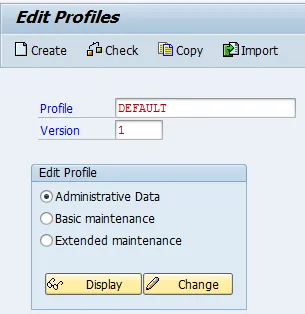
Select Create 
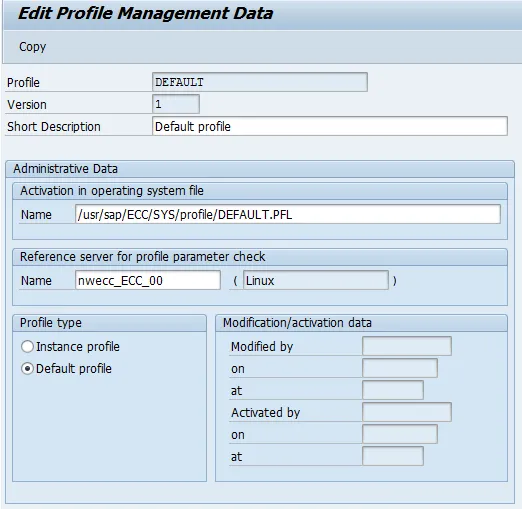
Select Copy 
Back on RZ10 main screen, select Import
Select the base profile to be imported.
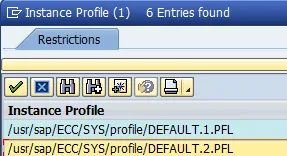
Profile: DEFAULT.2.PFL
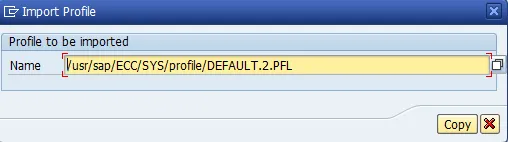
Select Copy
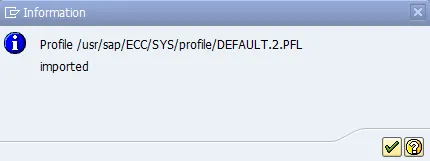
Click OK. New profile is now saved and activated.
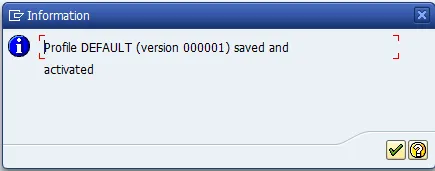
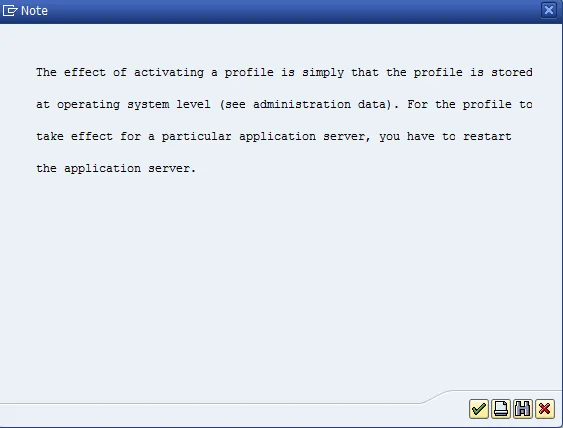
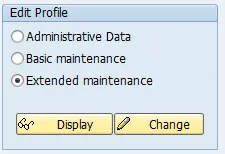
Select Extended Maintenance and then Change.
A list of parameters is shown.
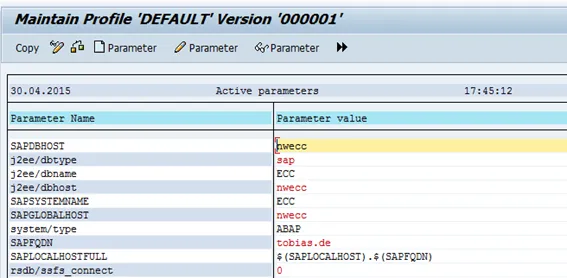
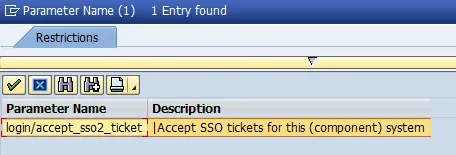
Create a new parameter:  . Search for
- Parameter name: login/accept_sso2_ticket
- Parameter value: 1
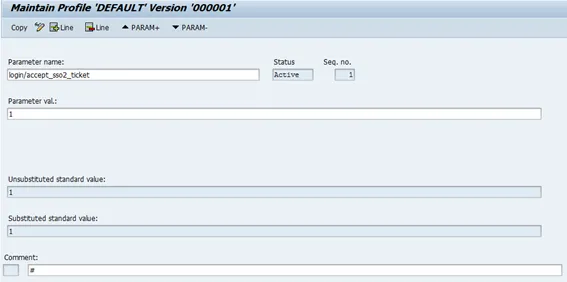
Select copy If it worked, status message indicates: 
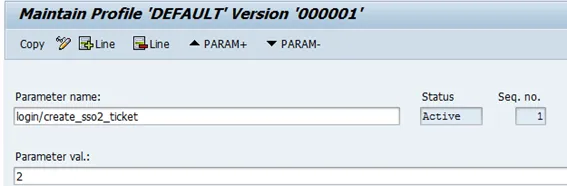
Do the same for parameter login/create_sso2_ticket
- Parameter name: login/create_sso2_ticket
- Parameter value: 2
Result
Two new parameters are added to the profile:
