

SonarQube is not only good in telling you that you have a tab indentation problem, but also shows that you have a lot of white spaces that make no sense: trailing white spaces at the end of a line.

How do you get rid of these in Eclipse?
You can configure Eclipse to delete trailing white spaces when you save the file.
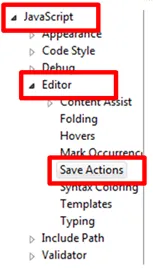
Go to Windows -> Preferences -> Javascript -> Editor -> Save Actions
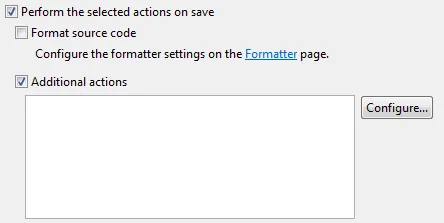
Activate “Perform the selected actions on save” and then “Additional actions” and select “Configure…”
Switch to tab “Code Organizing”
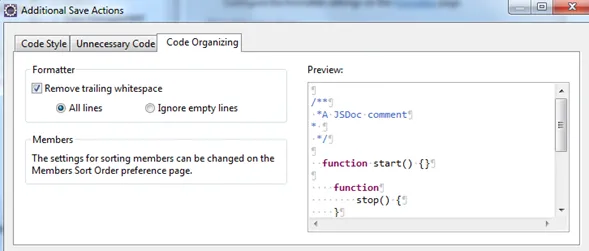
Confirm your choices by clicking OK. Afterwards the additional actions sections contains your selected save actions:
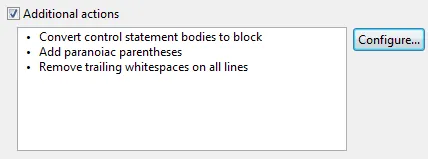
Every time you now click on save in a Javascript file, these actions will be executed.