

The steps to install SAP Afaria 7 are:
- Download installation package and install license
- SAP Afaria Server
- SAP Afaria API Service and Administrator
- Afaria Admin
- Self Service Portal
- Enrollment Server
- Package Server
- SCEP Plugin-in module
This document is about step 1.
Download installation package
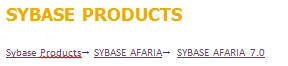
You can download the SAP Afaria installer from SAP Market Place. In the download section, it can be found under Sybase Products:
The installer available there is for SAP Afaria 7.0, made available on 5. 11. 2012.

Some newer version of Afaria (7.0 PL5) can be installed directly using the patch file, other versions need to have above version (7.0,PL0) installed. I am going to use the official installation package for showing the installation procedure.
Install license
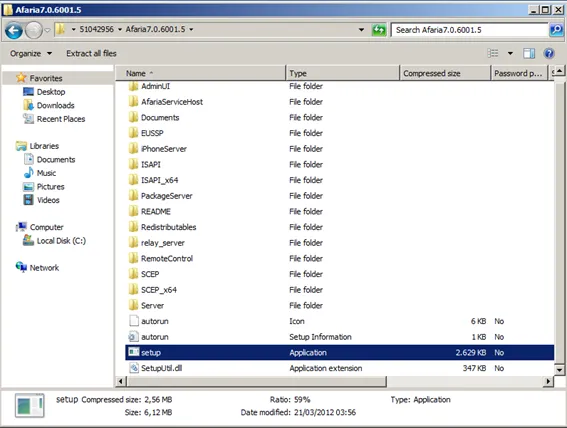
Download the installer, unpack it on Windows Server 2008 R2. Open the Afaria folder and run setup.exe
The SAP Afaria installation setup start screen is shown.
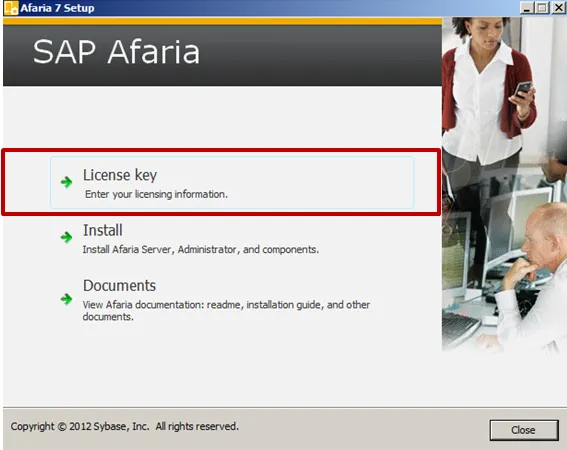
License key
Enter license key
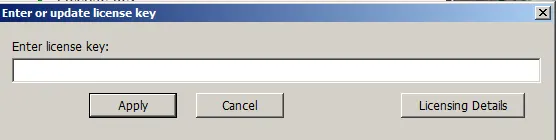
Click Apply and you will return to the start screen. In case the license is valid, you can now start the installation.