The steps to install SAP Afaria 7 are:
- Download installation package and install license
- SAP Afaria Server
- SAP Afaria API Service and Administrator
- Afaria Admin
- Self Service Portal
- Enrollment Server
- Package Server
- SCEP Plugin-in module
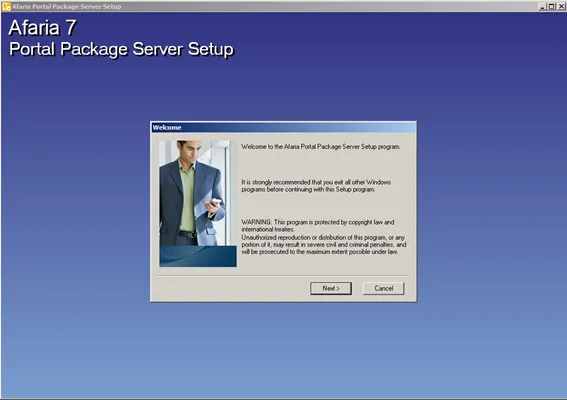
This document is about step 7.
Package Server

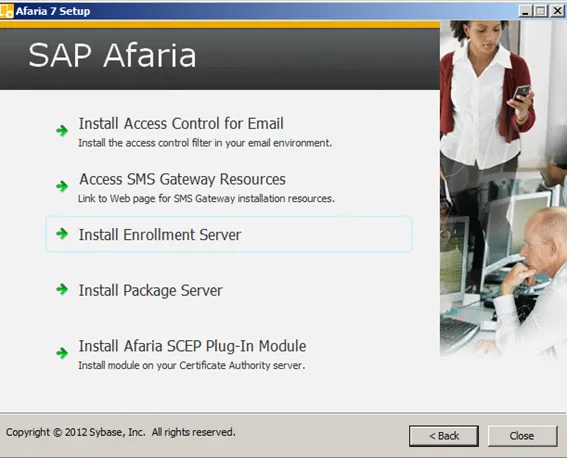
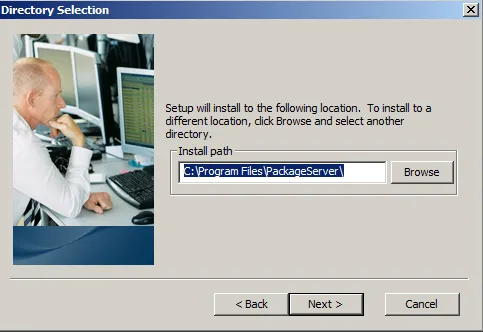
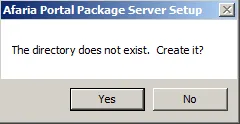
Location
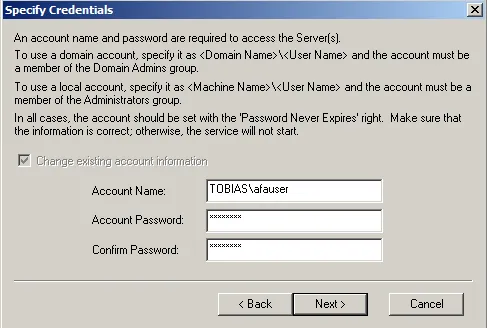
Credentials
IIS configuration
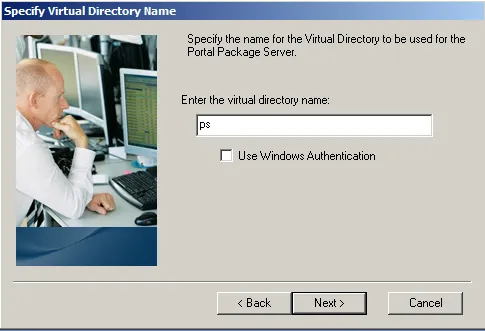
The package server is a IIS site, therefore IIS needs to be configured to host the app. This is done by creating a new virtual directory that IIS will use to host the app.
- Virtual directory name: ps
SAP Afaria Server connection
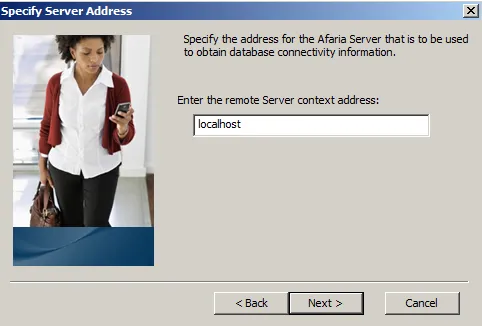
For the enrollment server to work, it must know the address of the SAP Afaria server. In my case both servers are on the same computer, so I can use localhost.
- Remote Server context address: localhost
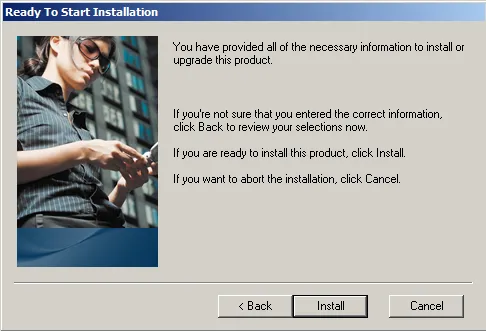
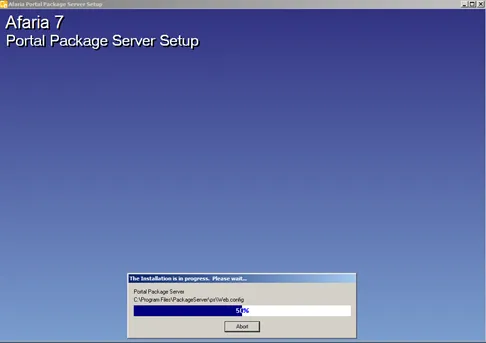
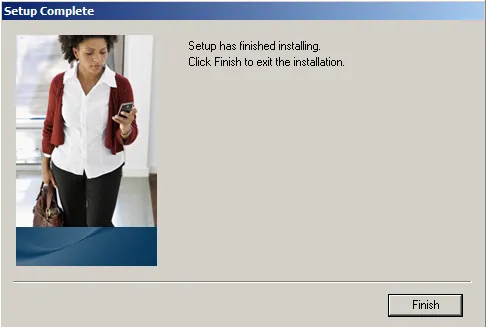
Start installation