After installing Agentry ABAP add-on and patching it to the latest patch level, it is time to configure Agentry. Configuration must be done before you start using Agentry or developing Agentry apps. The steps to performed are documented at SAP Help 🔗.
Configuration
ICF Services
Agentry uses Web Dynpro ABAP for the management. The general WDA services must be active as well as the Agentry WDA apps.
Activate the Services for the Web Dynpro ABAP Applications
- Transaction: SICF
- Node: default_host/sap/bc/webdynpro/syclo
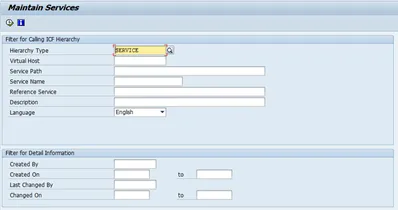
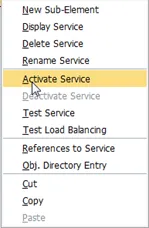
Activate syclo node
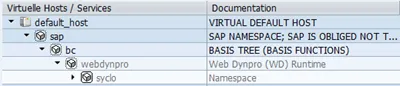
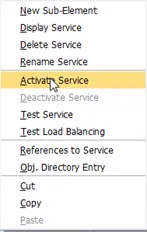
Right click > Activate Service
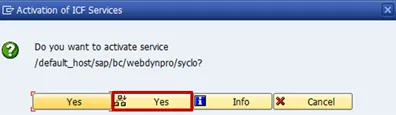
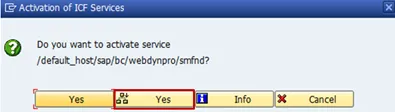
Yes with all sub nodes
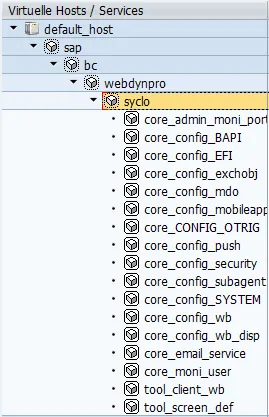
Result
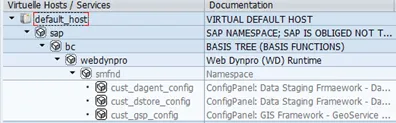
SMFND nodes
This WDA apps are for the ConfigPanel of Agentry.
- Transaction: SICF
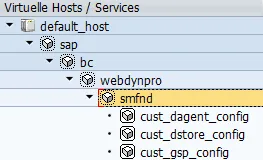
- Node: default_host/sap/bc/webdynpro/smfnd
Activate
Yes with all sub nodes
Result
Number Range Objects
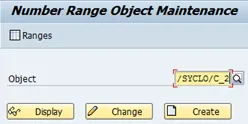
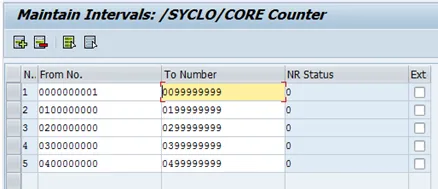
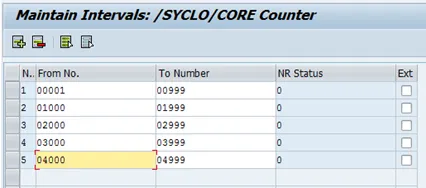
I took that one from SAP Help and have to confess that I have no idea whatsoever these numbers mean. You have to do this for the number range objects /SYCLO/C_1 and /SYCLO/C_2.
Transaction: SNRO
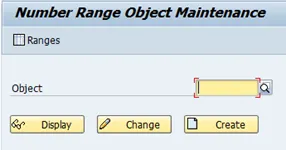
/SYCLO/C_1
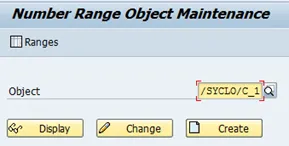
Display
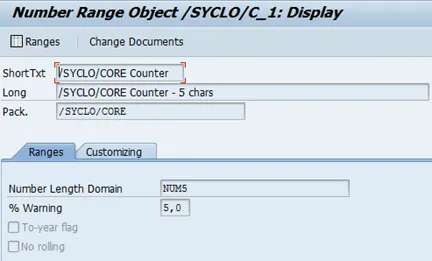
Ranges
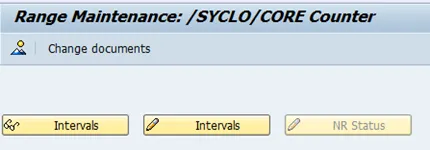
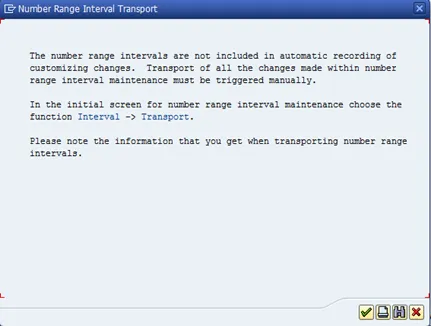
Intervals
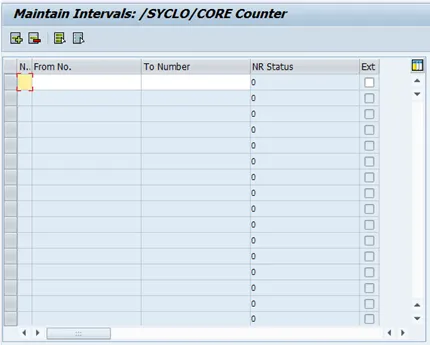
/SYCLO/C_2