The upgrade of the API service and administrator console is listed as one step, but will be executed as two steps:
- 1st the API service and directly afterwards the
- Administrator console
As both are bound together, you cannot install the admin console separately. As the API service is installed first, you can upgrade the API service and not the admin console. This should not be done! Run the installation and update both at once.
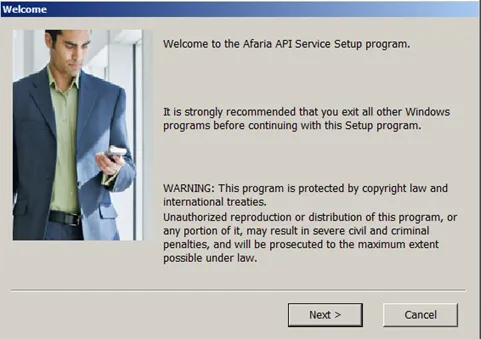
SAP Afaria API Service
Start the installation
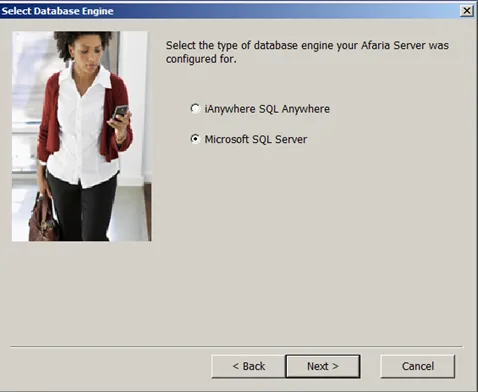
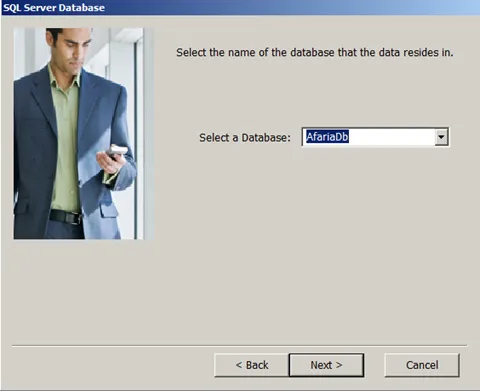
Select DB
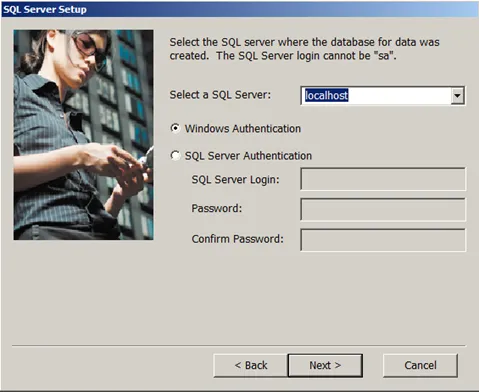
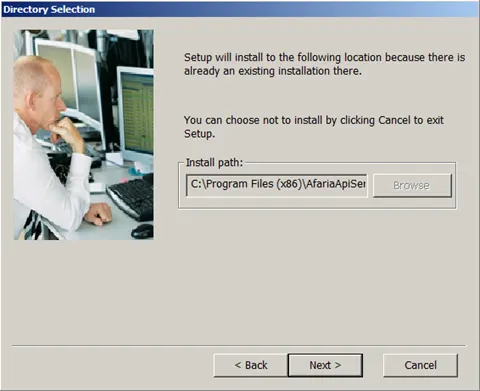
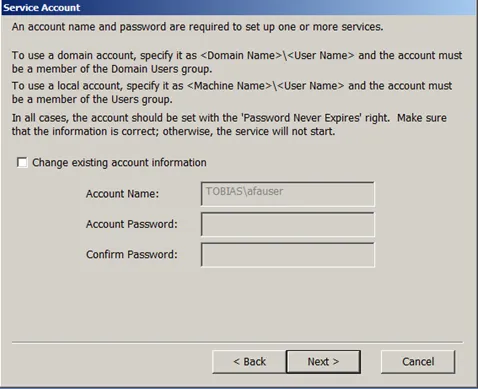
Keep account information
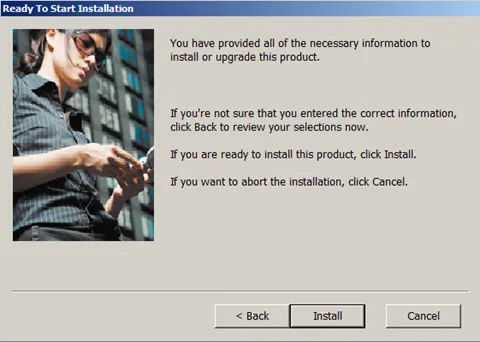
Installation finishes
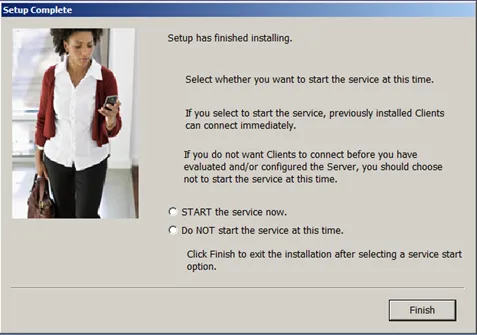
Select if you want to start the services. If you want to continue with the installation, do not start them now. The installation will now continue with the Afaria Admin setup.
SAP Afaria Administration
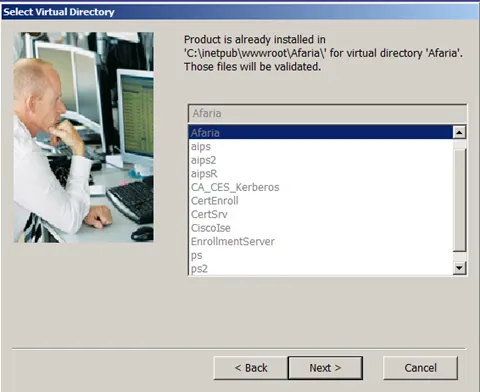
Keep account information
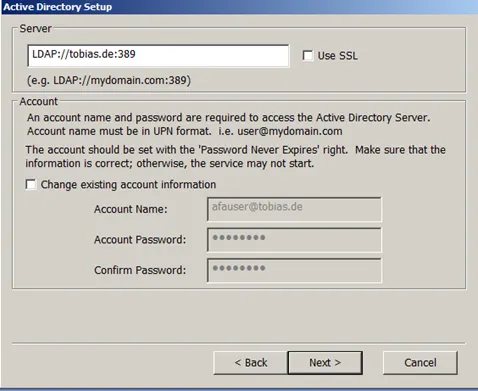
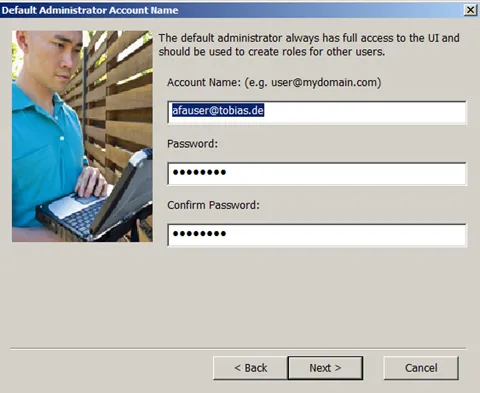
Select how the admin user will authenticate. Here I am using my Active Directory.
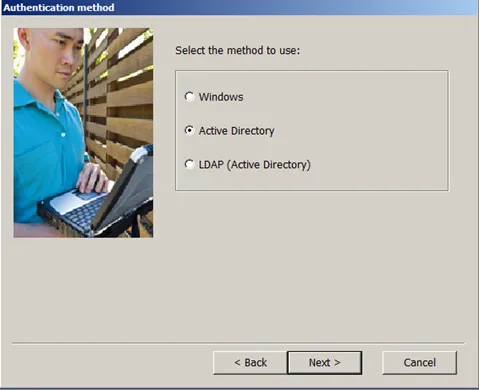
Either way, you`ll have to configure the LDAP URL Afaria will use to authenticate the user.
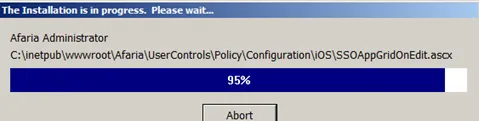
Installation finishes