After updating from SP5 to SP6 it is a good idea to check that Afaria is capable to start and runs without errors. For a very basic check of the server, see here some examples on how to do this.
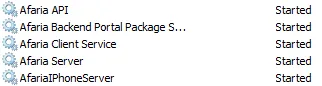
Check that all Afaria services are up and running

Check that the Admin console is running and connects to AD
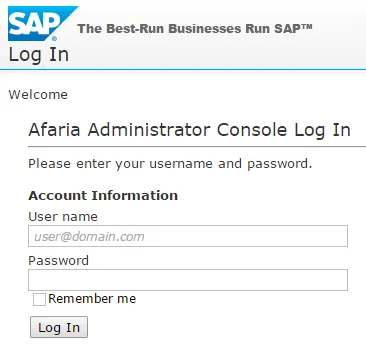
Access the Afaria admin console & log in.
Check device data
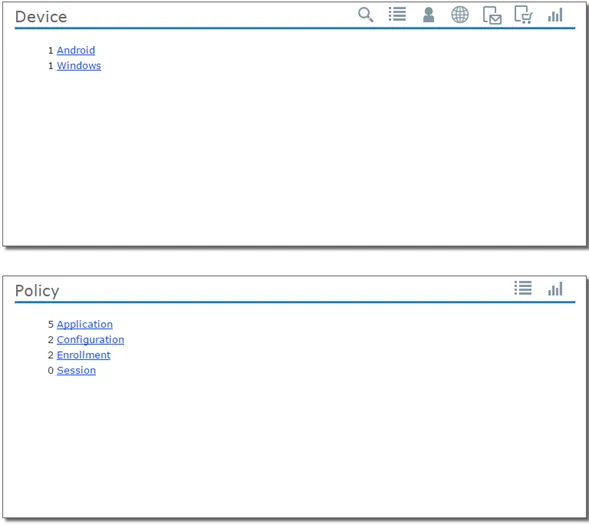
Verify that the Afaria data about devices, groups, policies is still available.
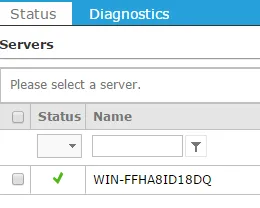
Verify server status
The server status must be green.