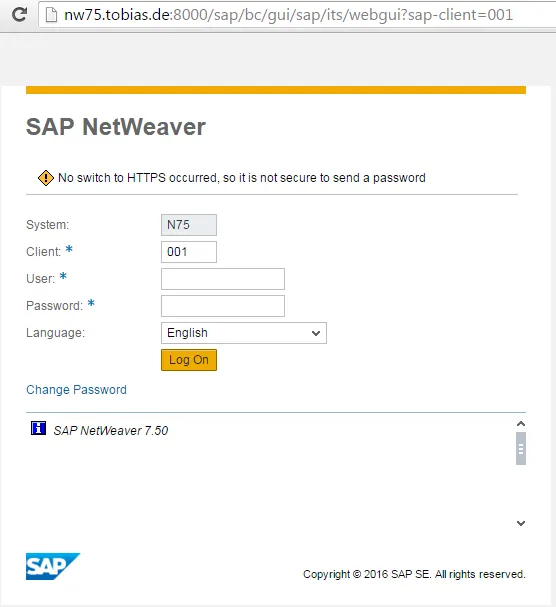
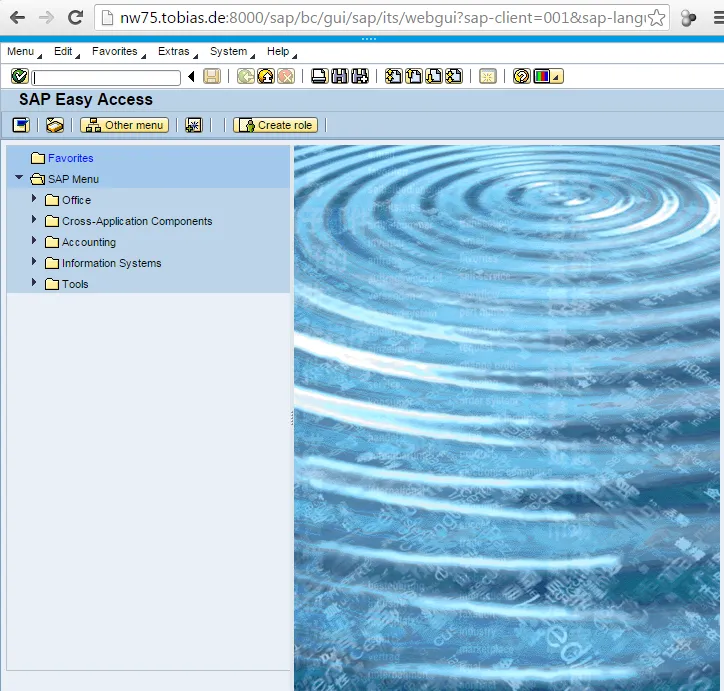
To be able to benefit from SAP WebGui, you have to execute some initial configuration steps. These steps ensure that the services and the ICF nodes are correctly configured and mime files like JS, CSS, images are available and accessible by WebGui. More information about the necessary ICF configuration steps for WebGui can be found at SAP Help 🔗.
The services listed there for WebGui are:
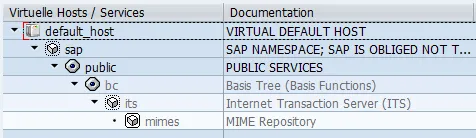
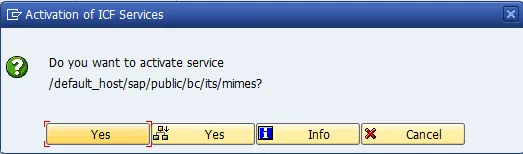
- /default_host/sap/public/bc/its/mimes
- /default_host/sap/bc/gui/sap/its/
The URL to access SAP WebGui is: http(s)://
For some reason the above linked SAP Help page is not listing all ICF nodes and steps needed to execute successfully WebGui. Especially when you have to set up a fresh installed NetWeaver system, several additional steps have to be executed to be able to use WebGui. In total, the steps involved in having a working WebGui are:
- Base ICF nodes
- Icons
- Mime
- Webgui
- Publish services
Pre-requisites
The base ICF nodes must have been activated before.
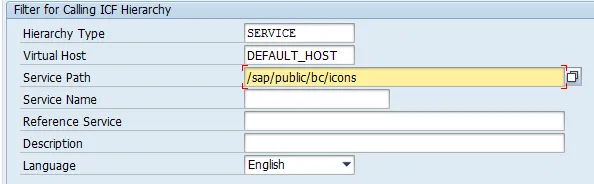
Activate ICONS
- Tx: SICF
- Virtual host: DEFAULT_HOST
- Service Patch: /sap/public/bc/icons
Filter
Activate
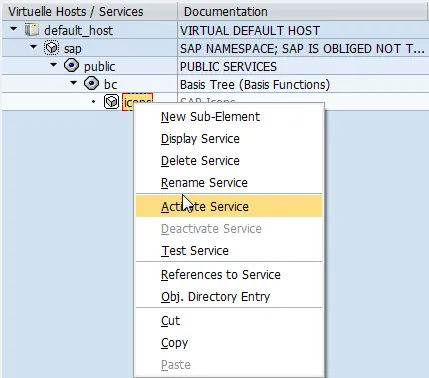
Activate MIMES
- Tx: SICF
- Virtual host: DEFAULT_HOST
- Service Patch: /sap/public/bc/its/mime
Filter
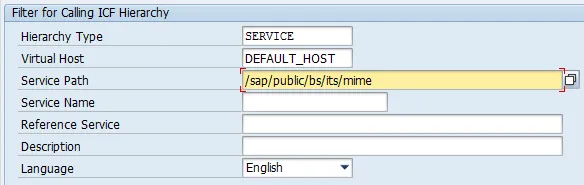
Service
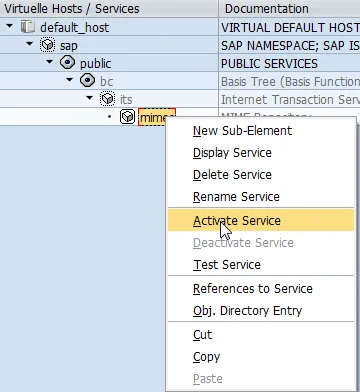
Activate Service
Yes
Activate WebGui
- Tx: SICF
- Virtual host: DEFAULT_HOST
- Service Patch: /sap/bc/gui/sap/its/webgui
Filter
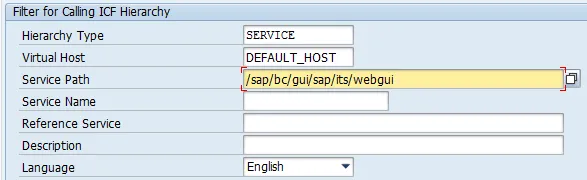
Service
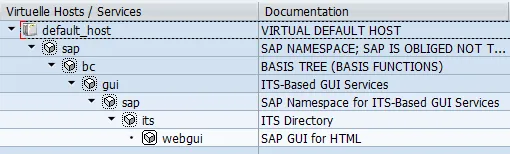
Activate Service webgui
Publish services
The ICF nodes are activated, but that does not mean they are also executable in a fresh installed NetWeaver ABAP system. This is caused by that services are not automatically published to ITS after a system is newly installed. You have to do this manually. See SAP Note 790727 🔗 for more on this. Luckily, SAP delivers a transaction that publishes all ITS services: SIAC_PUBLISH_ALL_INT
- Tx: SIAC_PUBLISH_ALL_INTERNAL
Run it, nothing else to than to wait until the report finishes. You will get an overview presented.
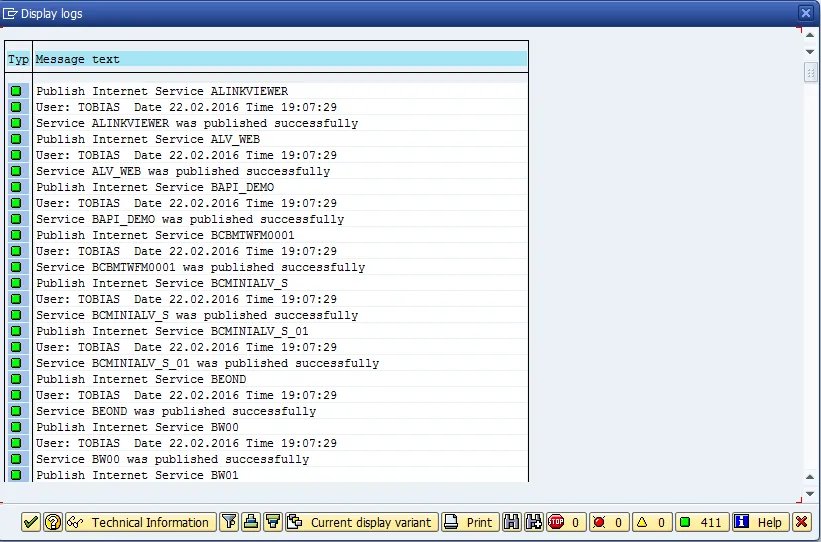
Too much information? No worry, the most important part is the summary of number of messages in each category.

411 times no problems reported!
Test service
http://nw75.tobias.de:8000/sap/bc/gui/sap/its/webgui 🔗