The Personas 3 configuration guide 🔗 contains all the information you need. At least two profile parameters need to changed to ensure that the Personas 3 health check passes:
- em/global_area_MB
- ztta/diag_area
em/global_area_MB
Change profile parameter em/global_area_MB to 1GB:
Tx: RZ10
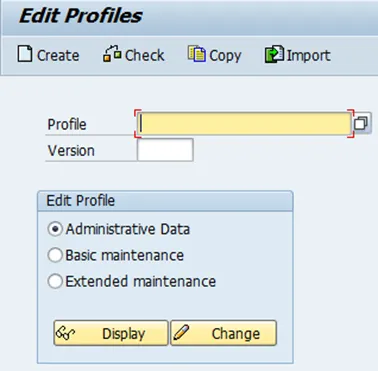
I will run Personas 3 on a demo system, having as only user me. I do not have to change the default value therefore. If you want to or have to change the value, you can do so in the instance profile, under extended maintenance.
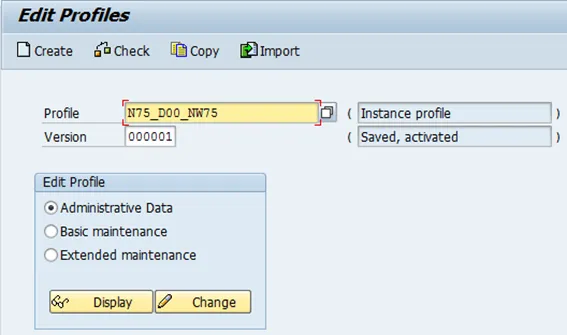
ztta/diag_area
Change profile parameter ztta/diag_area to 2º MB.
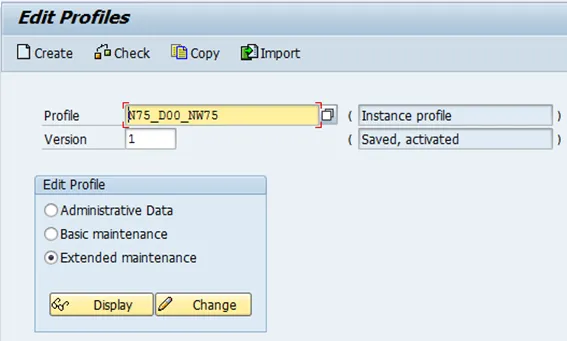
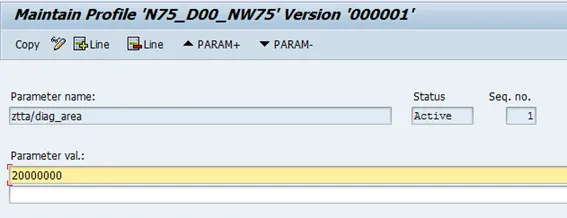

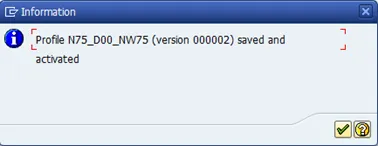
Save and activate profile.
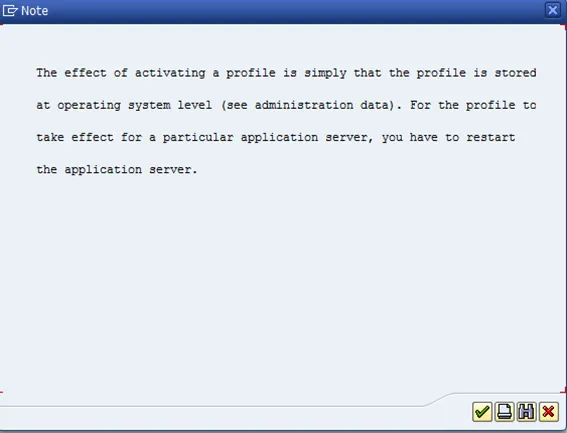
Restart NW ABAP to make the new values effective.