

Personas 3 is a web application. ICF is a pre-requisite. As flavors are based on WebGui, this is also a pre-requisite. For anyone that thinks he can use Personas 3 but not permit usage of WebGui: that`s not how it works (but there is the option to run Personas from within SAPGui). As you will need web skills for Personas, your users will use a browser to connect to SAP, and your SAP system must be prepared for this. Also, consider looking at your web landscape for SAP: consider that your users will access Personas 3 through a reverse proxy like Web Dispatcher. Nevertheless, you will have to activate some ICF nodes to be able to use Personas 3.
Activate ICF nodes
- /default_host/sap/bc/personas
- /default_host/sap/bc/personas3
- /default_host/sap/bc/gui/sap/its/webgui
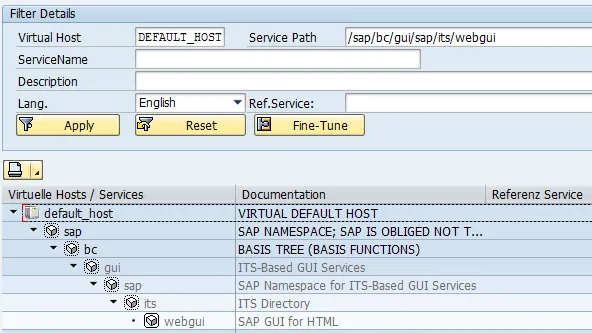
Tx: SICF
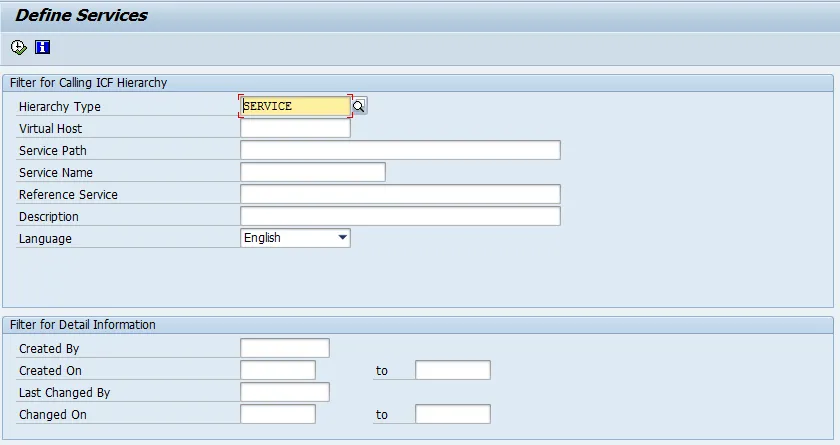
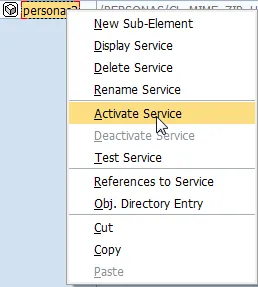
Node: default_host/sap/bc/personas
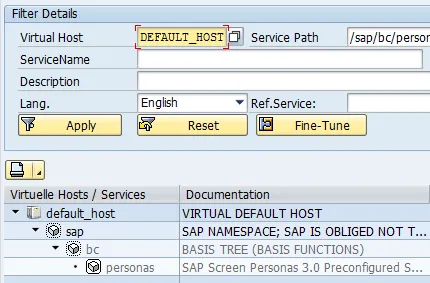
Activate service.
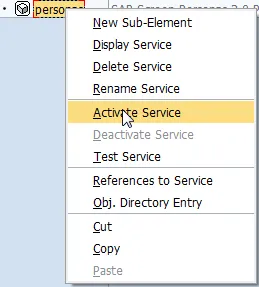
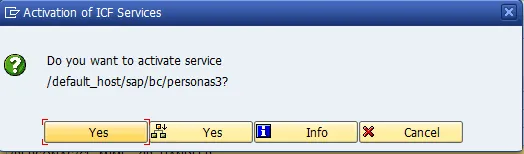
Node: /default_host/sap/bc/personas3
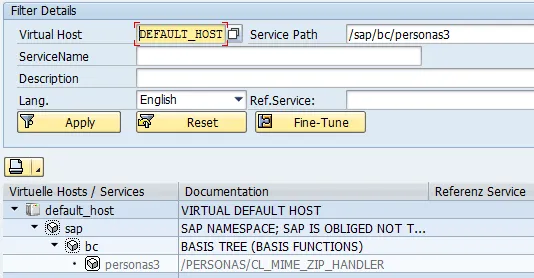
Activate service.
Yes
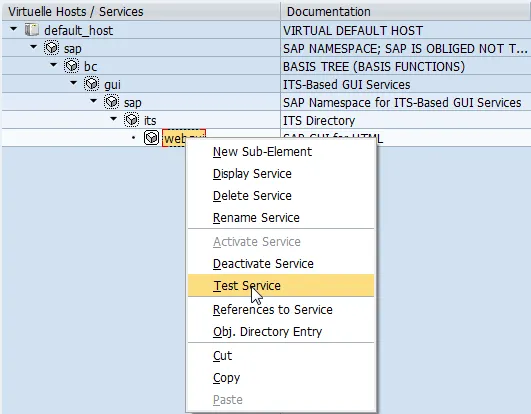
Node: /default_host/sap/bc/gui/sap/its/webgui
Activate service.
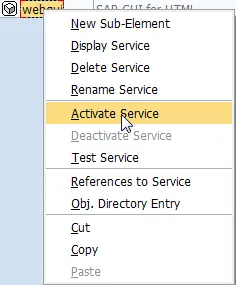
Test
Check the pre-requisites for having a working SAP WebGui installation. Validate that all services needed to run SAP WebGui are up and running. Not sure how to do that? Take a look at my previous blog on how to set up WebGui.
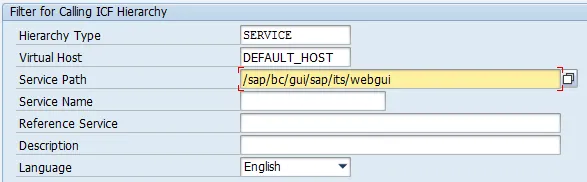
- Tx: SICF
- Virtual Host: DEFAULT_HOST
- Service Path: /sap/bc/gui/sap/its/webgui
Filter
Test service
Result
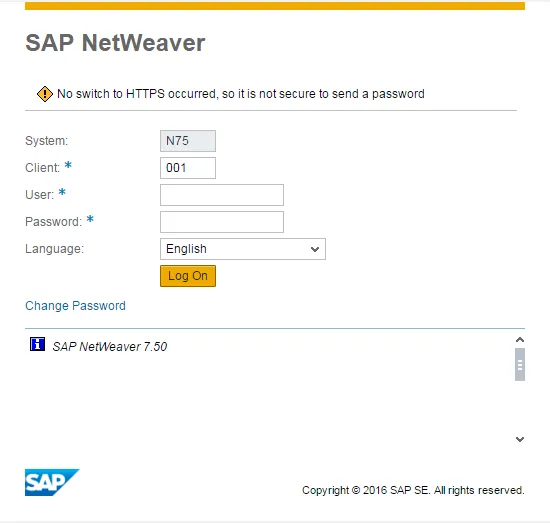
Working.