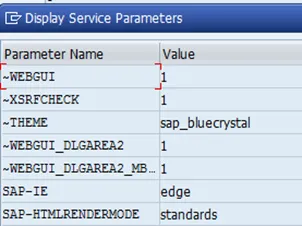
After activating the ICF personas node, you have to check that the GUI configuration parameters are correct. I guess this is just a validation step in case someone messes up with the standard values, as ootb the parameters are OK. Nevertheless, it makes sense to check if they are configured as they should be.
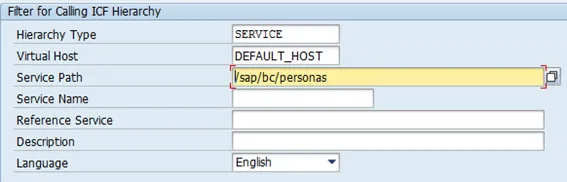
- Tx: SICF
- Virtual Host: DEFAULT_HOST
- Service Path: /sap/bc/personas properties
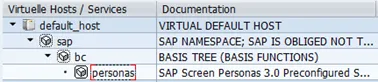
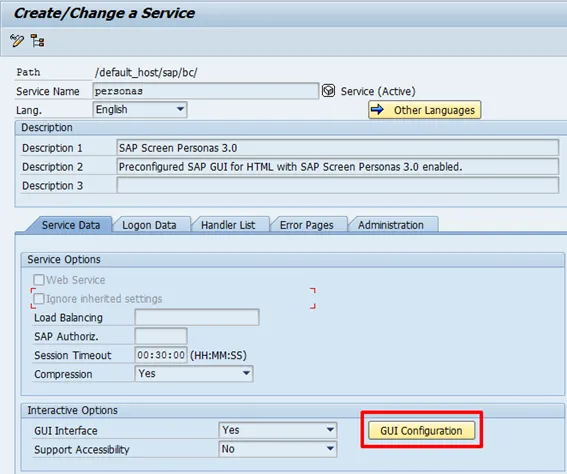
Open the service configuration (double click) and then open the GUI configuration.
Click on GUI Configuration.
The service parameters must be equal to what the configuration document gives.