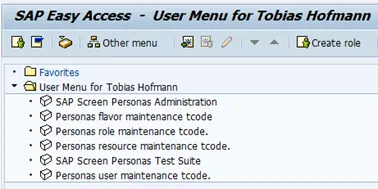
Without the right profile, users won`t be able to use Personas 3. A list of roles delivered by Personas3 can be found in the configuration document. I`ll make my life simply add to my user the admin role. Adding roles is done in transaction SU01.
- Tx: SU01
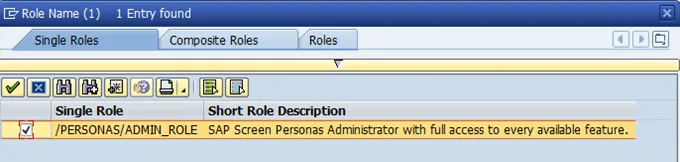
- Role: /PERSONAS/ADMIN_ROLE
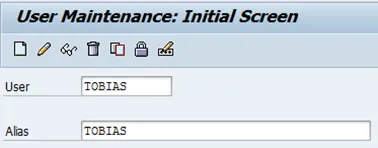
Select tab roles
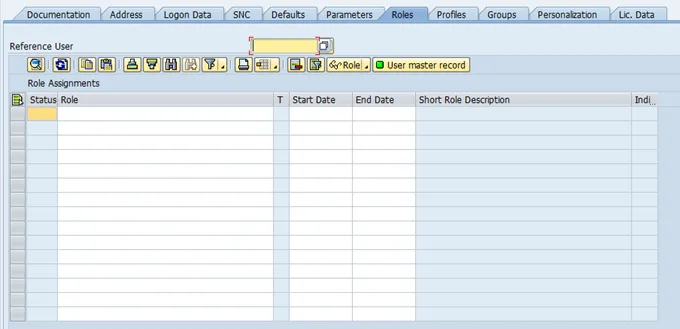
You have three roles available, select the one you need. I am the only user in my system, so I am going to be the Personas 3 super god: admin.
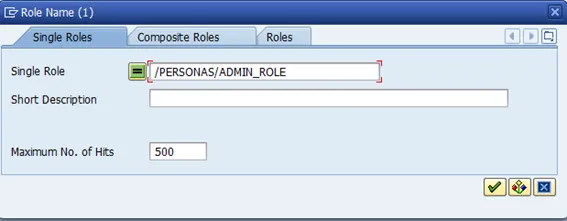
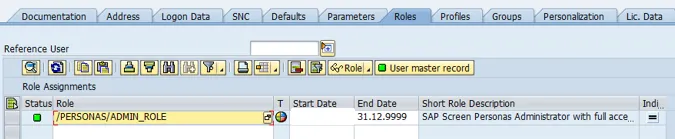
Save.
Log off and on again. The user menu now contains links to Personas 3.