

Pre-installation checks
Resources on pre-requirements for Personas 3
- Master Guide 🔗
- Configuration 🔗
- SAP Note 2156130 - Add-on compatibility of SAP NetWeaver 7.5 - ABAP 🔗
- SAP Note 2222773 - SAP Screen Personas 3.0 SP02 : Released Notes Information 🔗
- SAP Note 2252031 - SAP Screen Personas 3.0 : Kernel Recommendations 🔗
- SAP Note 19466 - Downloading SAP kernel patches 🔗
Check your kernel release and patch level
Personas 3 heavily depends on SAP Kernel patch level. It`s not like this is to give you more work, Personas simply depends on core functionality that is part of the kernel. When something is fixed there, you have to update your kernel.
Transaction: SM51
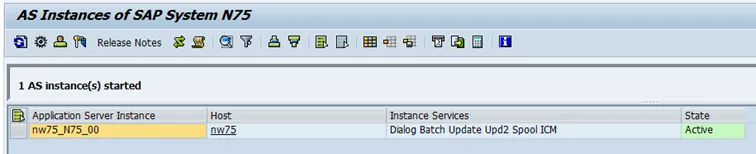
Select Release Notes
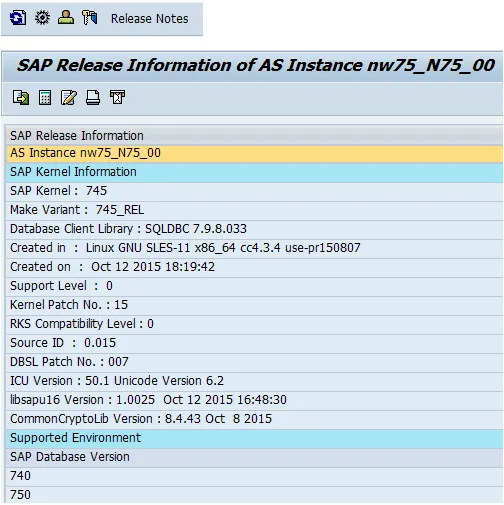
- I can see that my kernel is release 745 with patch level 15.
Implement required SAP Notes
As of writing this text, the required SAP Notes by Personas 3.0 SP2 are:
-
1926394 - SAP GUI for HTML: Rendering mode update
-
1995776 - ITS up/down: restgui dialogs instead of applet execution
-
2016640 - Invalid GUI input data: display - window dimension conflict
-
2076084 - Ghost Elements in SAP Screen Personas
-
2148349 - SAP Screen Personas Call transaction variant
-
1970427 - SAP GUI for HTML: Rendering problems in Enterprise Portal (EP)
None of the notes needed to be implement. Running a recently release NW version has its vantages.
Install Personas 3 add-on
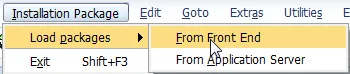
Unzip 51048325.zip. The file K-300AGINPERSONAS.SAR containing the add on is located in the folder \DATA_UNITS\PERSONAS_300_INST\DATA
- Log on to client 000.
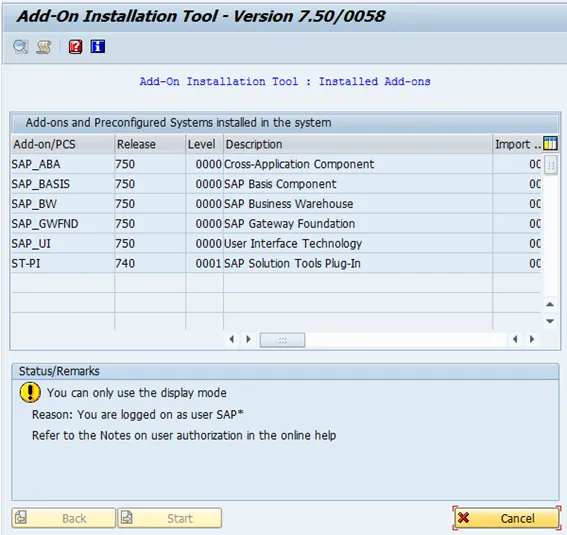
- User: you cannot use SAP*, so make sure you have a user with the right permissions.
- Transaction: SAINT
Upload SAR to NW.
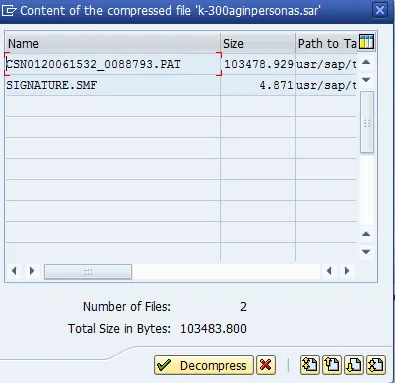
Decompress

The PAT file is now available on the server, in EPS inbox.

Select start

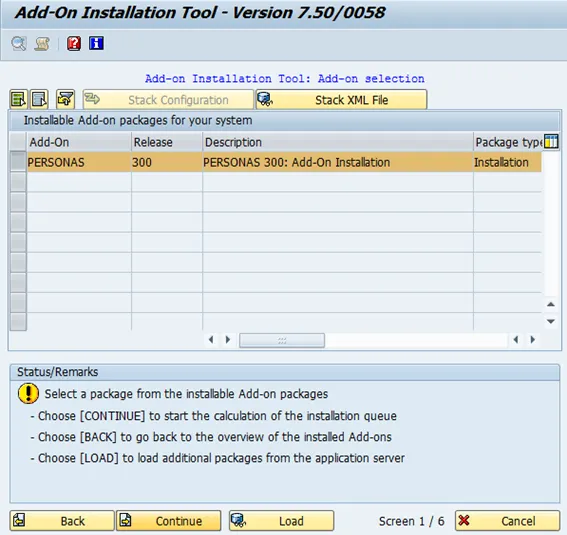
Select: “Continue”.
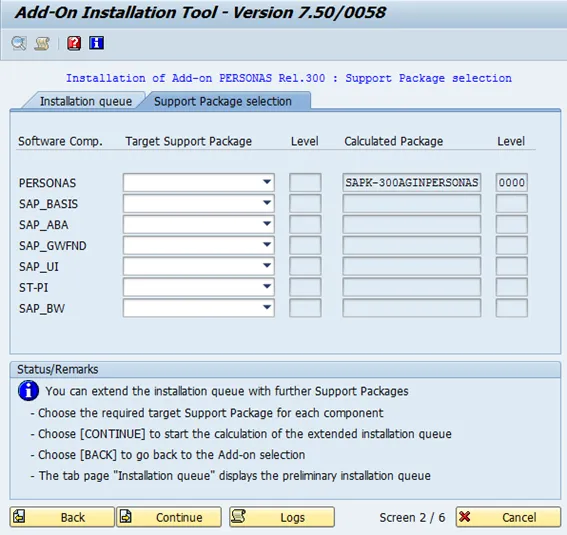
Select: “Continue”.
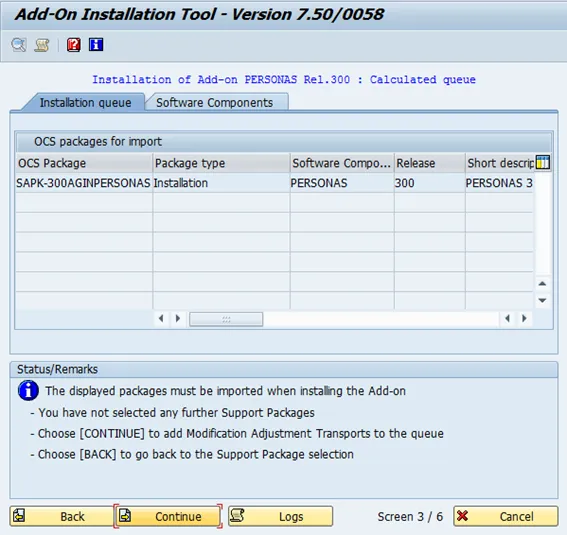
Select: “Continue”.
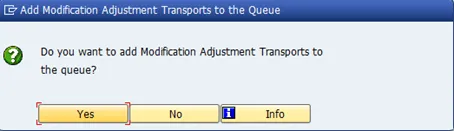
Select “No”.
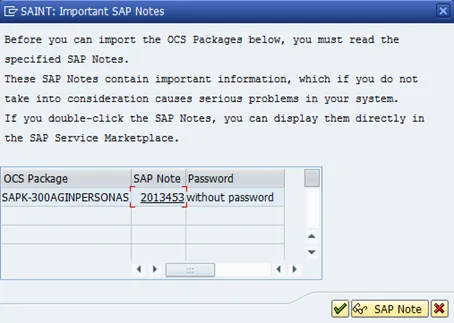
Confirm. Installation start. Hold tight, all will end well.
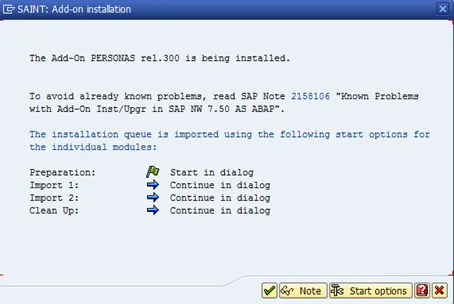
Confirm, and lean back and relax
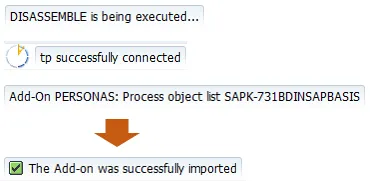
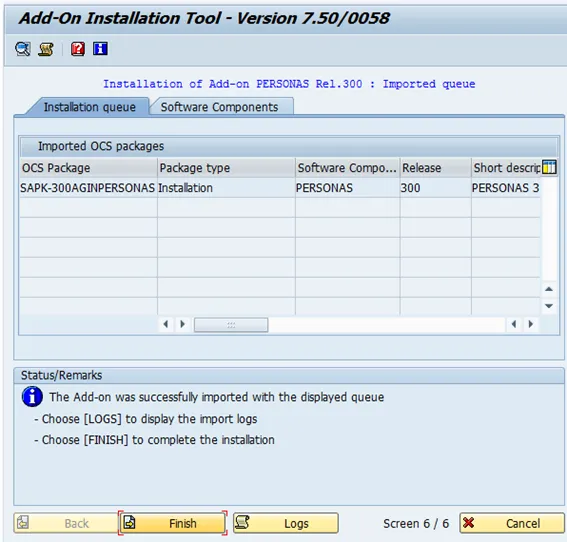
Finish
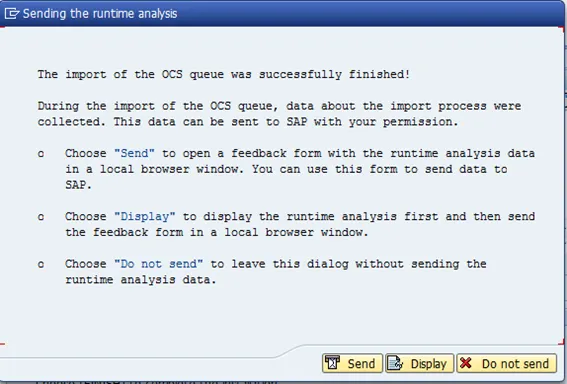
If you can, please send the data to SAP.
Personas 3.0 is now available in the system
