Installing OCSP Responder Role
You can install the OCSP responder role in Windows Server 2008 R2 either via a command line tool or by using the role wizard.
Command line
Command: servermanagercmd.exe –install ADCS-Online-Cert
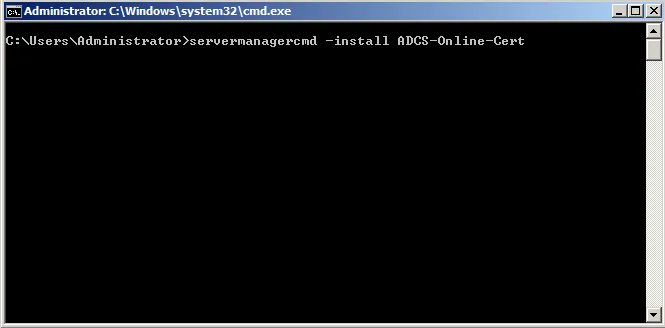
Whooops, deprecated :-D
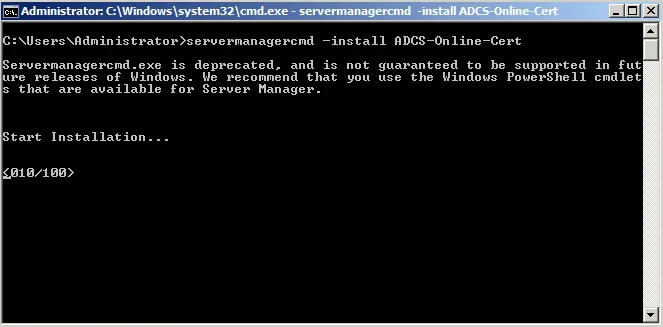
Nevertheless, works. You just have to wait for the installer to finish.
Role wizard
-
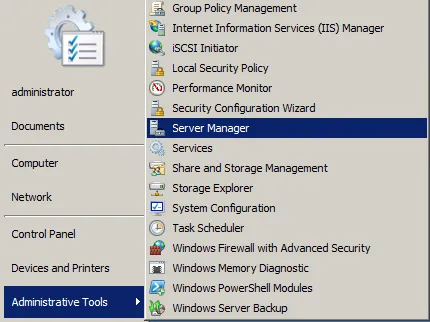
Open the server manager.
-
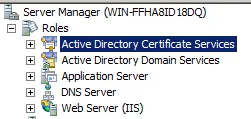
Select the roles node and Active Directory Certificate Services.
-
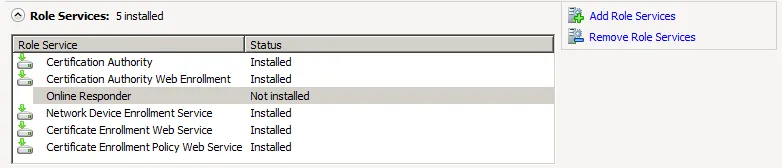
The Online Responder role should be shown as not installed.
-
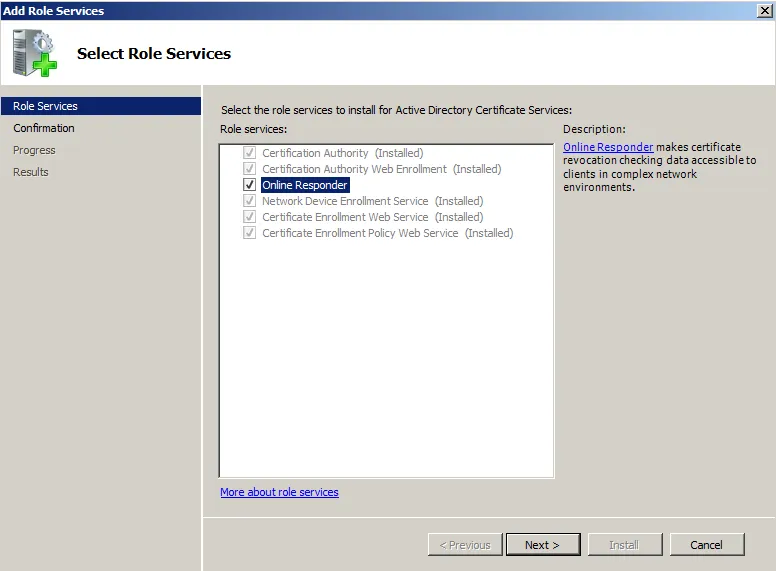
To add the role, click on Add Role Services. Select Online Responder.
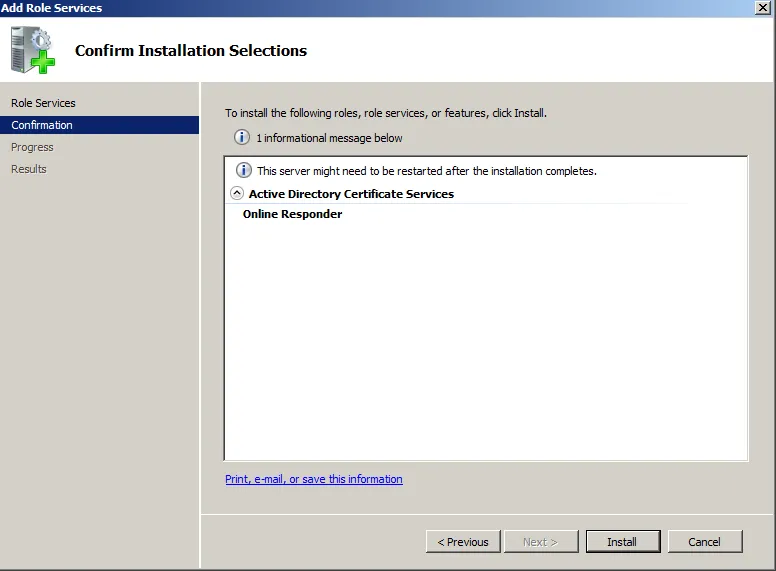
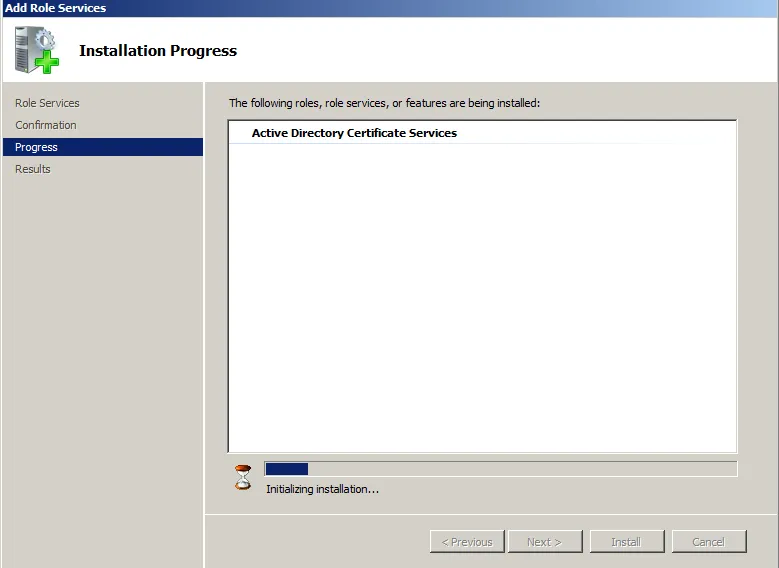
The installation starts.

-
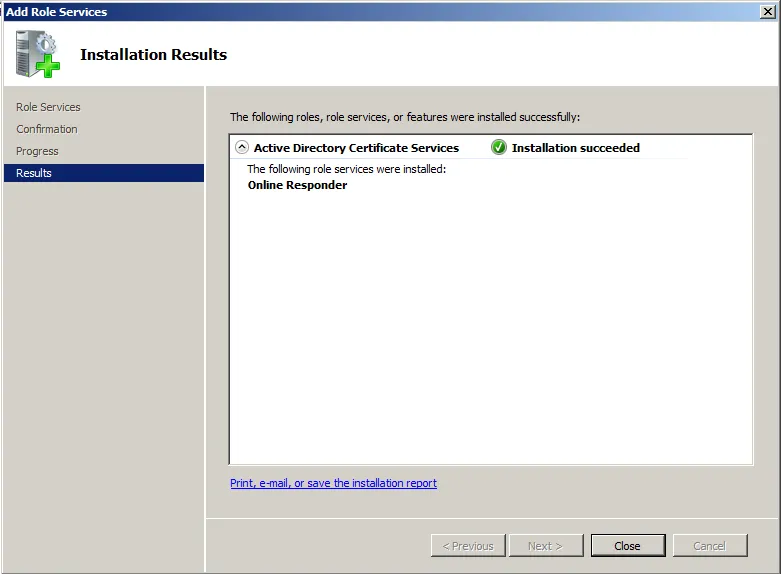
At the end of the installation, an Installation succeeded message must appear.
-
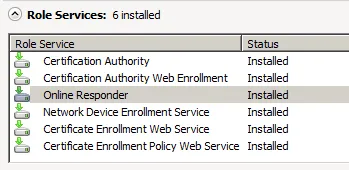
In the list of installed roles, Online Responder appears now with status installed.
-
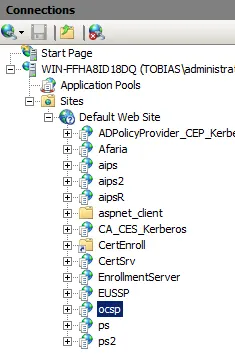
In IIS, a new web site with name ocsp must appear. This is the URL of the OCSP responder that is needed to be added to certificates by the CA.