

Preparations
Install some additional packages via yum to ensure that the installation and execution of the database will work. The list may differ, depending on the actual version of CentOS you are using, but the internet gave me back the following packages and you should be on the safe side.
yum update
yum install unzip libaio bc flex
Download
Before using the express edition, make yourself familiar with the license and usage restriction 🔗 this edition is shipped with. If it still fits your needs, be aware that CentOS is not on the list of officially supported Linux distributions 🔗. You are on your own. Download Oracle Express 11G R2 from Oracle 🔗. It`s a 308MB file.

The downloaded file is a zipped RPM package; first step is to unzip the file.
unzip oracle-xe-11.2.0-1.0.x86_64.rpm.zip
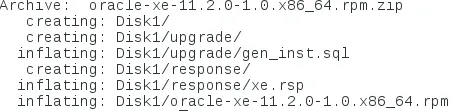
This gives you a new directory called Disk1. This folder contains the installation RPM.
Installation
Go to the folder and install the RPM via rpm tool.
cd Disk1
rpm -ivh oracle-xe-11.2.0-1.0.x86_64.rpm

After the installation, you`ll be prompted to configure the database.

Configuration
Run the tool /etc/init.d/oracle-xe to configure the database.
/etc/init.d/oracle-xe configure

Configure the port

Specify the port of the listener

Inform the system user password. Be sure to note this down somewhere or to really remember it!!!

Specify if you want the database to be started at boot time.

The configuration should now start automatically and only take a few minutes to complete.

The database is install at /u01/app/oracle/product/11.2.0/xe/
The oracle_env script is in the folder bin.


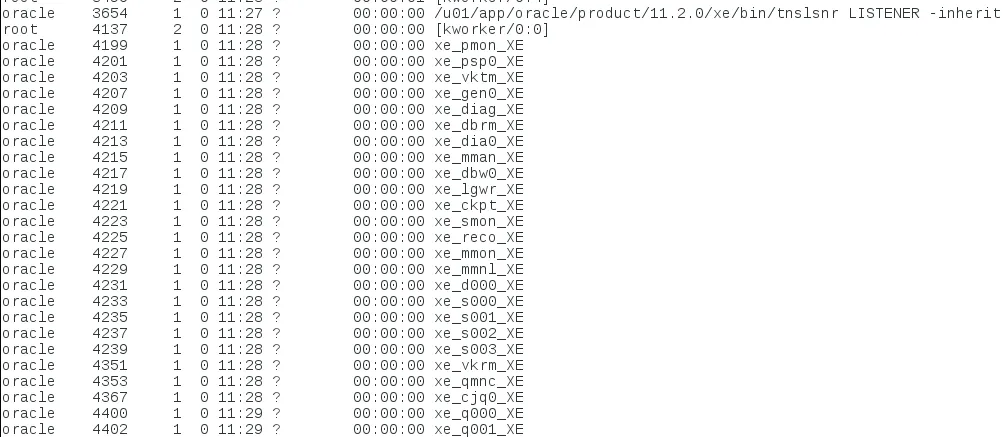
Oracle Express 11G R2 is also started and using ps –ef you can see the processes running.
That`s it, Oracle Express 11G R2 is now installed on CentOS.