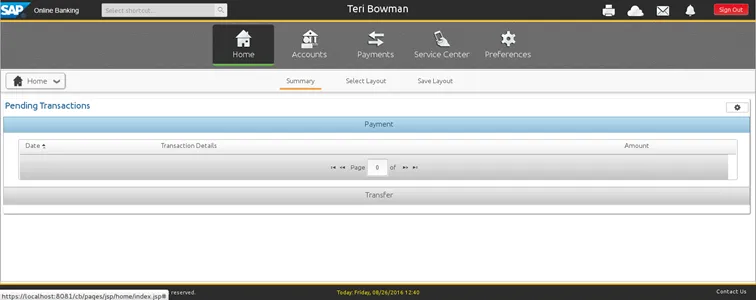
Three types of applications were installed by SAP Omnichannel Retail Banking:
- business central
- business banking
- retail banking
Each one of those is accessed by a URL and browser.
Business Central
Access: https://localhost:8081/bc/servlet/bc/global.jsp 🔗
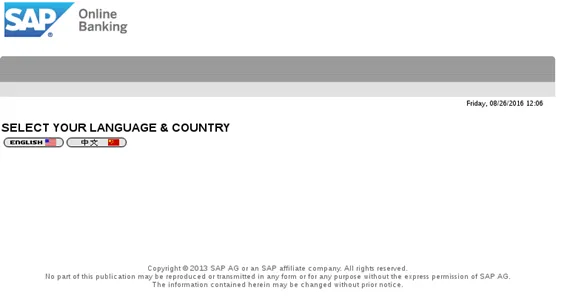
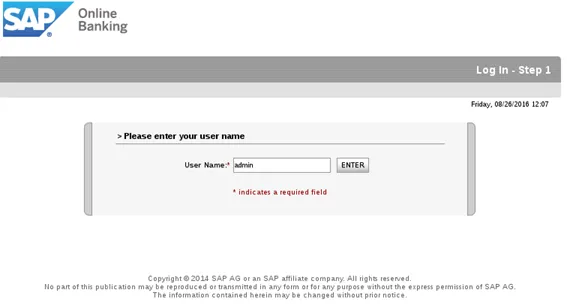
Select your language (most probably, it will be English). In the next screen, enter user name: admin
Enter password Pass1234.
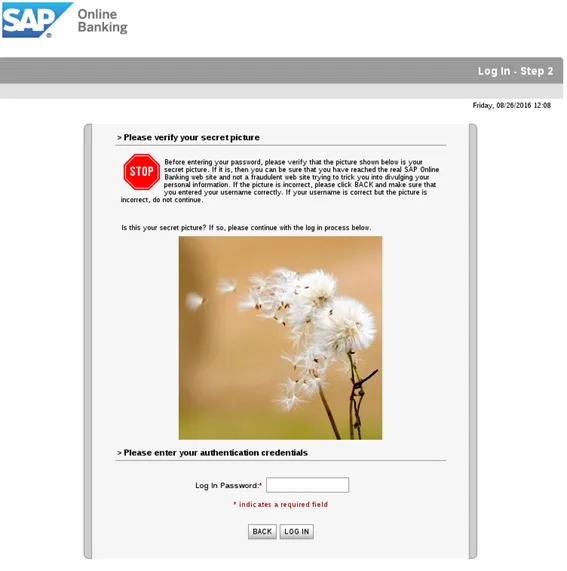
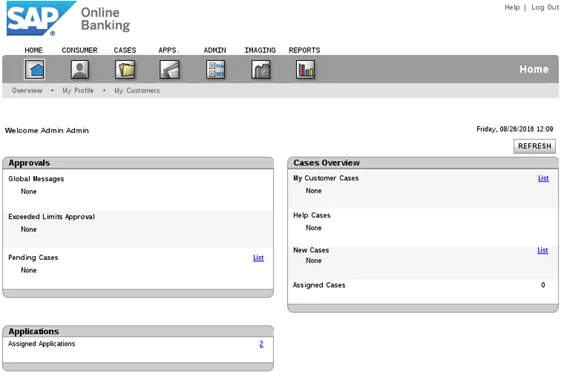
Welcome to business central.
Business Banking
Access: https://localhost:8081/cb/pages/jsp-ns/login-corp.jsp 🔗
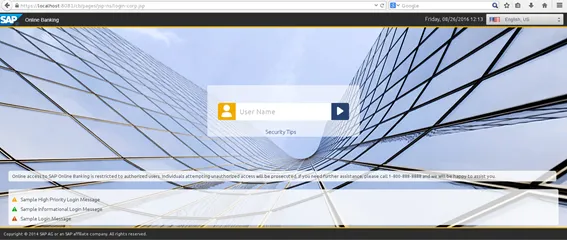
Inform the user name jtech

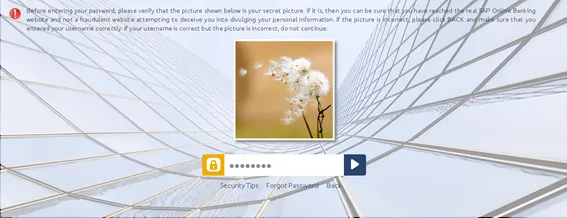
Inform the password Pass1234
Retail Banking application
Access: https://localhost:8081/cb/pages/jsp-ns/login-cons.jsp 🔗
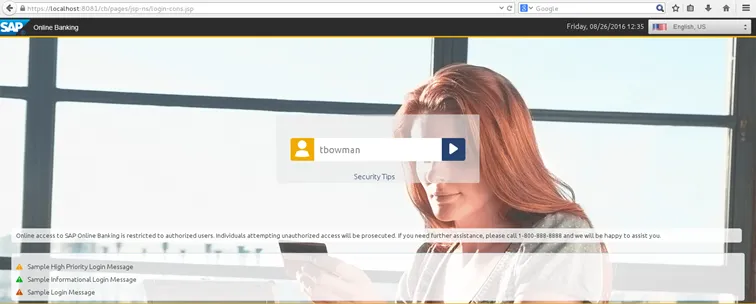
User: tbowman
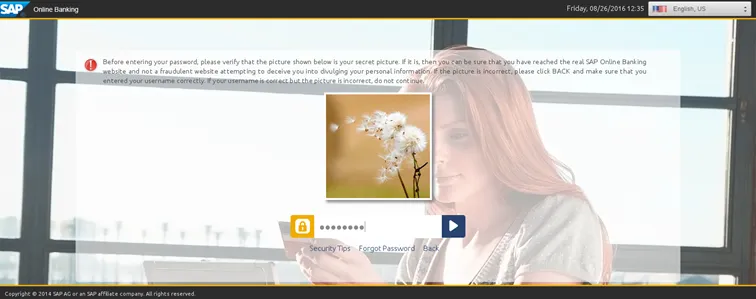
Password: Pass1234
Home screen on online banking.