When you start the transaction SAML2 in your SAP NetWeaver ABAP system, you might geht the error message:
ERROR: ICF-Service für ClickJacking-Framing-Protection ist inaktiv (termination: ERROR_MESSAGE_STATE)

/sap/bc/webdynpro/sap/saml2?sap-client=xxx
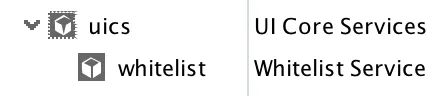
The solution can be found in SAP Note 2389051 🔗. Activate the ICF node UICS and its child whitelist: /sap/public/bc/uics
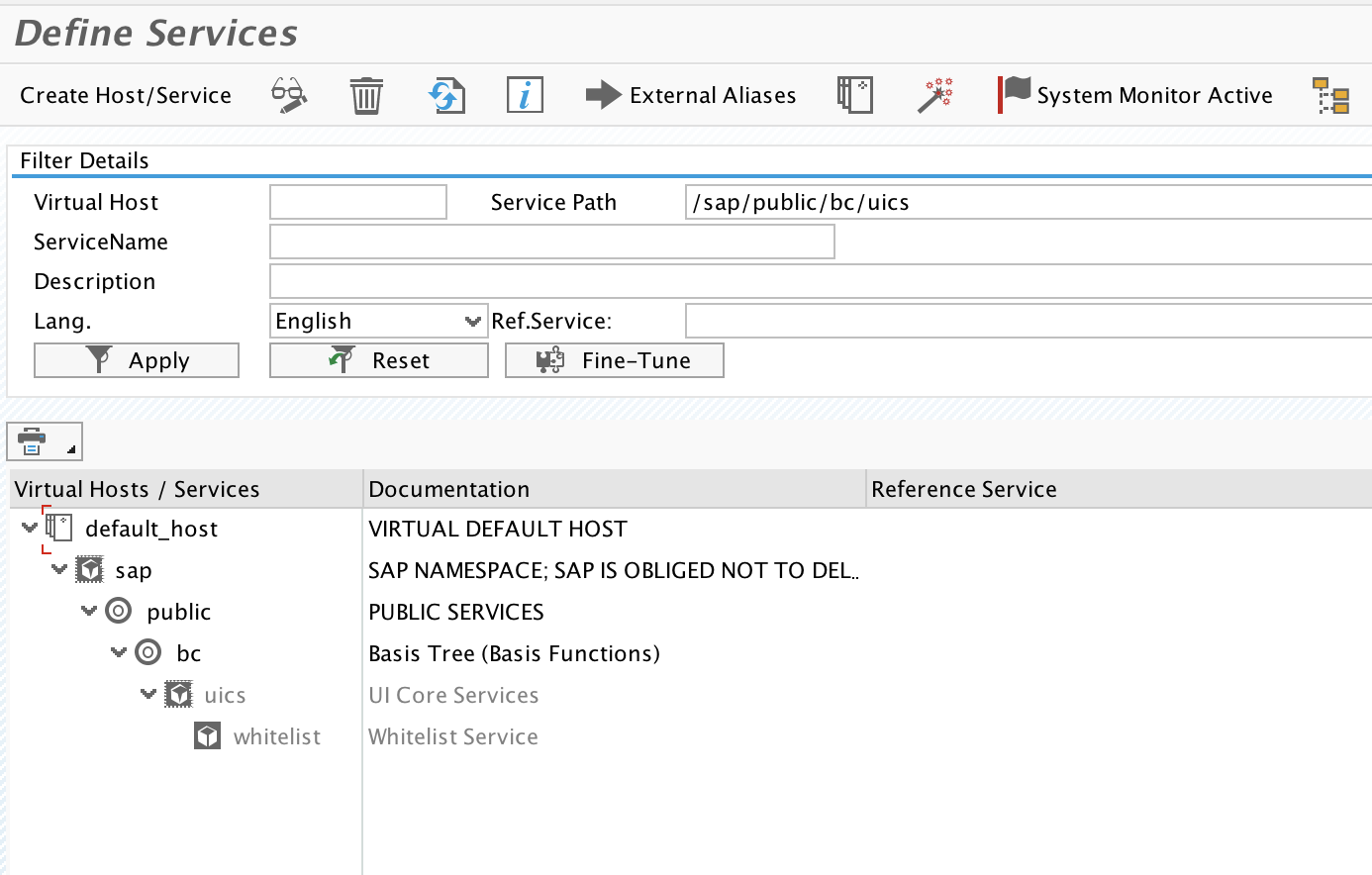
Activate the node with sub nodes.
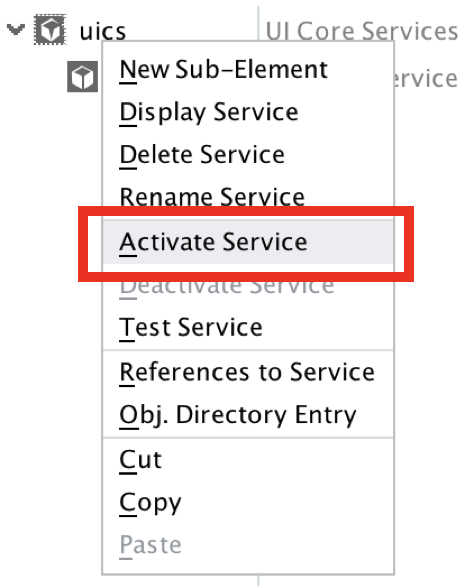
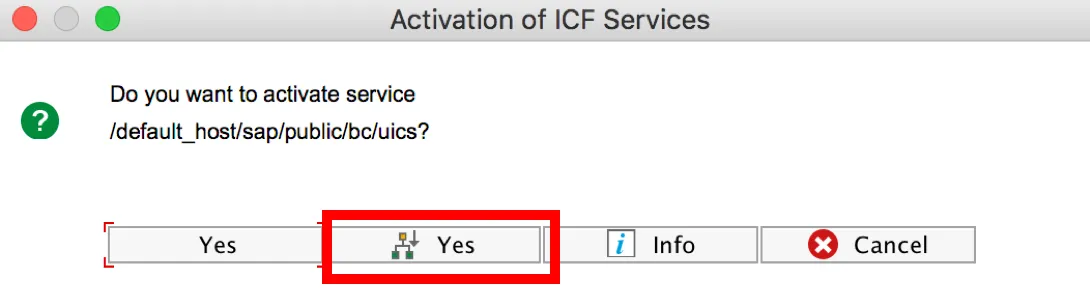
This will activate both services.
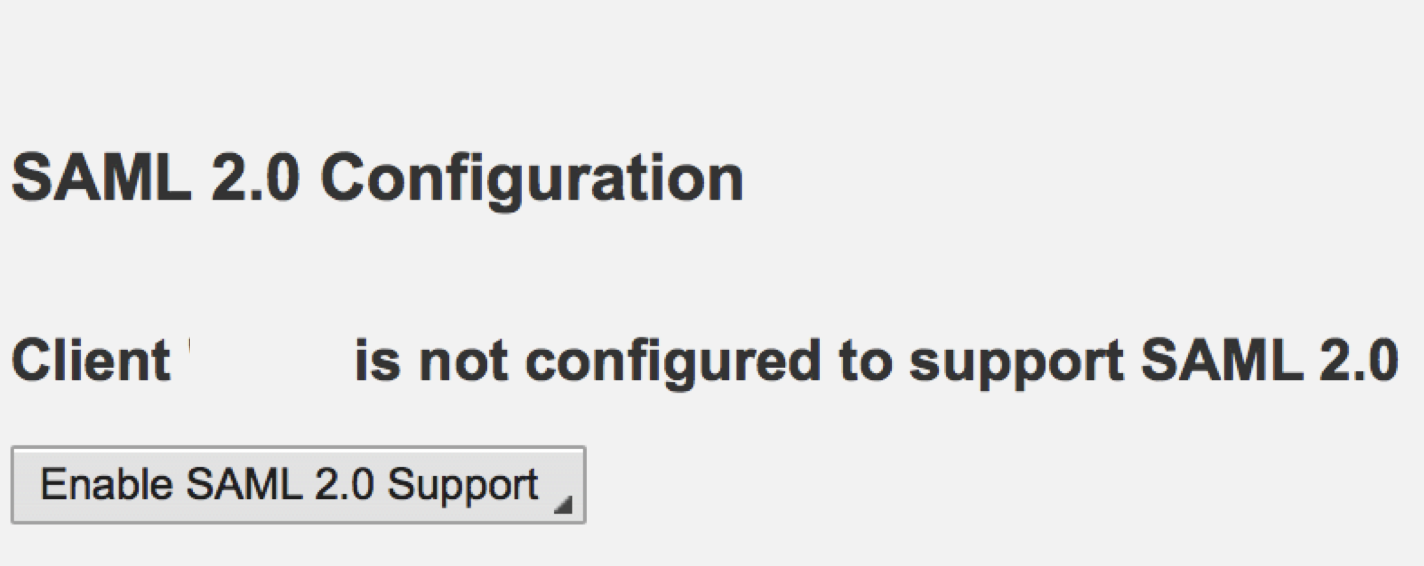
Go back to your browser with the HTTP 500 error and reload the page. Now the SAML 2.0 configuration wizard will launch.
Alternative activation option
You may also activate this ICF node using an alternative approach. Instead of activating it in the SICF transaction, you can use a transaction for activating special ICF services. More information at SAP Help 🔗.
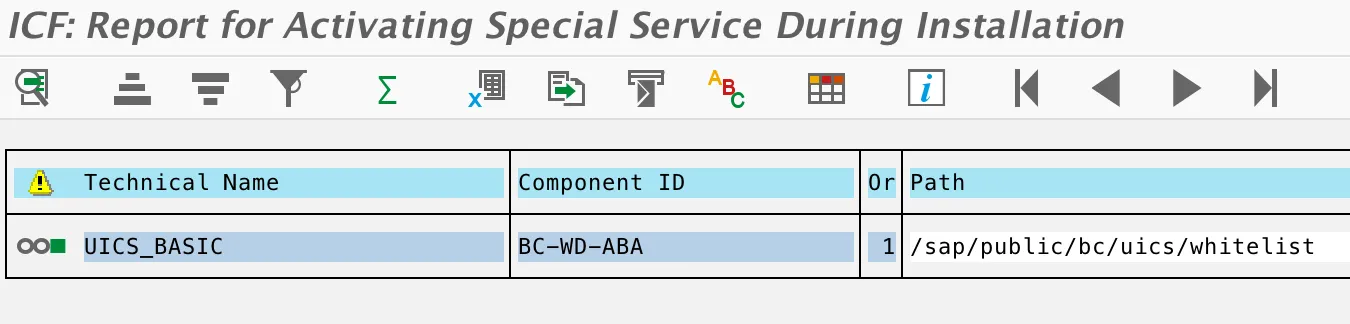
Transaction SICF_INST
Technical name: UICS_BASIC
When you run this transaction with the technical name UICS_BASIC, the ICF node will be activated.

Result: