

Configuring a reverse proxy is not an easy task. It involves some trial and error and dealing with unexpected errors. One of those errors is ERR_CONTENT_DECODING_FAILED. The web site won’t load in your browser will show this error message:
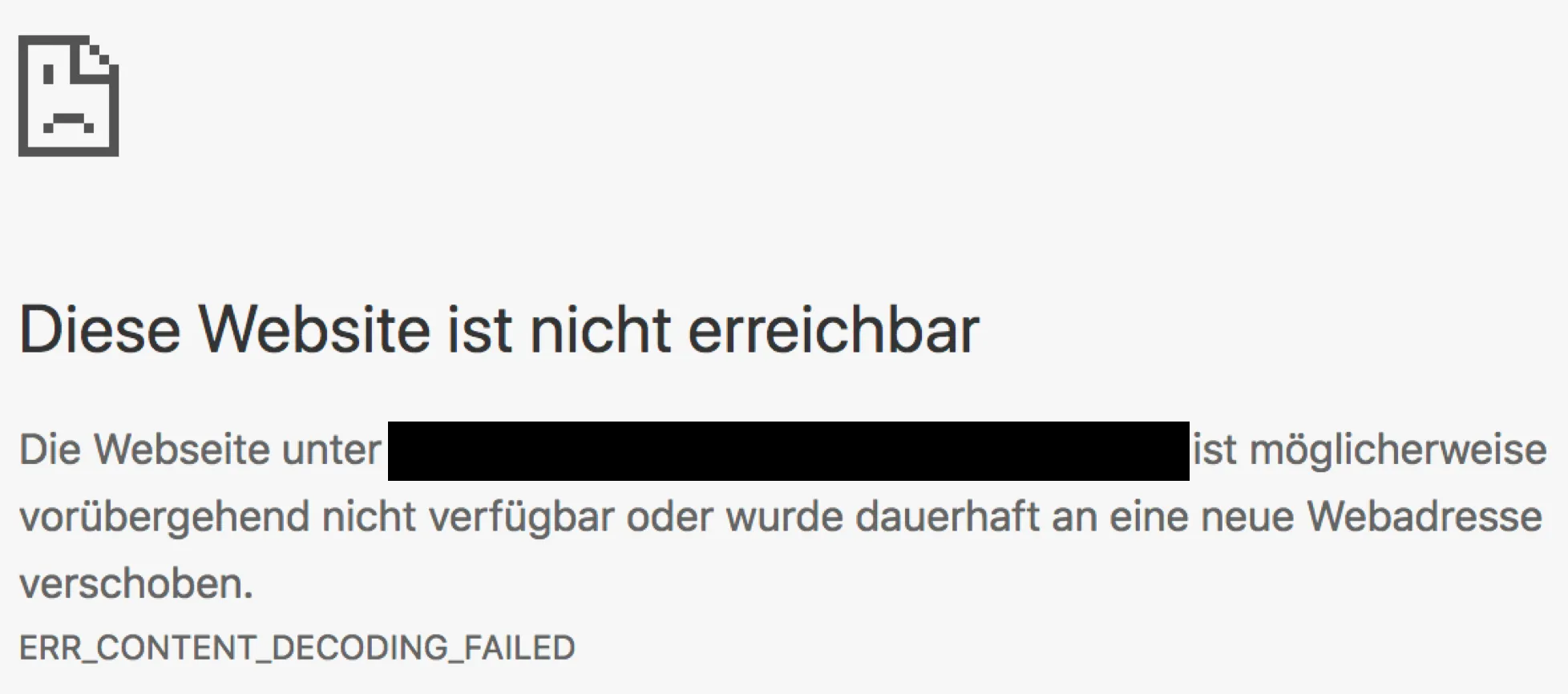
Error ERR_CONTENT_DECODING_FAILED may show up in your browser when a resource is configured on your reverse proxy, and the backend communication is working. That is: the backend is returning data, but not in a form the browser expects.
Example: browser expects a GZIP response, but receives plain text. Therefore the hint from your browser about content decoding failed. The content is received, but the browser is not able to decode / understand the data. If a plain text response is expected, but the received response from the backend is zipped, the browser cannot read the content.
To solve this error, reset the Accept-Encoding request header in your Reverse Proxy configuration.
Apache
RequestHeader unset Accept-Encoding
Example
<Location /test>
    RequestHeader unset Accept-Encoding
    ProxyPass https://0.0.0.0:443
    ProxyPassReverse https://0.0.0.0:443/
    Order allow,deny
    Allow from all
</Location>
NGINX
proxy_set_header Accept-Encoding "";