Recently I switched from Libreelec 🔗 and Raspberry Pi to using Libreelec on Odroid C2 🔗. In this blog I’ll share more information on the overall setup, configuration and installation.
Setup
Setup is centered around the soundbar. My soundbar is my AVR, supporting DTS 🔗 and Atmos 🔗. Soundbar is connected to the TV via HDMI with ARC. This allows me to watch e.g. Amazon Prime, as well as watching movies from Kodi with sound served from the soundbar. Supporting CEC, my soundbar gets automatically powered on and off together with TV and all devices are controlled by one remote control.
Layout
The overall layout consists of three components: TV, soundbar, Odroid.
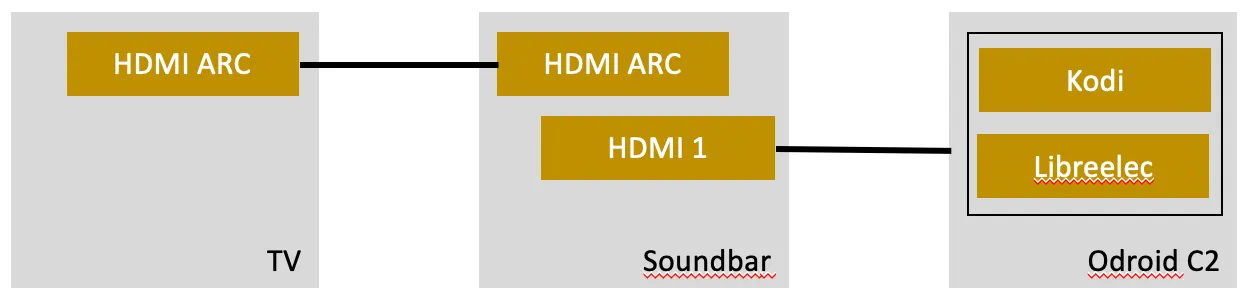
- Kodi sends audio to the DTS / Atmos soundbar via HDMI and pass through.
- The soundbar plays the sound and forwards the video to the TV.
- TV and soundbar are connected using HDMI ARC.
- TV remote control for soundbar volume and Kodi navigation.
Installation
The Odroid C2 comes with a SDCard slot and I reused the SD Card from Raspberry Pi. ODroid C2 can work with a eMMC card, but my SD Card reader in my laptop wasn’t able to recognize the card without errors.
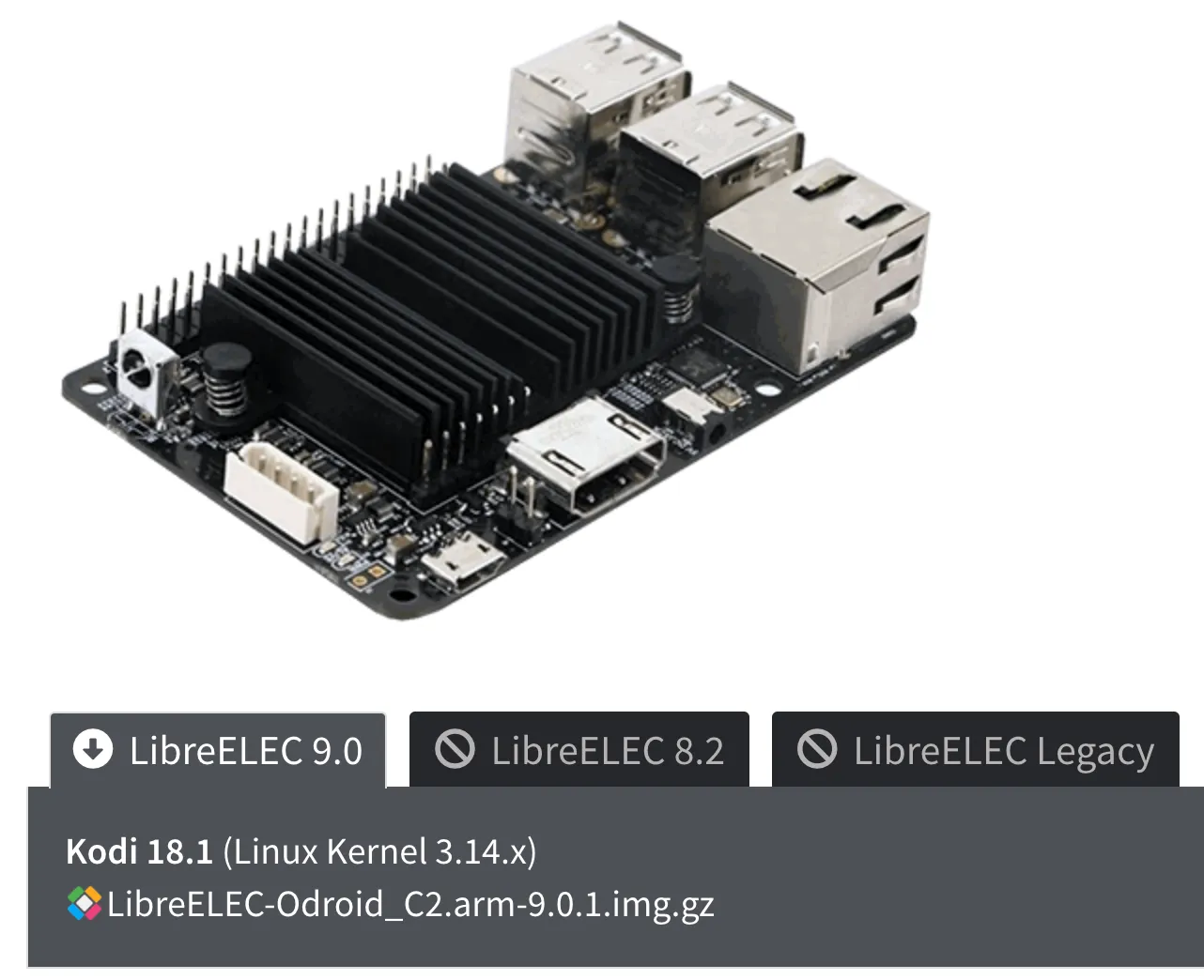
Installation of Libreelec was done using the official installer and image 🔗 for ODroid available on the project page 🔗.
In real live, the connection to the soundbar is simple. Power and HDMI cable, nothing more.
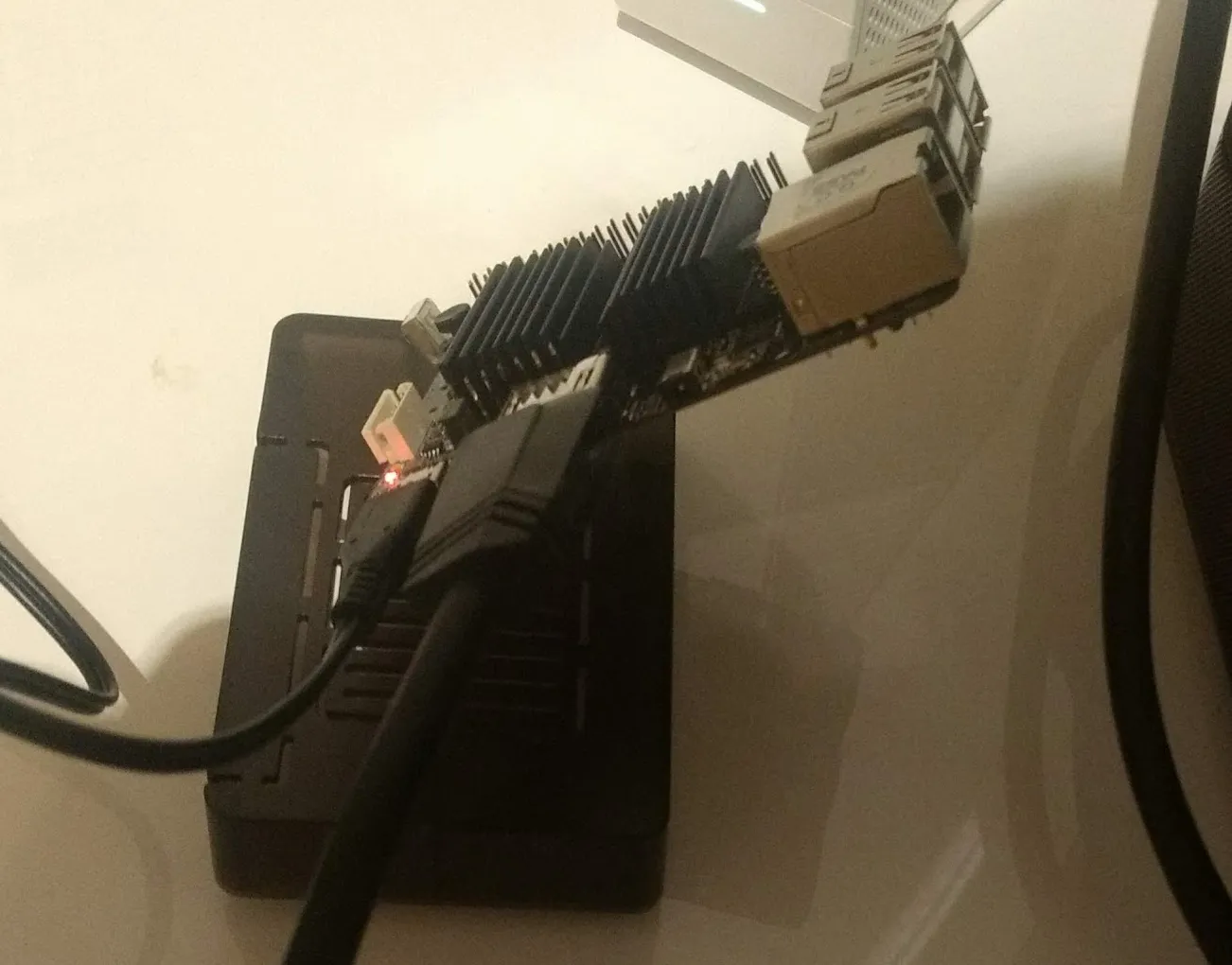
For internet connection, a LAN cable is needed. On the right, the soundbar that acts as audio receiver with DTS and Atmos support.
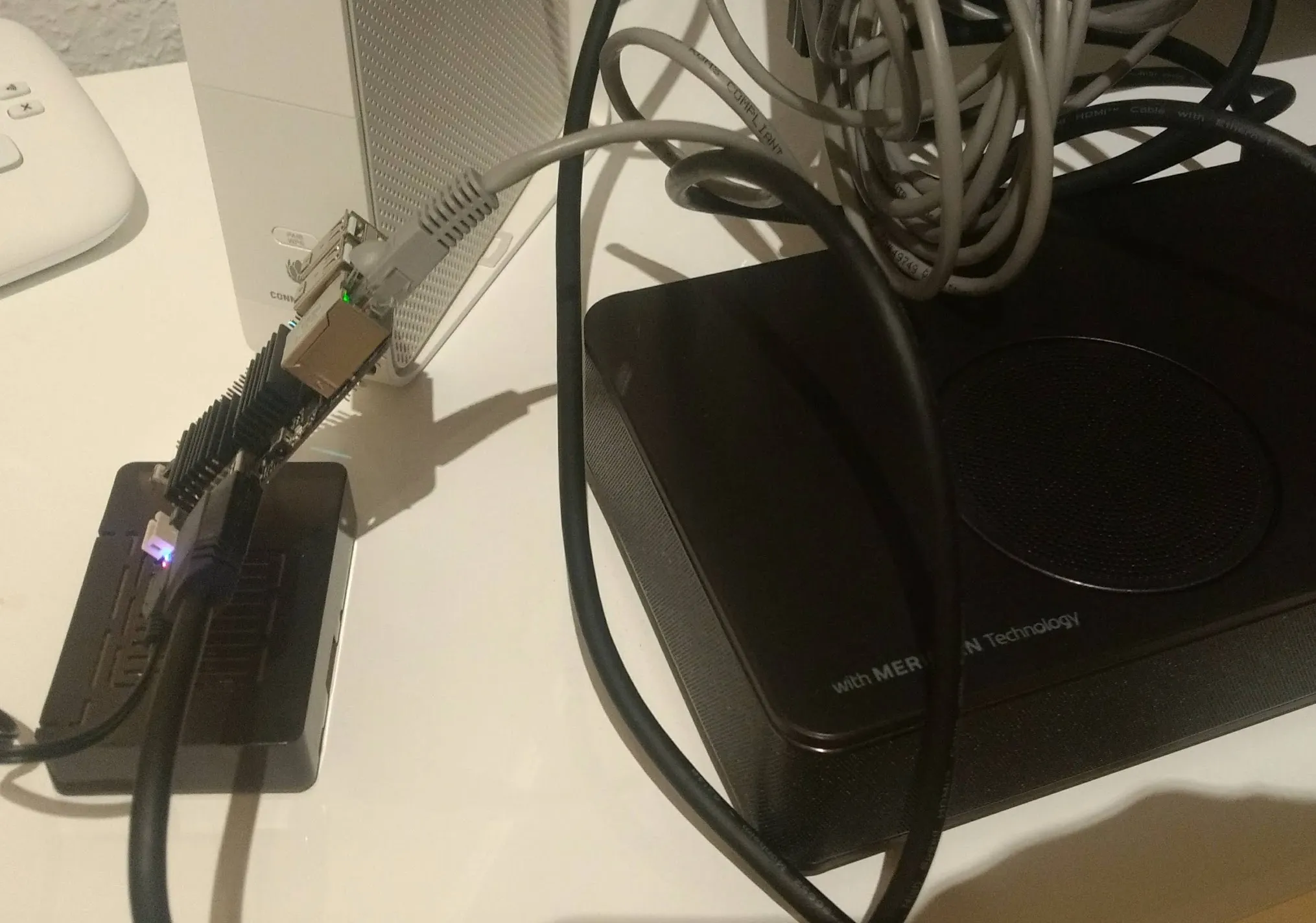
After connecting power, Libreelec starts and after a few minutes, Kodi 🔗 is ready.
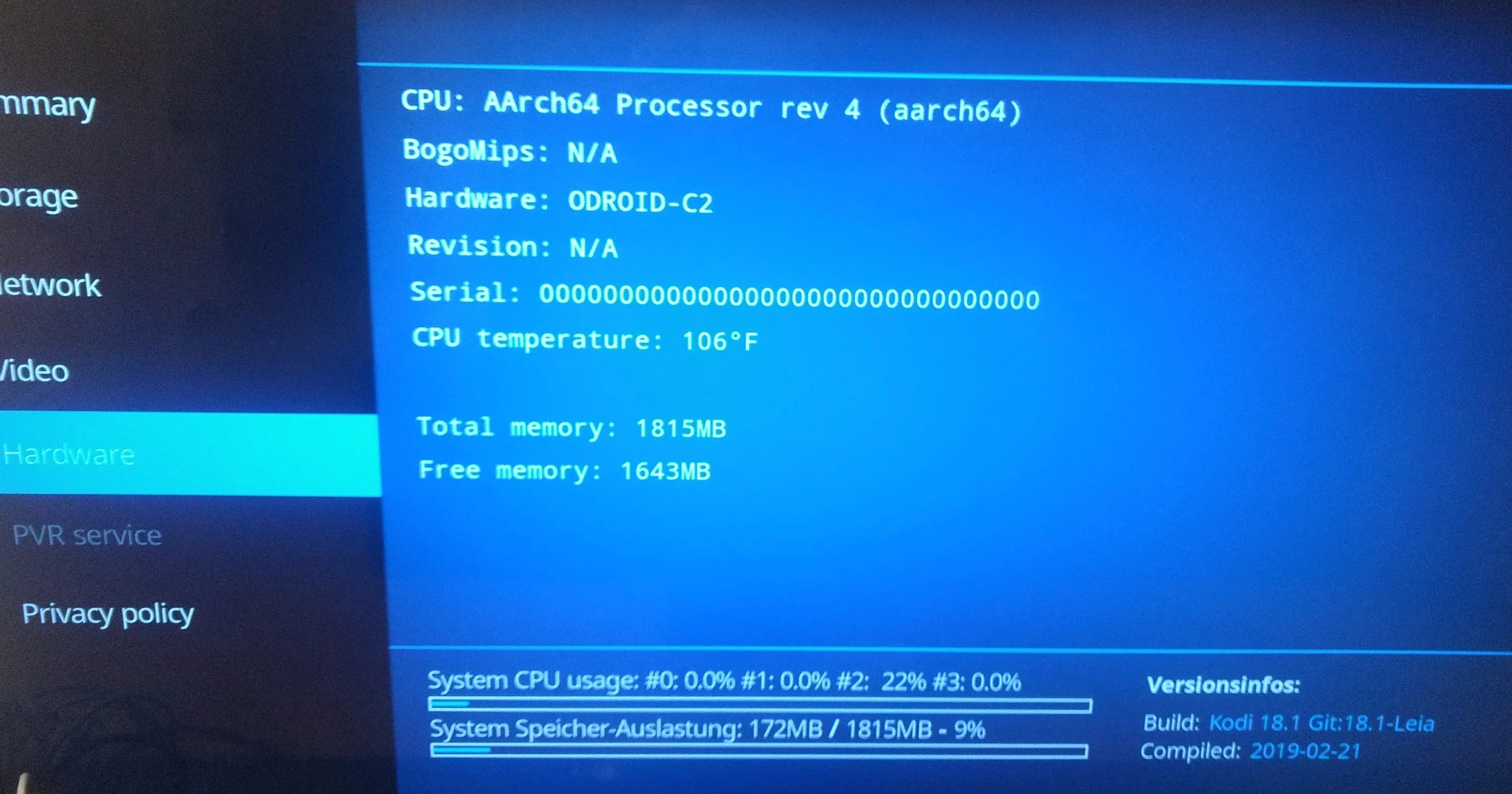
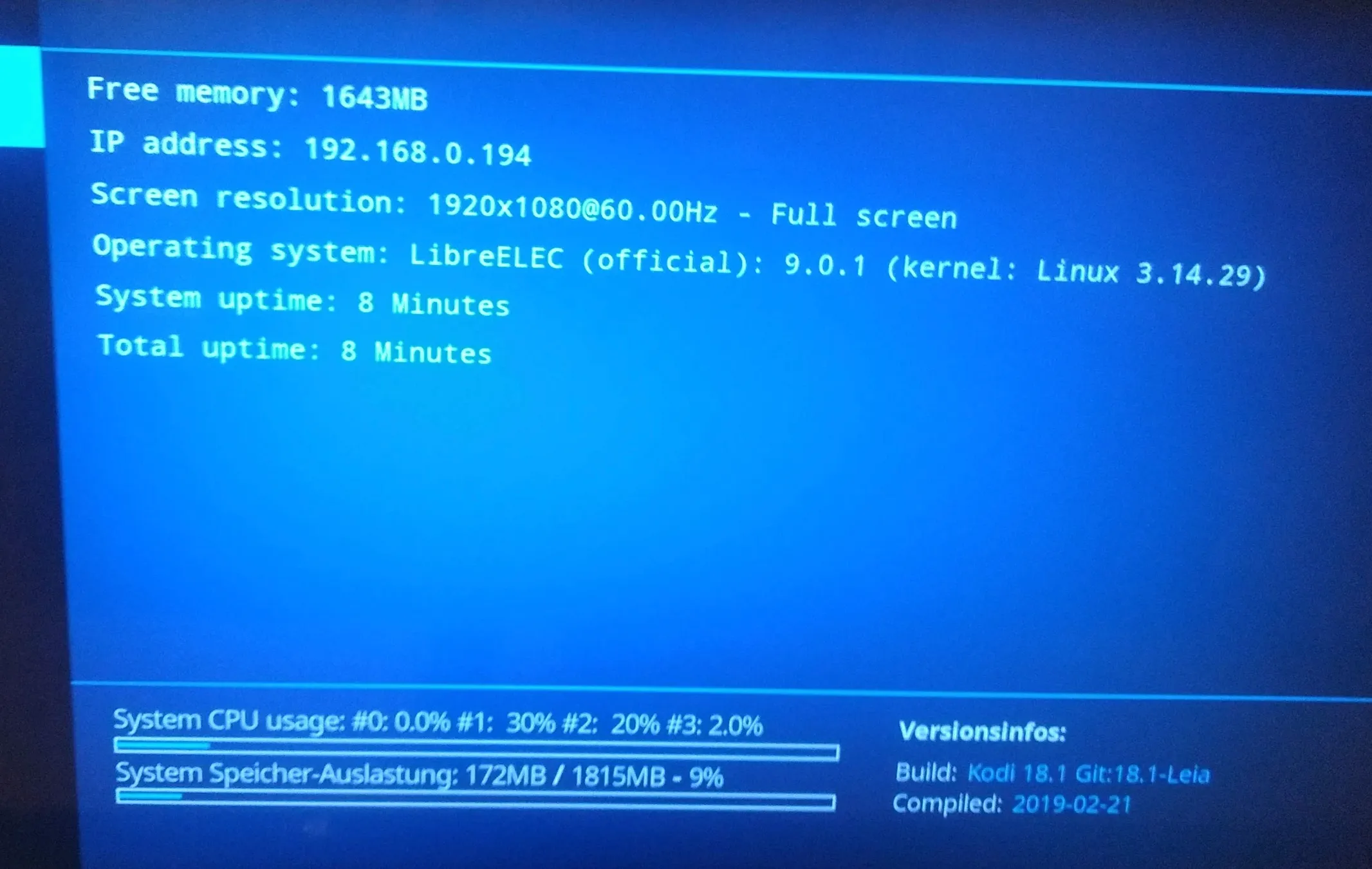
Internet via LAN is working, 2GB memory is available and Kodi 9.0.1 is running.