

Log on to your Apple ID account 🔗. On the main screen, you can find a section for Security (Sicherheit in German).

Click on Create Password (Passwort erstellen) to create an app-specific password. Give an unique name for the password. You may consider using the name of the app that is going to use the password.
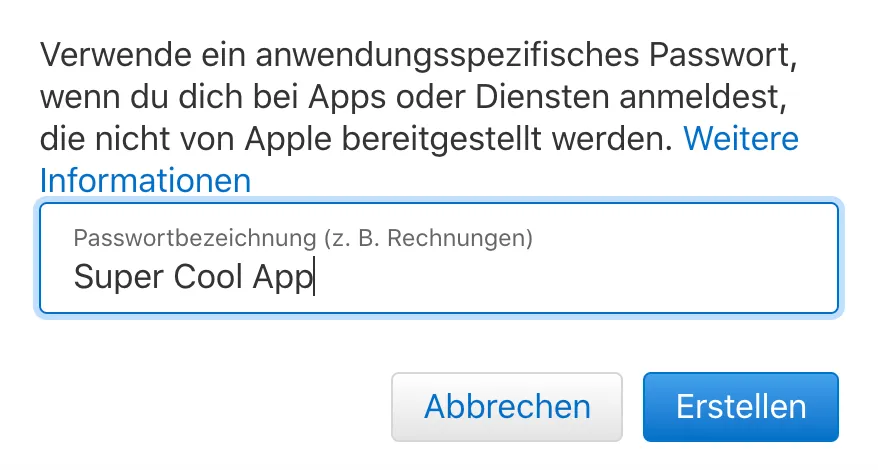
Give a unique password. This is the password the app will use for authentication.
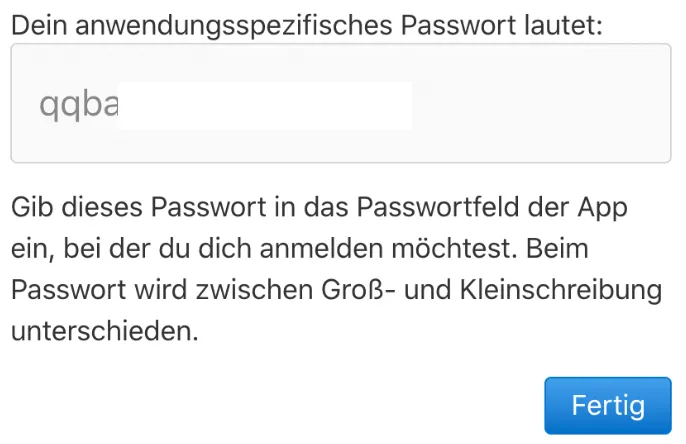
That’s it, now you have a password that an app can use to log in to your account.