

OAuth uses scopes 🔗 to restrict access to resources. “Scope is a mechanism in OAuth 2.0 to limit an application’s access to a user’s account. An application can request one or more scopes, this information is then presented to the user in the consent screen, and the access token issued to the application will be limited to the scopes granted.” [link 🔗]
A service is assigned to a scope, therefore without being allowed to access a scope, you cannot access the resource. You can create scopes independently from the resource, that is: first create a scope, then assign the scope to a service you want to access. In reality, you should first create the service and then assign a scope to it.
After knowing the scope, log in to Keycloak and create a client scope. Later this scope will be assigned to a client. If the client authenticates then in Keycloak, the scope is assigned to it and the client can access the service.
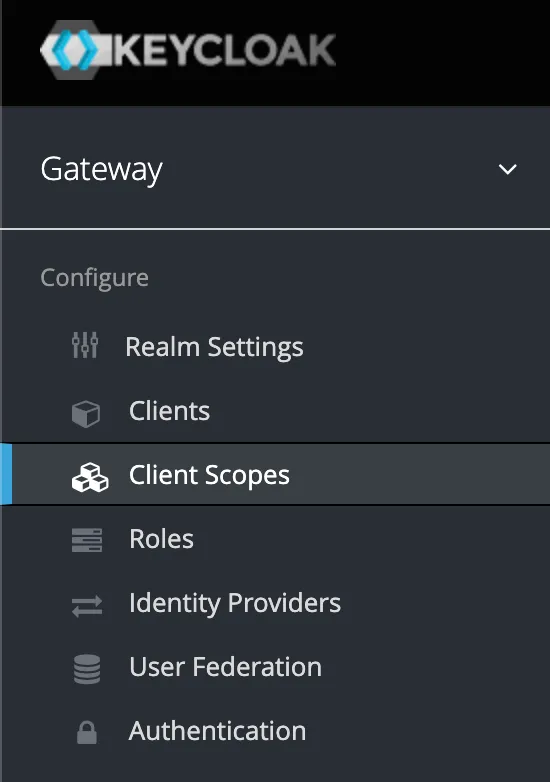
Click on create
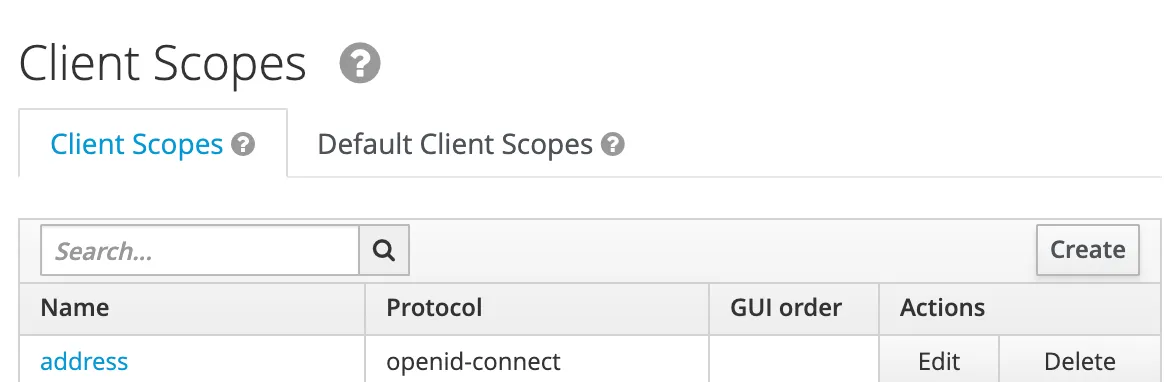
In the following form, enter the data for the OAuth scope:
- Name: Scope for service. Here I used ZDEMO_CDS_SALESORDERITEM_CDS_0001, a scope for a CDS Service. Don’t worry, it’s just an example, Gateway does not work with OpenId Connect.
- Description: SAP Gateway OData service
- Protocol: openid-connect
- Display on Consent Screen: off
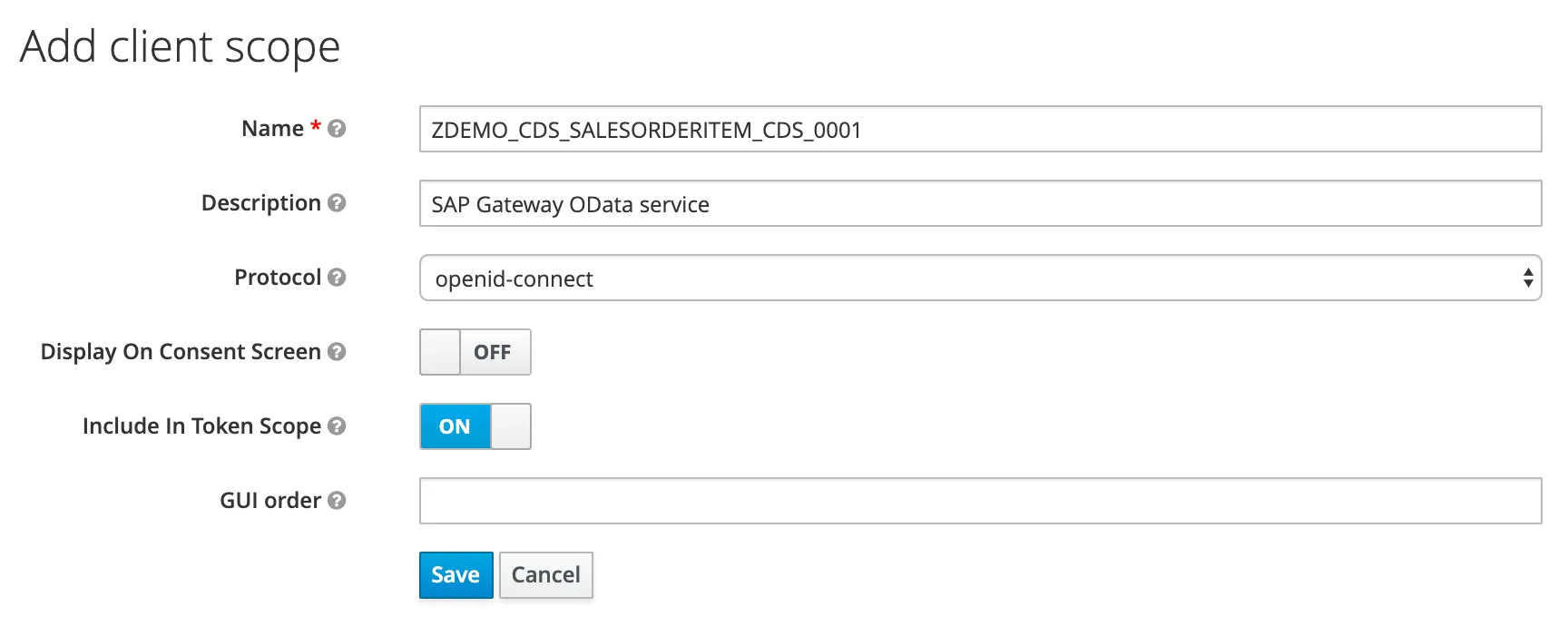
Save
The OAuth scope is created. It can now be assigned to a client.

Note
When you change the scope of the service, you need to update the scope information here too.