

Before you can start to configure SAML 2.0 in SAP NetWeaver ABAP, SAML 2.0 support must be activated. The saml2 Web Dynpro ABAP app is used for this. In the NPL Developer Edition system the app is activated by default and can be accessed by opening this URL in the browser:
https://vhcalnplci:44300/sap/bc/webdynpro/sap/saml2?sap-client=001 🔗
In a more generic way, the URL is:
/sap/bc/webdynpro/sap/saml2?sap-client=nnn
Start SAML 2.0 configuration
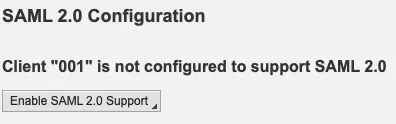
Open the URL in the browser and the SAML 2.0 configuration wizard starts. First, enable SAML 2.0 support.
Create SAML 2.0 local provider.

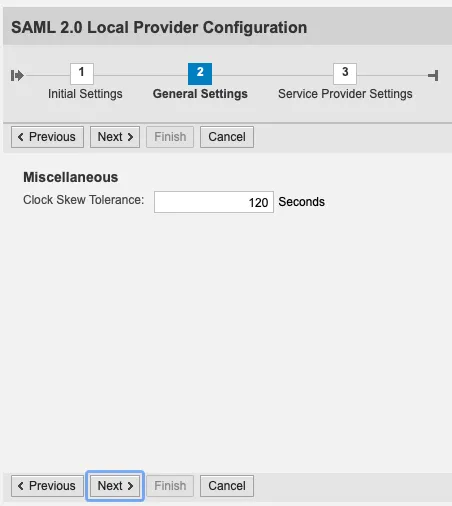
Configuration options:
Provider Name: NPL001
Clock skew tolerance: 120 Seconds

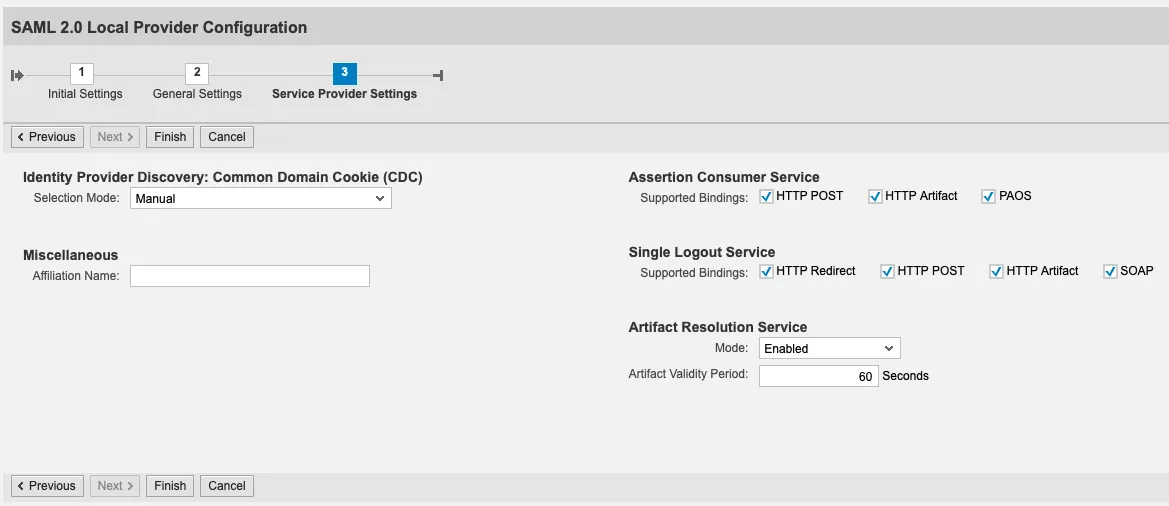
Result
A SAML 2.0 service provider is configured and enabled.

Now the NW ABAP system (NPL) is a SAML 2.0 service provider (SP). Its metadata can be downloaded and used to create trust with a SAML 2.0 Identity Provider (IdP).