Keycloak is an identity and access management solution 🔗. Among its list of supported authentication mechanisms are SAML 2.0 and OpenID Connect. It is open source and can be installed via Docker 🔗. This simplifies the installation and makes it easy to start with Keycloak. You only have to ensure pass a few configuration options to the Docker run command like port and user/password.
Run Keycloak
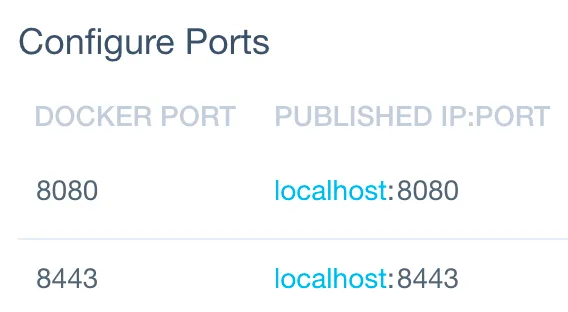
To run the latest version of Keycloak in Docker on port 8080 and to log on as a user defined user / password, run the following command. Replace
docker run -p 8080:8080 -e KEYCLOAK_USER=<USERNAME> -e KEYCLOAK_PASSWORD=<PASSWORD> jboss/keycloak
With the above command, the port (local) Keycloak port 8080 is exposed on the localhost (laptop) at port 8080.
Login
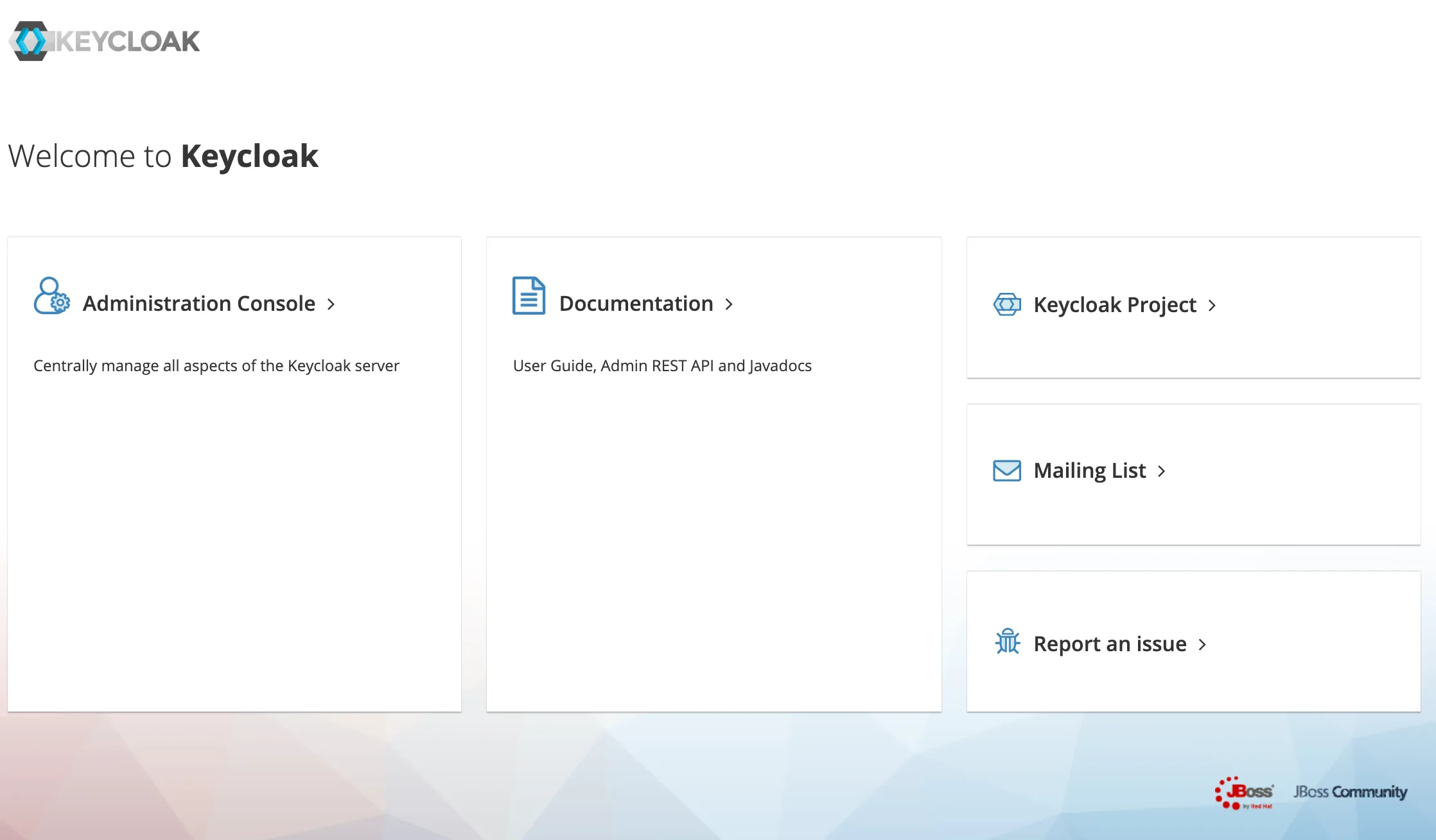
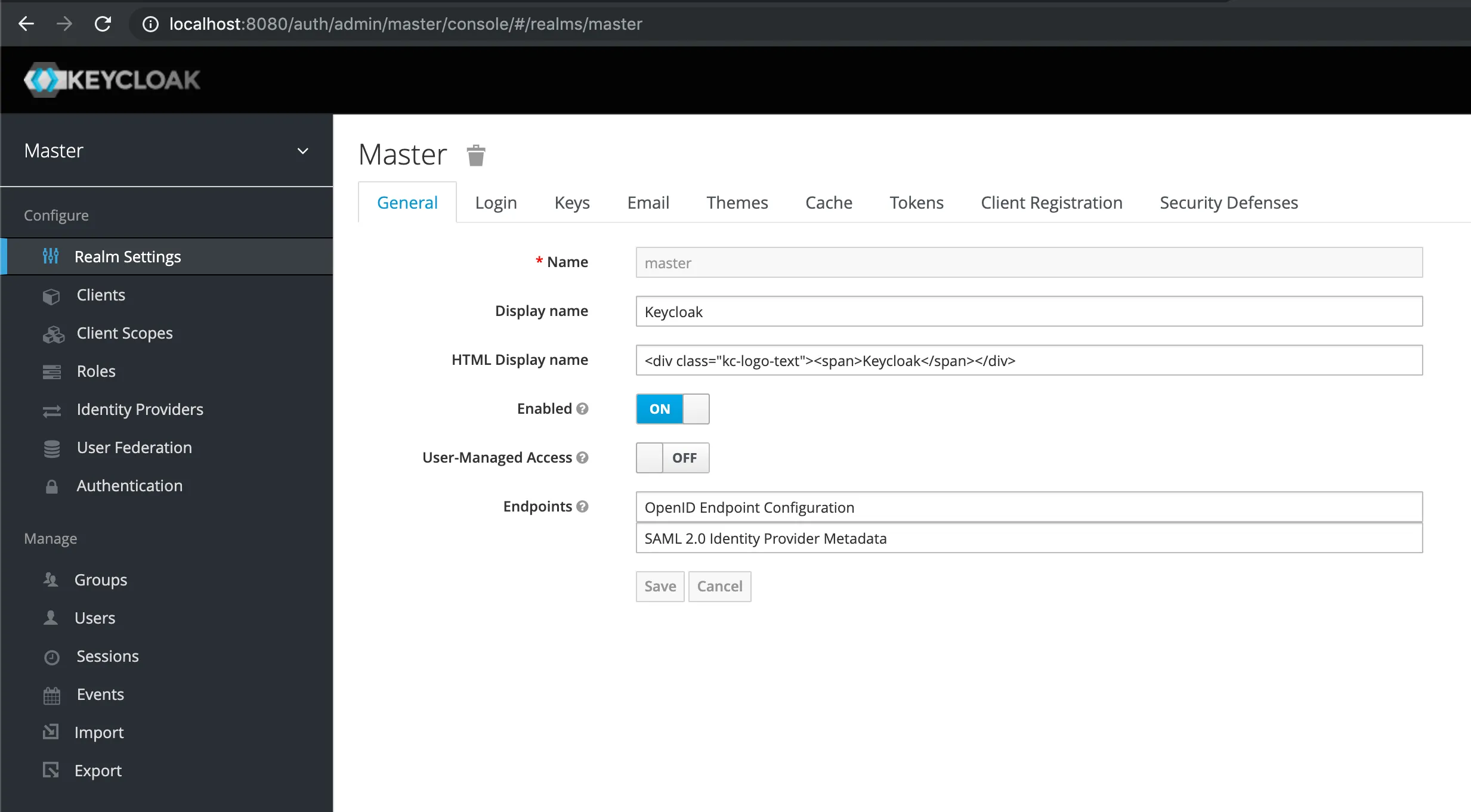
Open Keycloak: http://localhost:8080 🔗 and access the Administration Console.
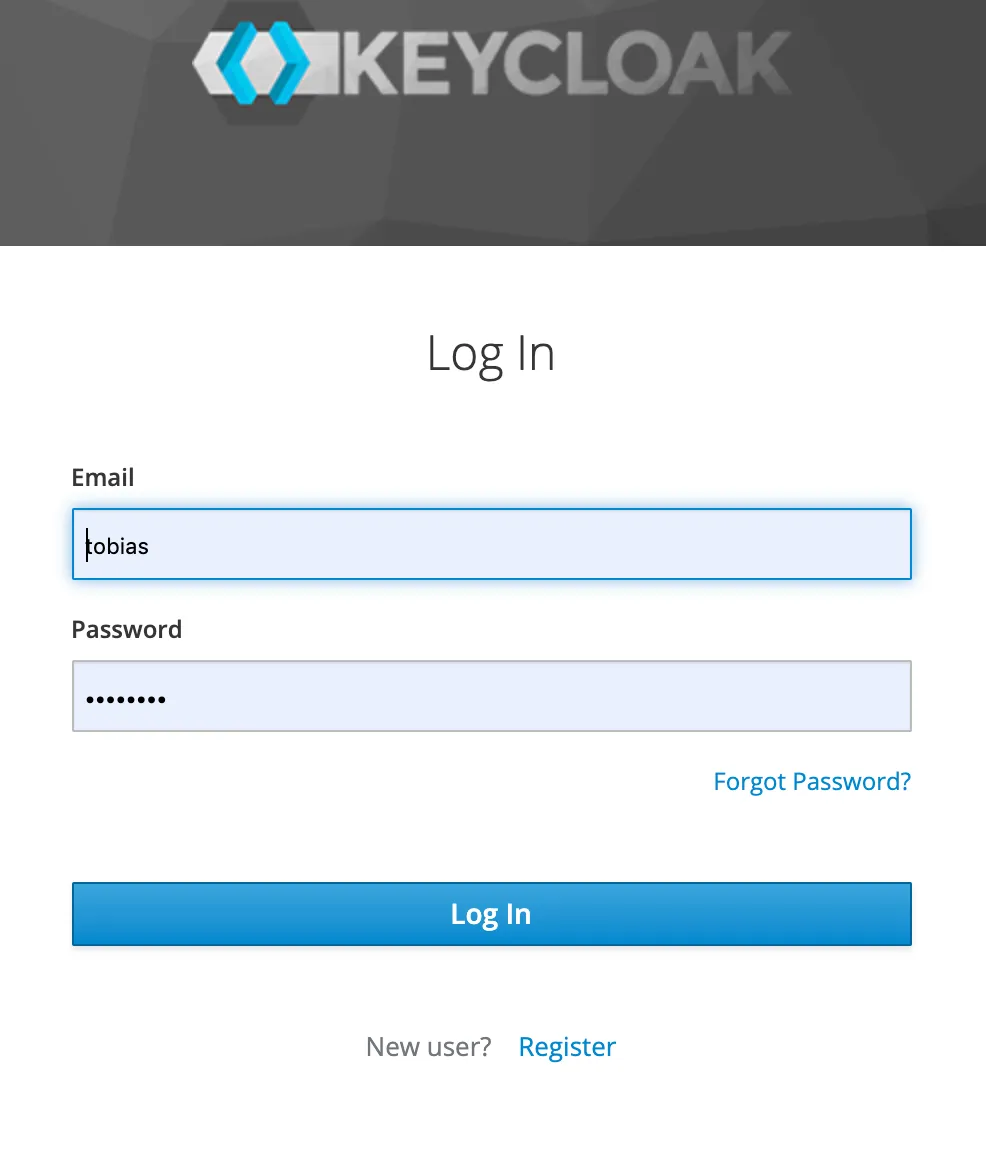
Log in to the admin console using the credentials provided at the docker run command.
Add test user
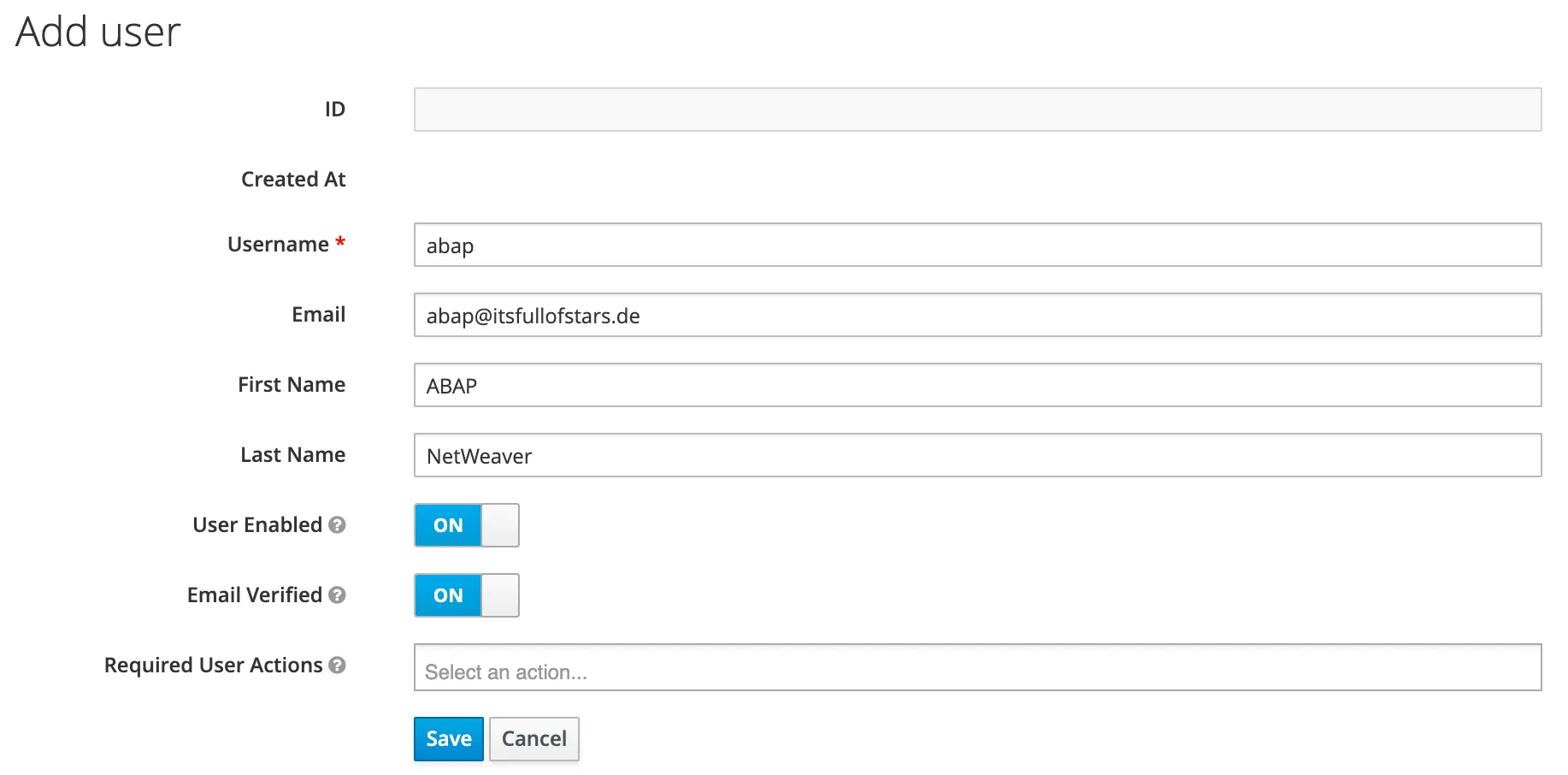
I am adding a test user for my scenario. My service provider is an SAP NetWeaver ABAP System (the developer edition, SID: NPL). Therefore, the name and id make it clear that it’s an ABAP system and user.
User id: abap
Name: ABAP NetWeaver