

Raspbian is based on Debian. Upgrading it to the latest version is done the same way as upgrading a normal Debian distribution. To not make this my shortest blog ever, I’ll show how I upgrade one of my Raspberry Pi.
The upgrade to release N is performed by starting the process release N-1. For each upgrade:
- Update current release
- Prepare configuration for next release
- Run upgrade
- Clean up
- Validate result of upgrade
Update your current Raspbian
sudo apt-get update
sudo apt full-upgrade
Prepare configuration for next Raspbian version
Edit repository files and change the distribution name to stretch or buster, depending from where you are upgrading from. A list of releases for Raspbian 🔗 can be found at the Wikipedia page.
sudo vim /etc/apt/sources.list
To update to stretch:
sources.list:
deb http://archive.raspbian.org/raspbian stretch main contrib non-free rpi
To update to buster:
sources.list:
deb http://archive.raspbian.org/raspbian buster main contrib non-free rpi
Note
You may have more repository servers configured. For instance, check the content of the file: /etc/apt/sources.list.d/raspi.list.
Make sure to enable IPv6 support.
Acquire::ForceIPv4 "false";
Run upgrade
sudo apt update
sudo apt dist-upgrade
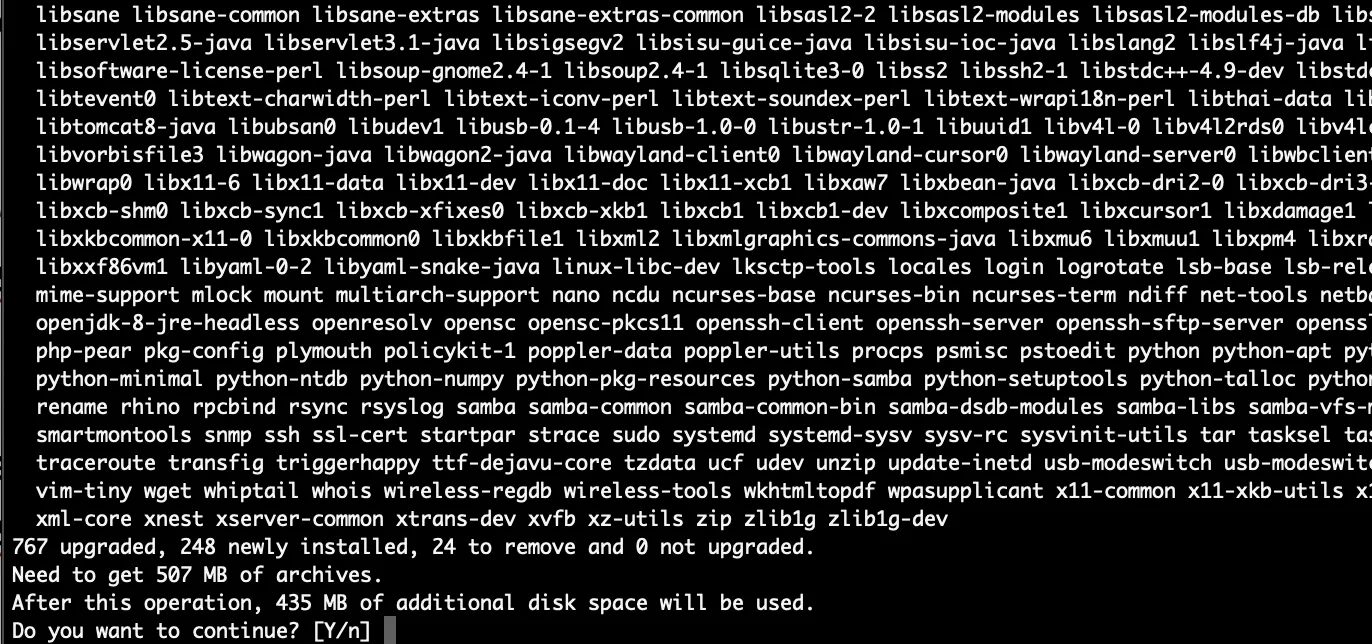
Sample output for update to stretch
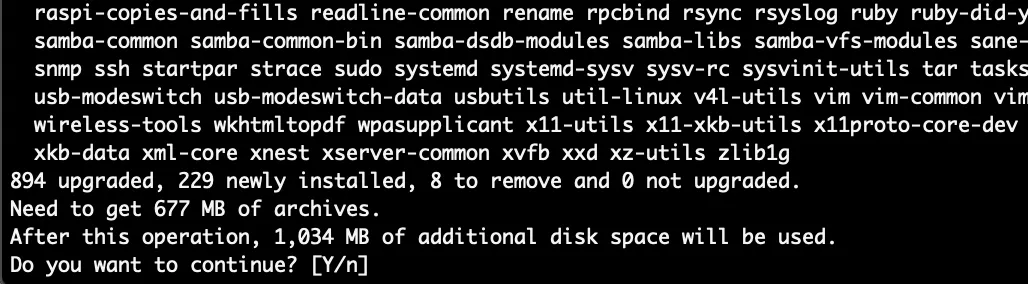
Sample output for update to buster
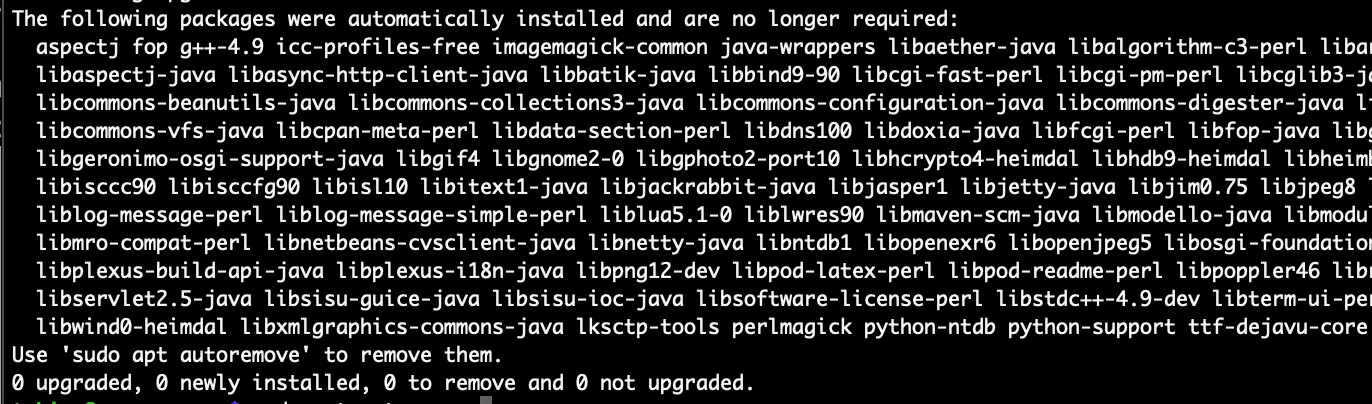
Clean up
sudo apt autoremove
Validate result of upgrade
After running the above commands again, they should not report any more updates or dependencies.
sudo apt dist-upgrade

Check Debian version
more /etc/os-release
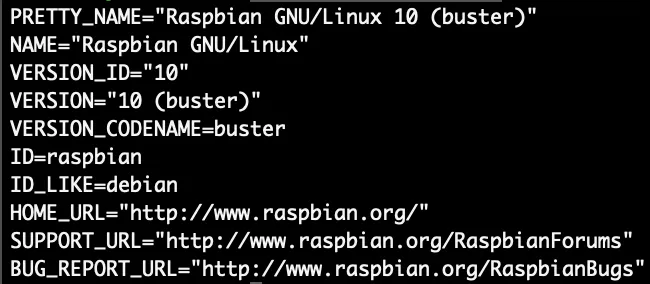
The entries for version and codename should now match your targeted release. For buster, it is:
VERSION_ID=”10”
VERSION_CODENAME=buster