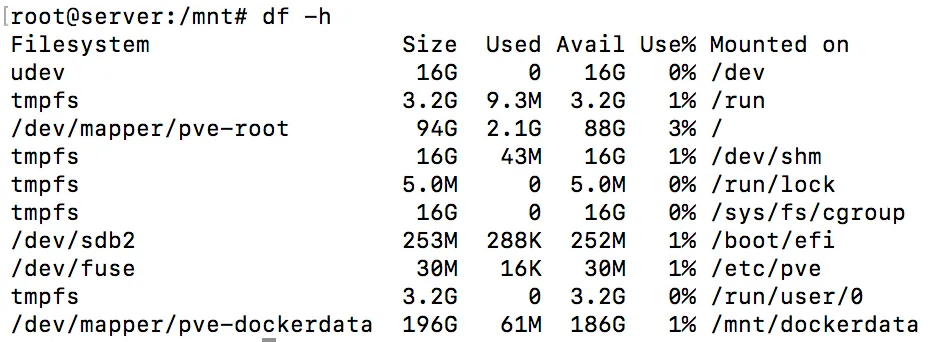
Some time ago I wanted to add a new mount point for Docker files in Proxmox. As Proxmox uses logical volumes to manage its storage, I had to find out how to assign a 200 GB part out of the data volume. Proxmox does this automatically when a new VM is created, but I had to do this manually as this space is independent from Proxmox management.
First, find out what volume groups are available. List the available volume groups.
vgs

There is one volume group named pve. Inside this volume group are logical volumes. To get a list of all available logical volumes:
lvs

The three logical volumes belong to the volume group pve. The data volume is a thin volume. Create a new volume with capacity of 200GB inside the thin volume data and assign the name dockerdata to it.
lvcreate -V200G -T pve/data -n dockerdata

Listing the logical volumes again will show the newly create volume dockerdata.
lvs

The device for the LV can be found at /dev/{volumeGroup}:
ls /dev/pve

Format the new 200GB sized volume with ext4.
mkfs.ext4 /dev/pve/dockerdata
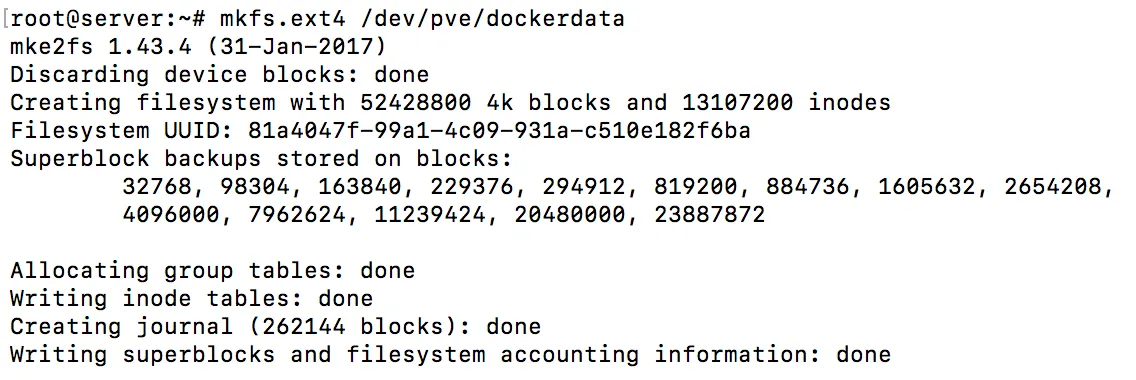
The logical volume dockerdata can now be mounted.
mount /dev/pve/dockerdata ./dockerdata/
To see its size and that its mounted correctly, run df -h
df -h