I use the AKS to run an SAP CAP app called Fruit Checker (an app I wrote for bridgingIT GmbH, presented together with Microsoft at events and, when presented to customers, always starts an incredible discussion about the possibilities when combining SAP and Azure). I usually present the app, architecture and idea behind it at SAP centric community events. The app integrates several Azure services as well as SAP services, all transparent to the end users thanks to OpenUI5. One of the main benefits is the cloud native approach with AKS and CAP: no HANA needed, therefore it is easy to deploy and cheap to maintain. This is where participants start to think about the possibilities of combining SAP ERP data with the power of Azure.
From time to time I have to update my Kubernetes Cluster on Azure. I follow the official Azure documentation 🔗. I wrote the steps down so I can have a look at some screens in case I have to do the upgrade again as it may get confusing to remember all steps. Maybe the information and screenshots shared here helps others too.
Prerequisites
Before you can start the upgrade, you need to know:
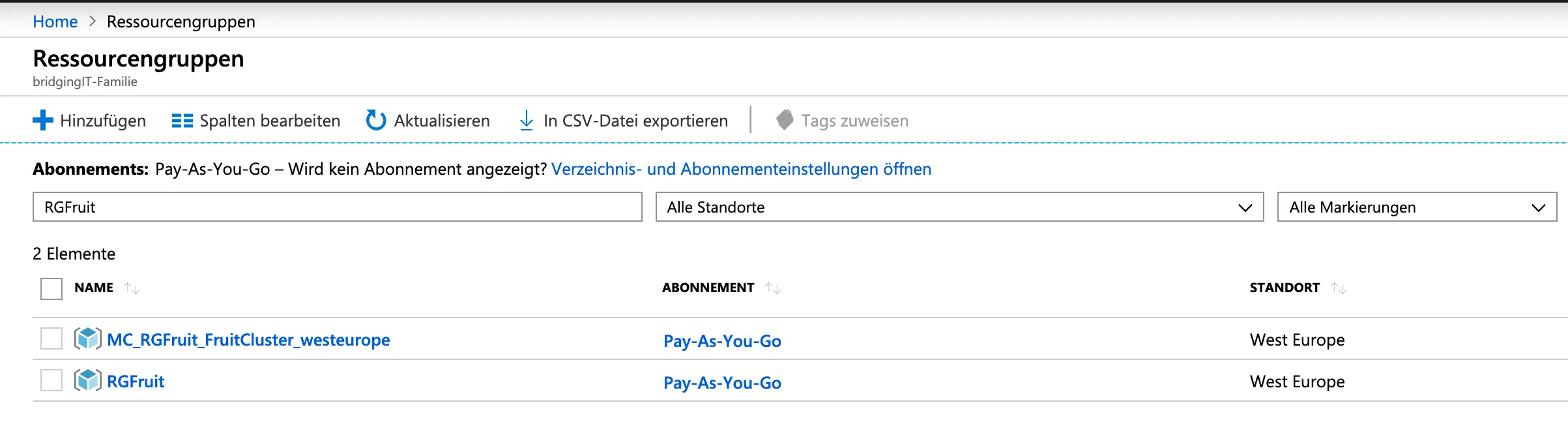
- Resource group
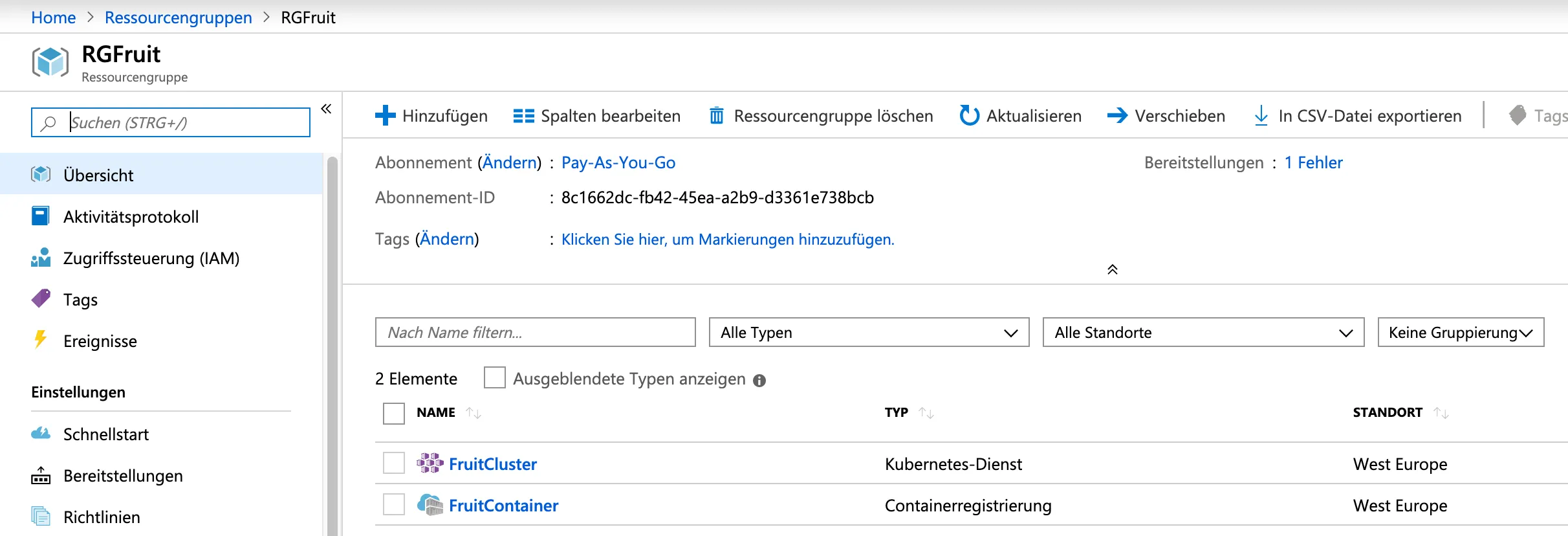
- AKS Cluster name
Get resource group
Get AKS Cluster name.
Upgrade using Azure CLI
Start Upgrade
az login
List available upgrades
az aks get-upgrades --resource-group myResourceGroup --name myAKSCluster --output table
In my case, the command to run is then:
az aks get-upgrades --resource-group RGFruit --name FruitCluster --output table

AKS cluster is at version 1.11.8, and upgrades to at least 1.12.8 are available. To upgrade, run the upgrade command.
Upgrade
az aks upgrade --resource-group RGFruit --name FruitCluster --kubernetes-version 1.12.8


This is a long running process. To see the current state of your cluster:
az aks show -g RGFruit -n FruitCluster -o table
Status: Upgrading

Status: Succeeded

Result
After the upgrade finishes, the AKS cluster is updated. To check the current version of your AKS cluster, run the get-upgrades command again.
az aks get-upgrades --resource-group RGFruit --name FruitCluster --output table

Cluster is now on version 1.12.8, and new upgrades are available. The 1.13.x versions were not available before, maybe upgrading to 1.12.8 was a pre-requisite. Nevertheless, upgrade to the latest version available using the upgrade command again.
az aks upgrade --resource-group RGFruit --name FruitCluster --kubernetes-version 1.13.10
You can continue this until you are on the latest version or your target version.
az aks upgrade --resource-group RGFruit --name FruitCluster --kubernetes-version 1.14.6

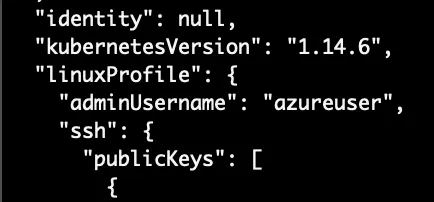
The upgrade command exists with an output of a JSON response. This also contains the AKS cluster version.

Upgrade using Azure Portal UI
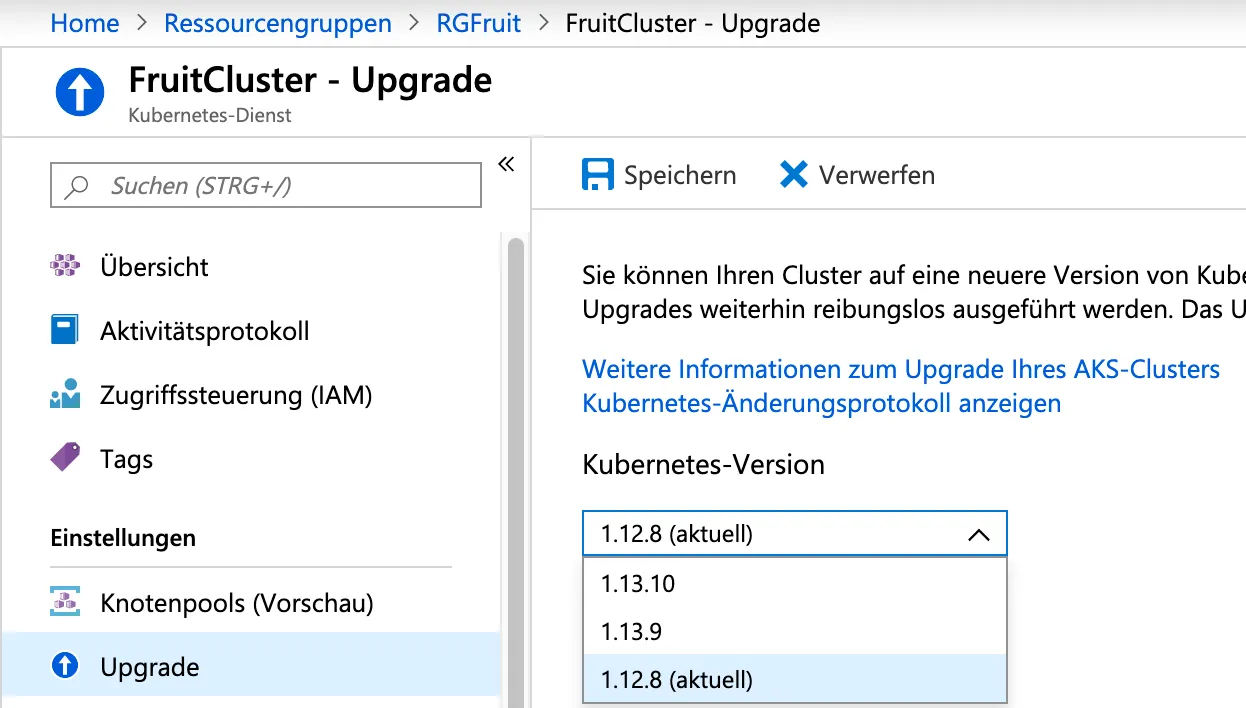
Select the cluster from the UI and click on the version you want to upgrade to. Start the upgrade.