I run an SAP NetWeaver ABAP Dev Edition system in a Virtual Box VM. Unfortunately, the update process for this software is to delete and reinstall after the DB license expires. Installing a new NW ABAP version is not overly complex: the SAP provided installer is easy to use and it takes not even 30 minutes to have a system up and running.
Installing a new Linux every time does takes some time. Therefore, my update process is to wipe NW from the disk and reinstall it in the same Linux VM. This means that the space the virtual disk is using keeps growing.
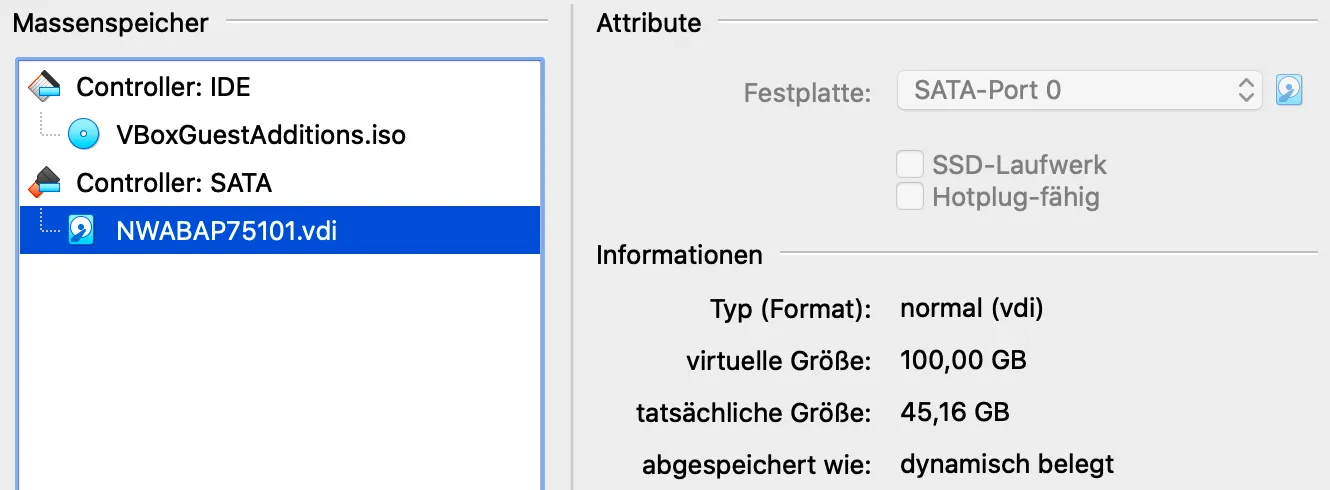
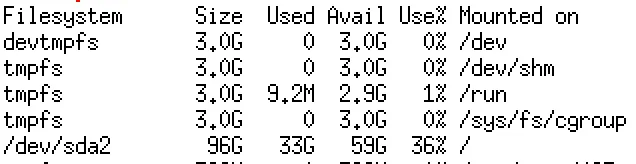
The space used in the VM is 33 GB, and the VDI file is 45 GB. I want to keep the file size minimal. Disk space has a precious value for MacBook users. How to clean up the disk? The steps are the same as shown in my previous blog on how to optimize a VMDK disk 🔗.
Remove files
Delete everything in the VM that is not needed. In my case:
rm -rf /sapmnt
rm -rf /usr/sap
rm -rf /sybase
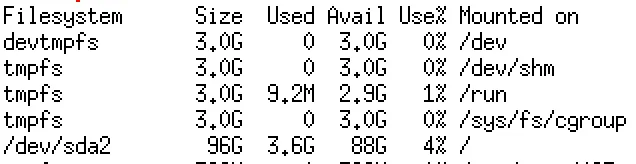
This cleans up the used disk space to less than 4 GB, almost 29GB
Prepare disk
Fill the disk with zeros. This will later allow the compression of the VDI disk.
dd if=/dev/zero of=/var/dummy bs=8126k
Delete the dummy file and shut down Linux.
Minimize disk
Navigate to the location of your VM and the VDI disk image. Use VBoxManager to minimize the disk size.
VBoxManage modifymedium disk ./NWABAP75101.vdi –compact
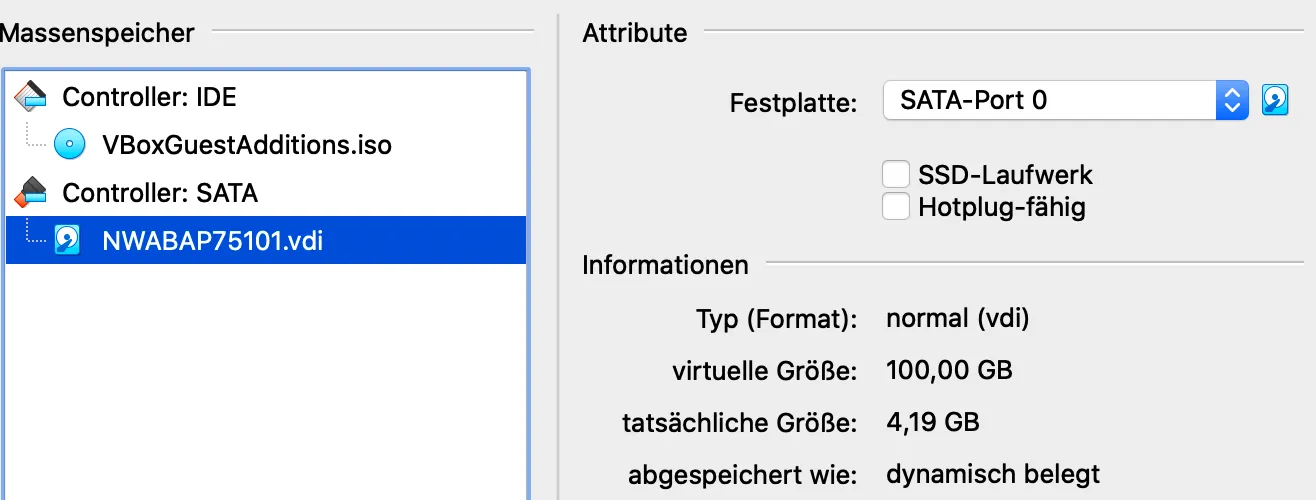
After the tool finishes, the disk size will be close to what Linux showed in the df output: 4,19 GB.