SAP Help
The client user was created in the previous step. With this, the OAuth client app can log on to Gateway. In theory, this could be enough to allow access to the Gateway service. The client could now send an access token and its client secret to be authorized. As this is not secure enough, the client must not only authenticate itself (UIDPW or X509) but must also have the authorization to access the service with the given scope and client id.
The authorization object S_SCOPE is used for this. To enable the OAuth client user to act as an OAuth client, you must assign and configure the authorization object S_SCOPE. This is done by creating a new role, add S_SCOPE and assign the role to the user.
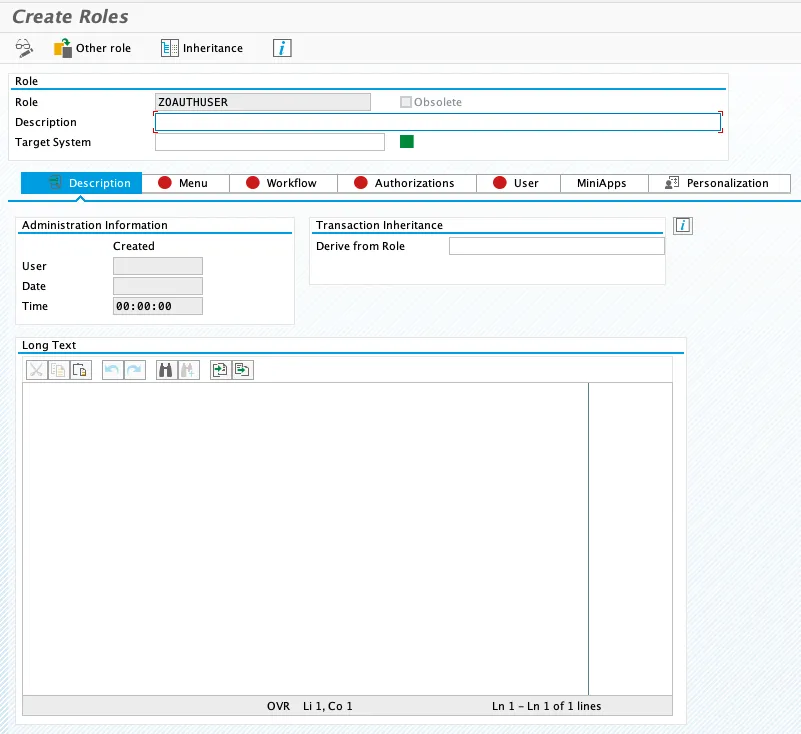
Create new role: ZOAUTHUSER
Tx: PFCG
- Role: ZOAUTHUSER

Create single role
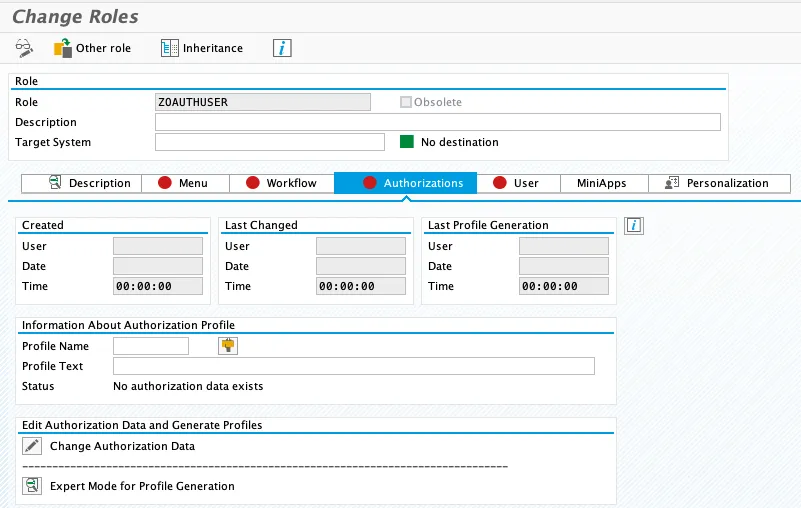
Go to tab Authorization (confirm save role if needed)
Add and configure authorization object S_SCOPE
Select Change Authorization Data

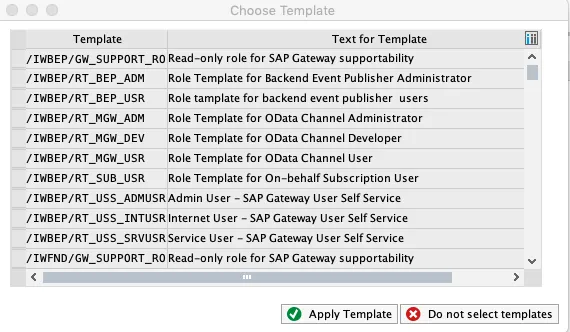
A popup appears asking to select a template. Click on “Do not select templates” to cancel the popup.
Go to menu Utilities and select “Settings…”
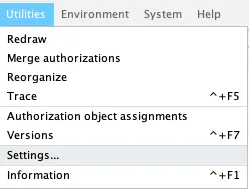
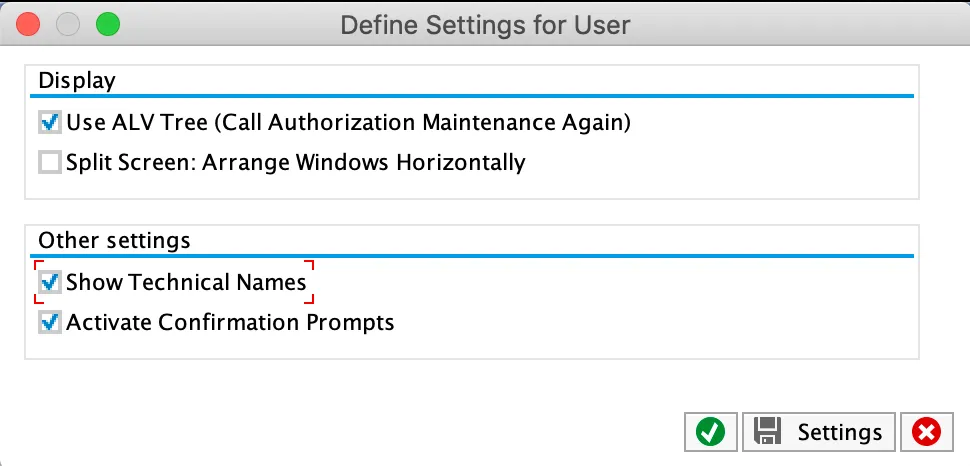
Check “Show Technical Names”
S_SCOPE configuration
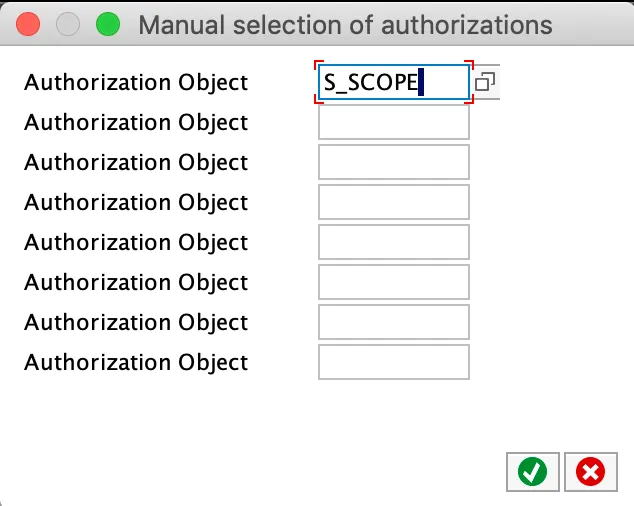
This adds the S_SCOPE authorization object.
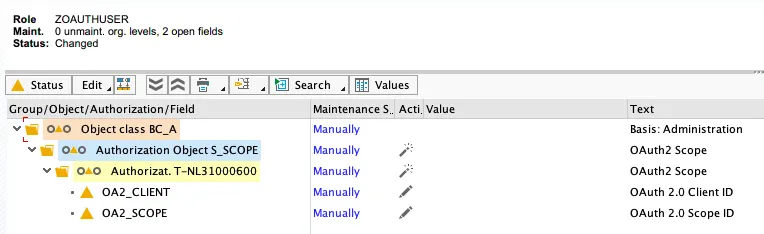
Both the client and scope need to be configured.

Client
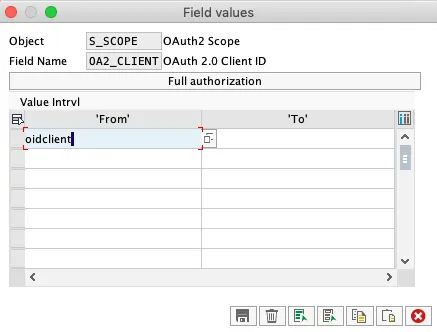
Click the edit icon. A dialog will be shown:
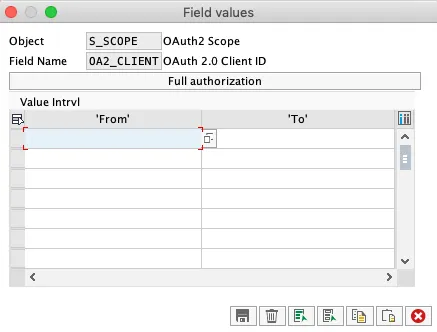
In the field from, enter the OAuth client id: oidclient and save the change.
Scope
Click on the edit icon the configure the scope.
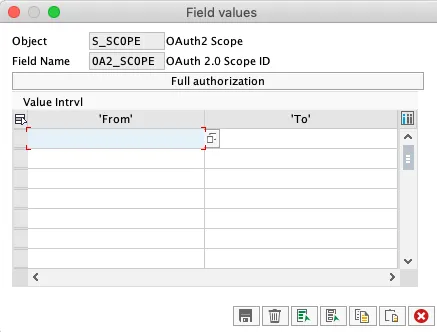
Insert scope: ZDEMO_CDS_SALESORDERITEM_CDS_0001
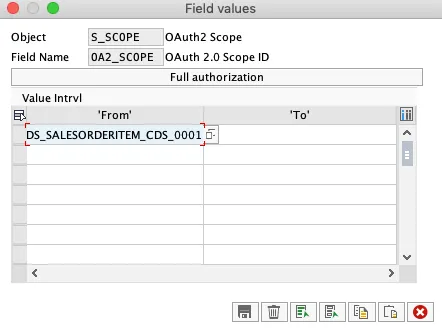
Result
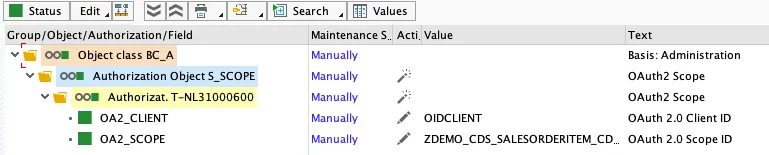
After adding S_SCOPE and configuring the OAuth client and scope, click on generate.
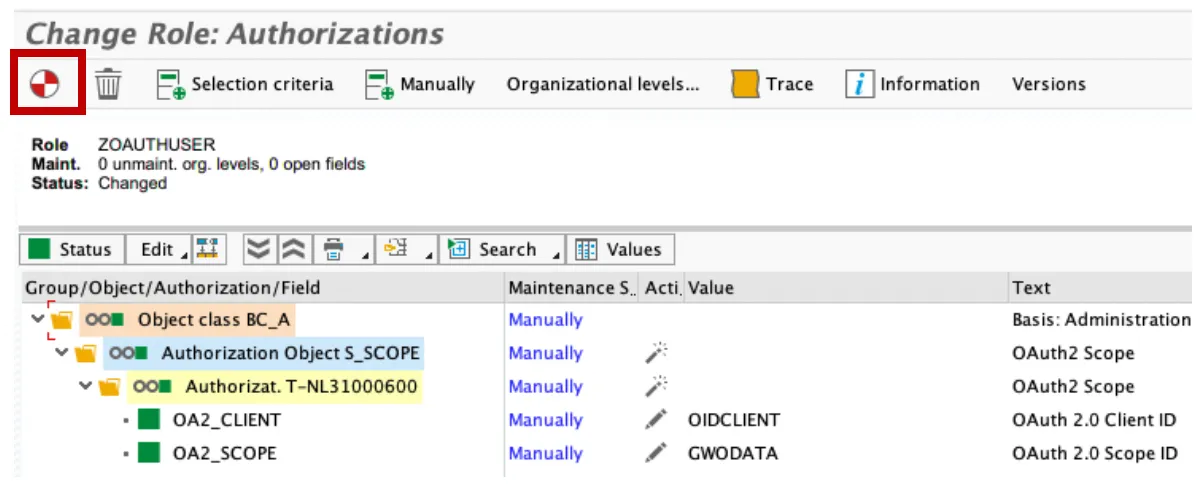
Result
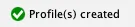
The authorization profile is now generated.

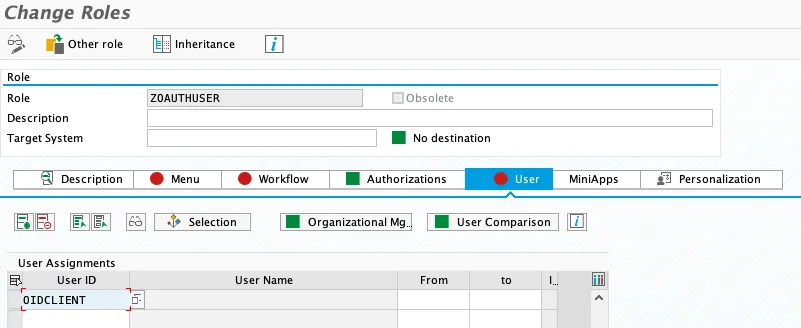
Assign user to profile
Go to tab users. Add user oidclient.