

Scenario
You send a SAML Bearer Assertion to the OAuth token service of SAP Gateway. The Return type is 400 Bad Request.

Error message
{
    "error": "invalid_grant",
    "error_description": "Provided authorization grant is invalid. Exception was Message Assertion is not signed. For more information, consult the kernel traces or the OAuth 2.0 trouble shooting SAP note 1688545"
}
Root cause
The error message contains a description of the root cause for the HTTP 400: “Exception was Message Assertion is not signed.” To get more details, an OAuth trace can be performed. Additional information is described in SAP Note 1688545 🔗.
Tx: SA38
Program: SEC_TRACE_ANALYZER
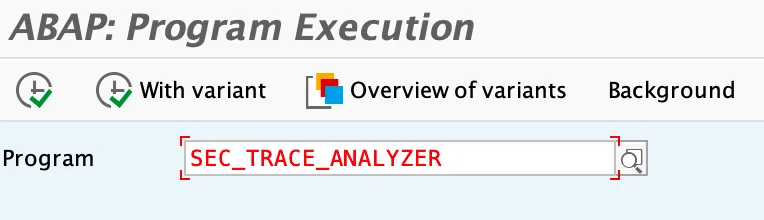
Click run with variant and select SAP&OAUTH2
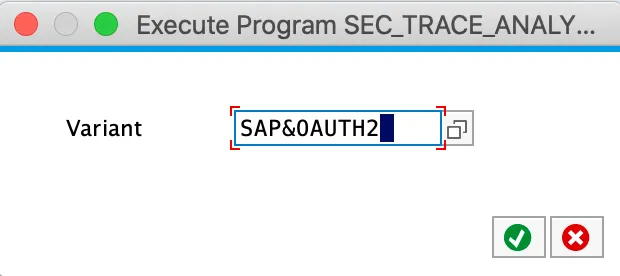
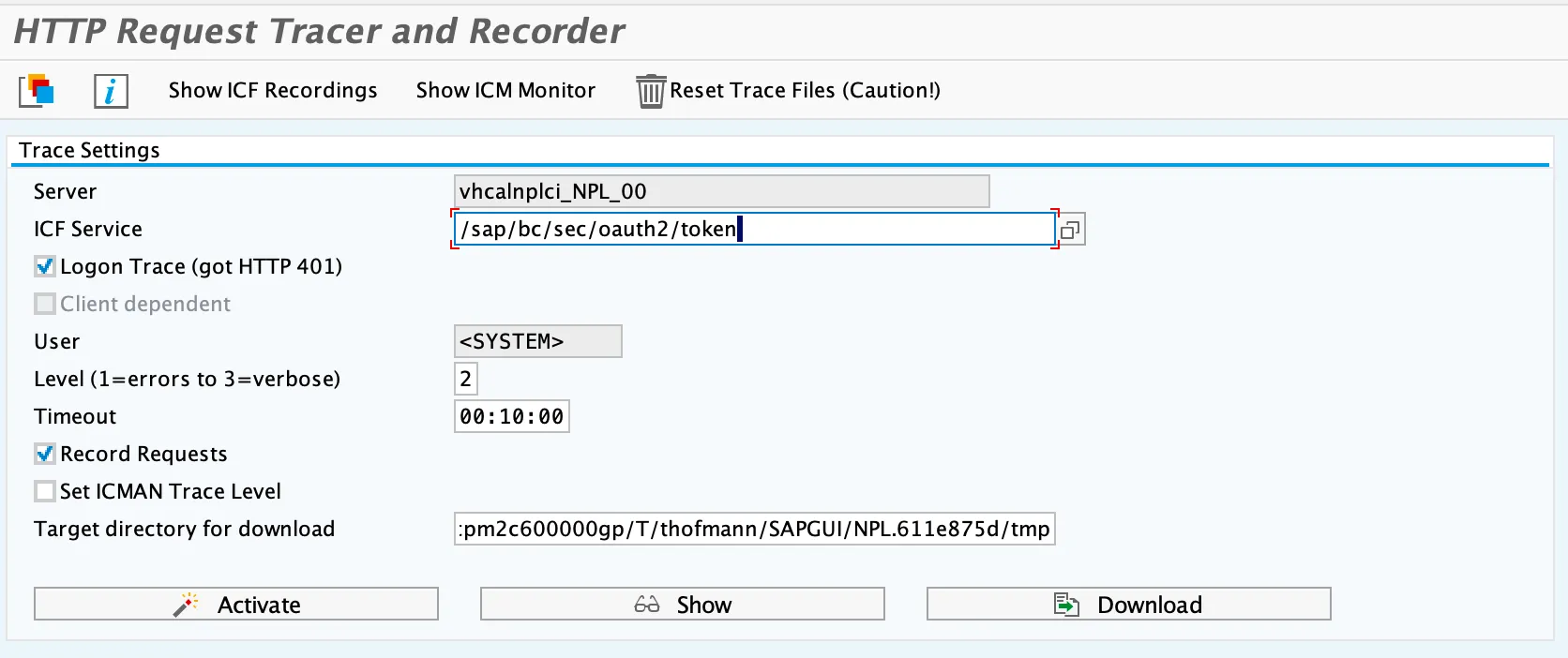
Click on Activate and reproduce the issue. To see the result, click on Show.

Alternative to run the report:
Tx: SE38
Program: SEC_TRACE_ANALYZER
ICF Service: /sap/bc/sec/oauth2/token
Logon Trace (got HTTP 401): Select
User: OIDCLIENT (the OAuth user of type system)
Solution
Activate signing of assertions in Keycloak. Open Keycloak administration console and go to the SAML client. Activate signing of Assertions.
