

To be able to log in to your SAML 2.0 IdP after a SP redirect, the SP must be configured in your IdP. While this sounds obvious, it can be confusing when you have several clients in your IdP and several IdP in your SP. For instance, you must ensure that the SP is redirecting to the correct IdP. In Keycloak, you may have several realms. You have to add the NW ABAP SP to the realm you are using for SSO. This also means that you have to configure your NW ABAP SP to use the correct realm on the IdP.
Root Cause
The relationship between SP and IdP is defined when you exchange the metadata files of both. Afterwards, a user can log on to the SP using his IdP credentials.
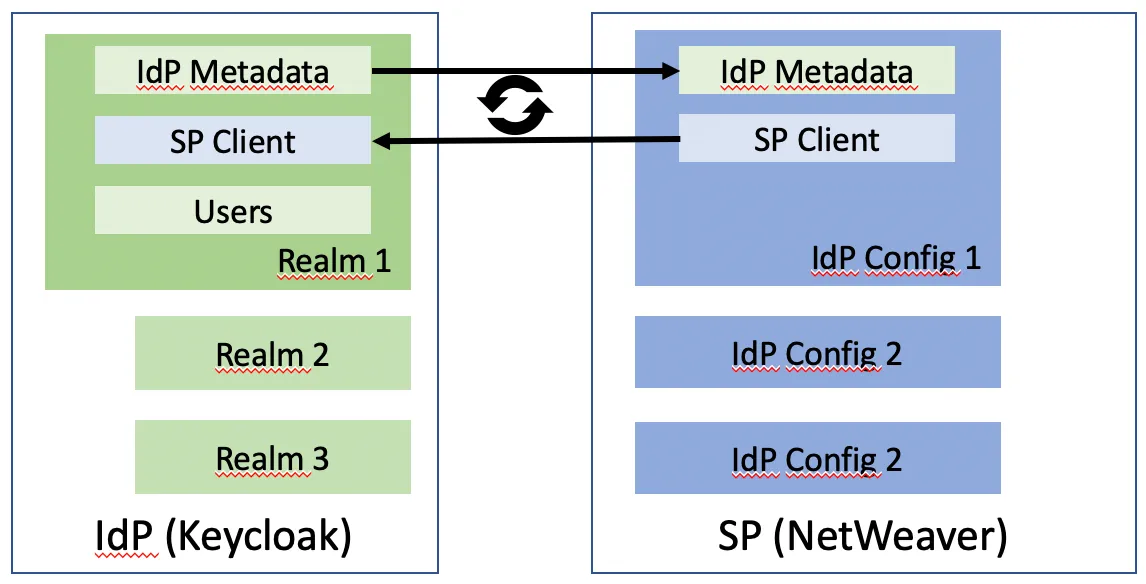
In case the exchange is not done completely, the user may be able to select the IdP, but won’t be able to log on, as the IdP does not know the SP.
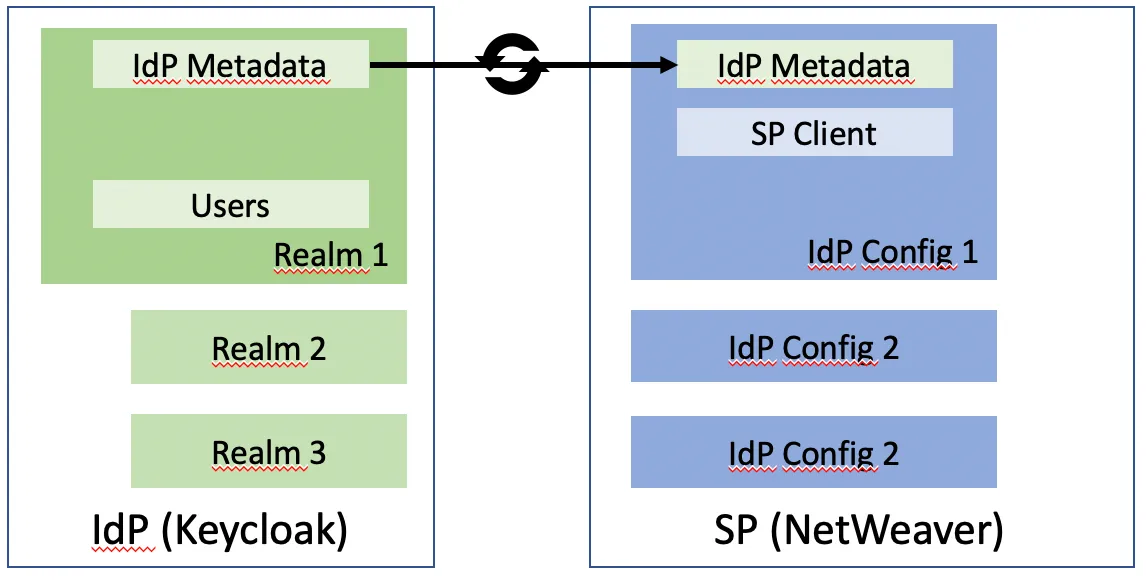
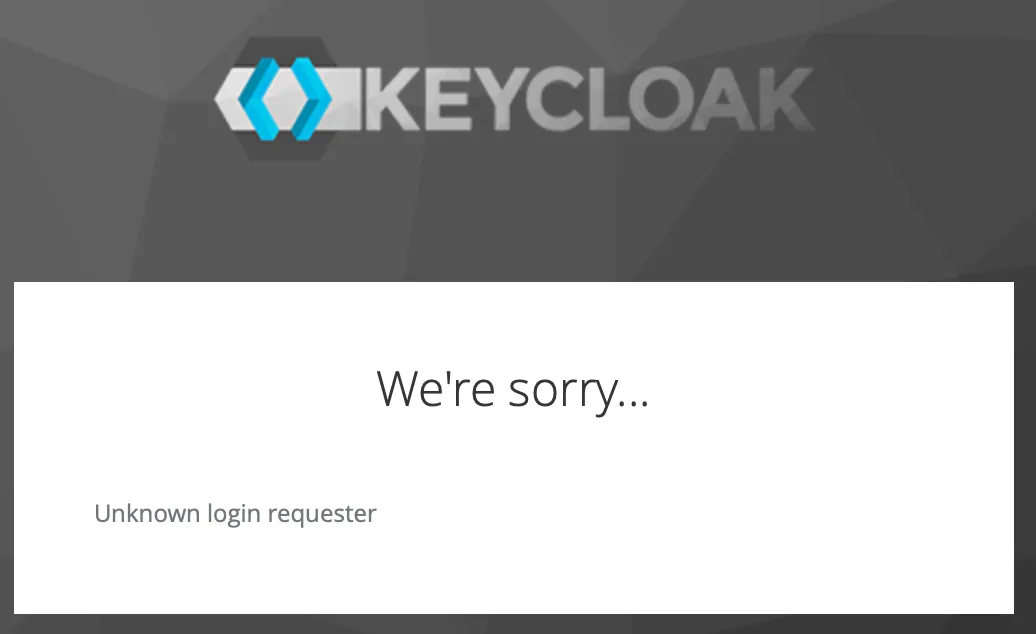
In case the client is not configured in Keycloak, the request is denied.
Solution
You must ensure that the metadata exchange is completed on both SP and IdP before a user is able to log on the SP.