

Proxmox 🔗 is for running VMs. It offers support for Linux Containers 🔗, but there is no build in support for Docker containers. This does not mean that you cannot run Docker on Proxmox. You won’t get native integration into Proxmox, which means that you need to use a different software to manage your containers. If you still want to: one alternative is to install Docker in a VM (recommended by Proxmox). Another alternative is to install Docker directly on the server. As the used OS by Proxmox is Linux and Debian, this is really easy to do. Just follow the steps described at the Docker installation page for Debian 🔗. If you want to run Docker directly on the Proxmox host, it’s just 7 steps:
- Prepare apt
apt-get update
2. Install base software
apt-get install \
apt-transport-https \
ca-certificates \
curl \
gnupg2 \
software-properties-common
3. Install Docker key
curl -fsSL https://download.docker.com/linux/debian/gpg | sudo apt-key add -
4. Check fingerprint
apt-key fingerprint 0EBFCD88
5. Add docker repository to apt
add-apt-repository \
"deb [arch=amd64] https://download.docker.com/linux/debian \
$(lsb_release -cs) \
stable"
6. Update apt
apt-get update
7. Install Docker
apt-get install docker-ce
Output
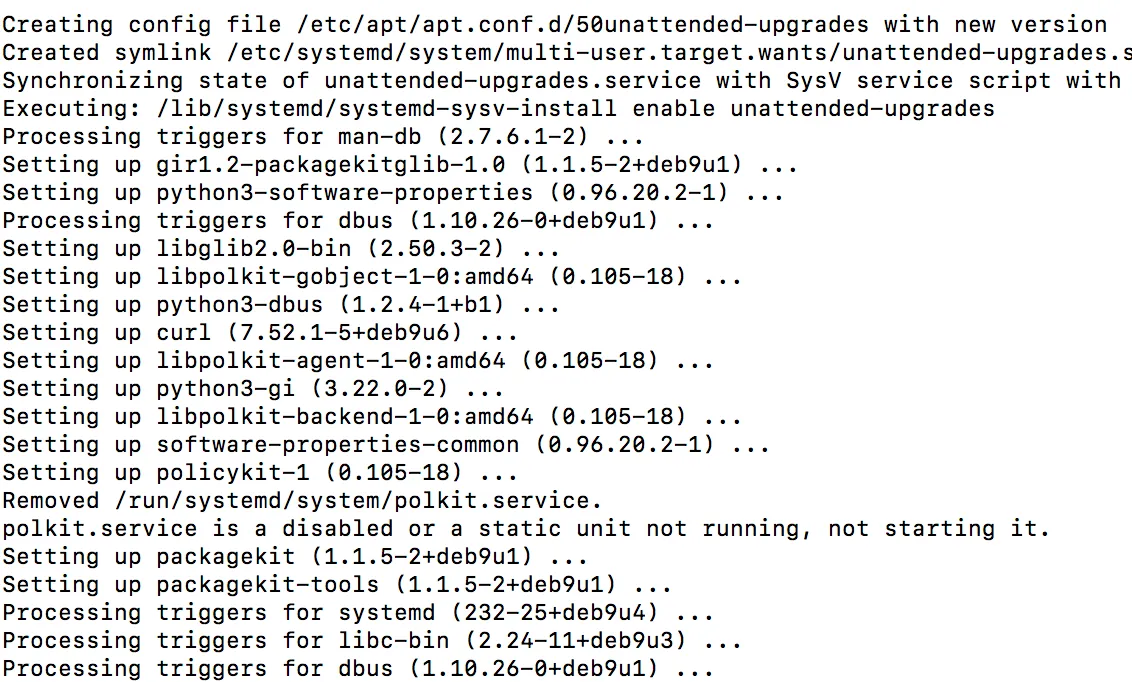
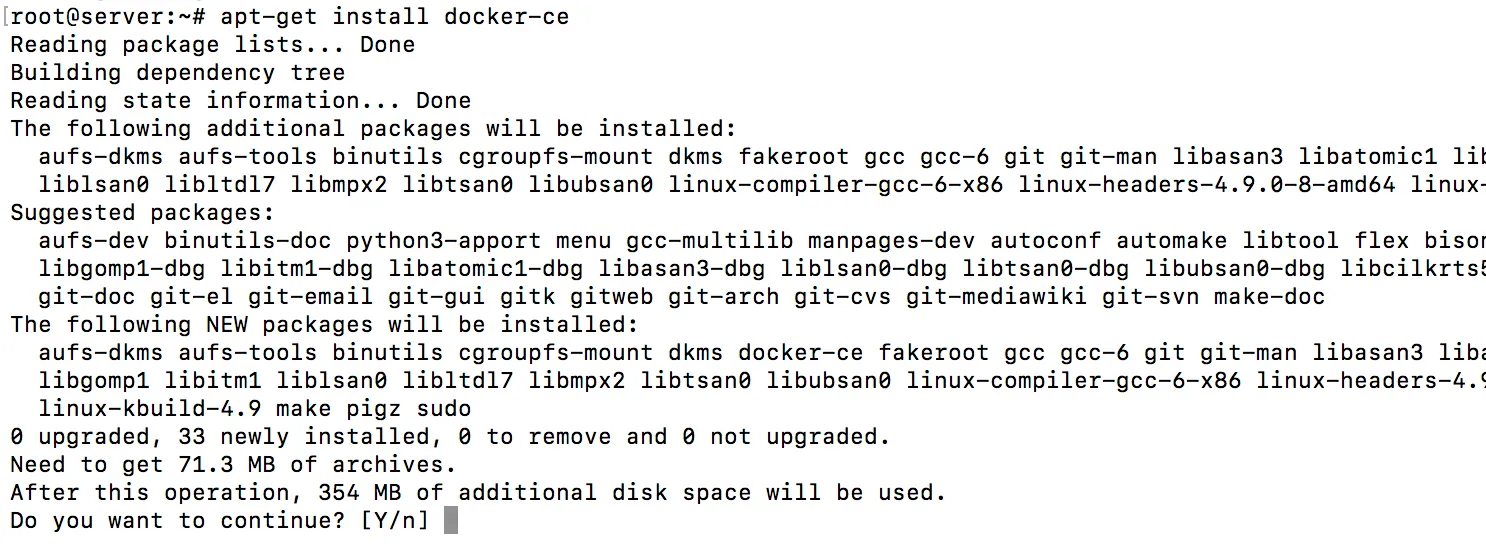
For those that want to know what the output of the above commands looks like I added some screenshots.
- Prepare apt

2. Install base software

[…]
3. Install Docker key

4. Check fingerprint

5. Add docker repository to apt


6. Update apt
Now the docker repo is also loaded.

7. Install Docker
[…]
