SAP Help
Configuring the SAP Web AS for Supporting SSL 🔗
icm/HTTPS/verify_client 🔗
Configuring the AS ABAP to Use X.509 Client Certificates 🔗
A pre-requisite is to configure NW ABAP to support TLS / HTTPS. To be able to log on to NW ABAP using a X.509 user certificate, the ICM service must be configured to accept client certificates. This is a profile configuration. The parameter is:
icm/HTTPS/verify_client
The enable client certificate validation, set the value to 1. To make it mandatory, set it to 2. In most cases you set it to 1 to not block HTTP access to all users that cannot send a client certificate.
Tx: RZ10
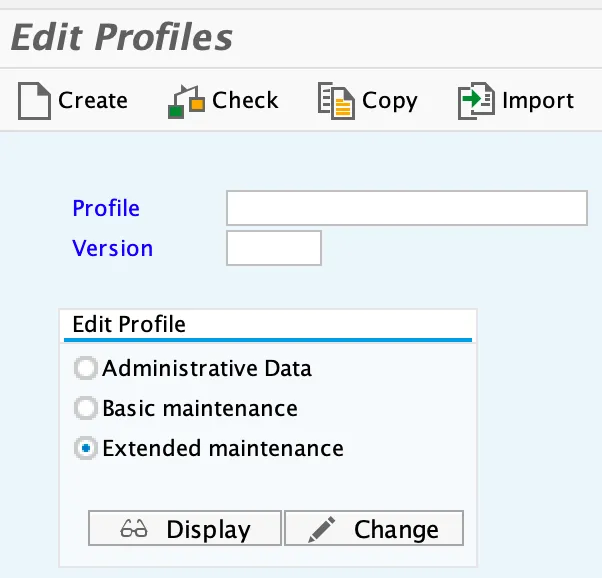
Select the ACS profile.
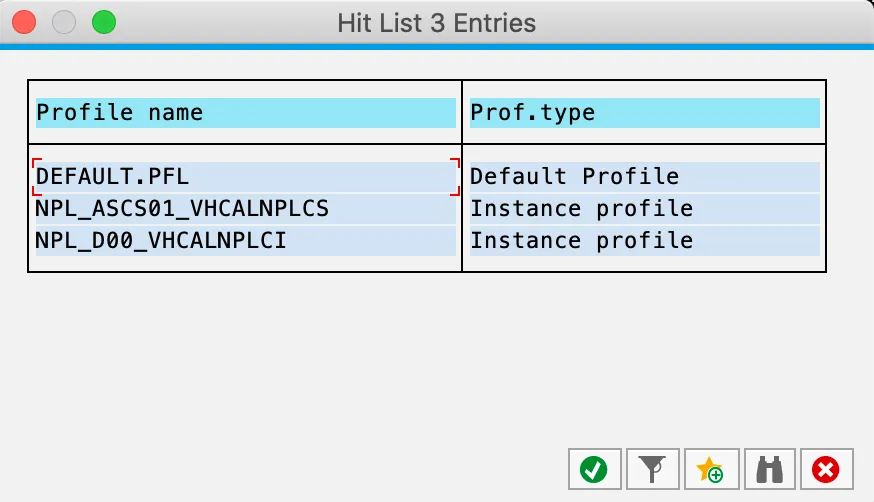
DIA Profile: NPL_ACS01_vhcalnplcs
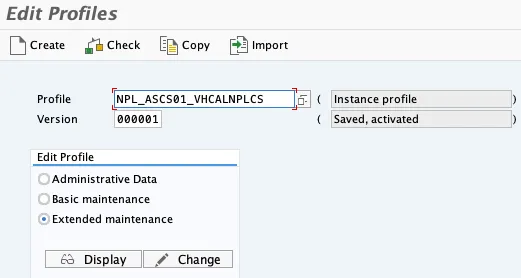
Select change. Add a new parameter.
Parameter name: icm/HTTPS/verify_client
Parameter val.: 1
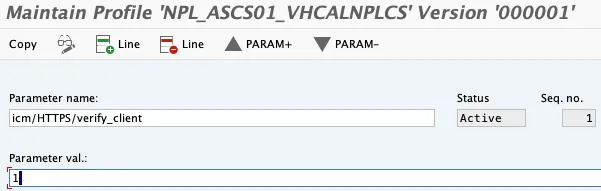
Navigate back and save the change when asked. Save and activate the new profile version.
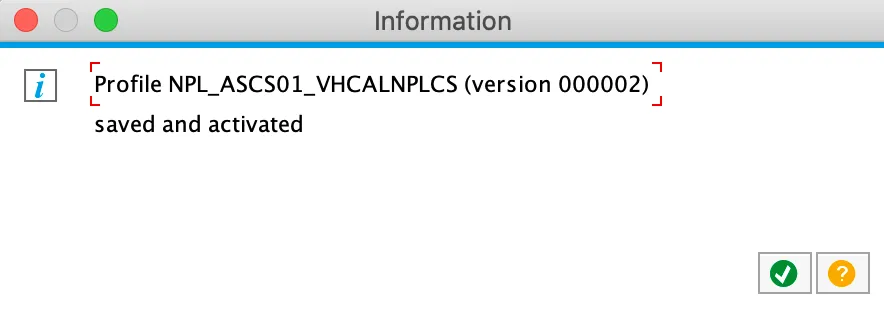
The new parameter should be read and activated without a restart. To make sure that it really worked, restart the ABAP server and validate that the new parameter is active. To see if the parameter is active, the profile can be checked, or the ICM configuration.
Profile
Tx: RZ11
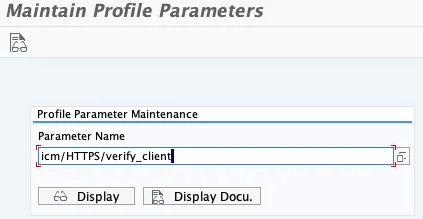
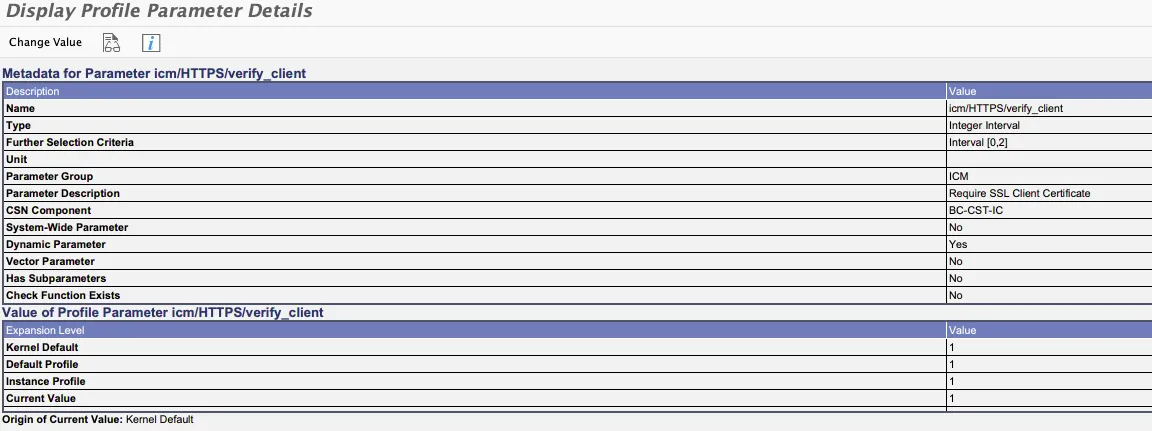
Current value is set to 1, ICM will accept client certificates.
ICM configuration
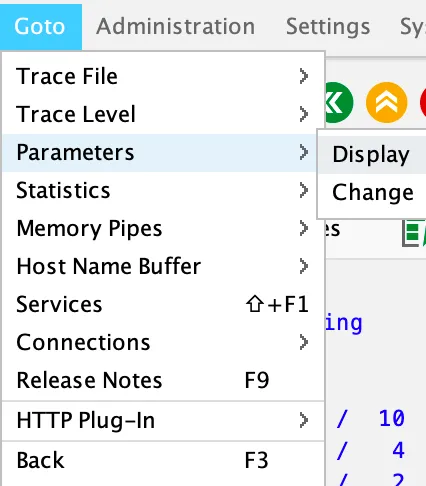
Tx: SMICM
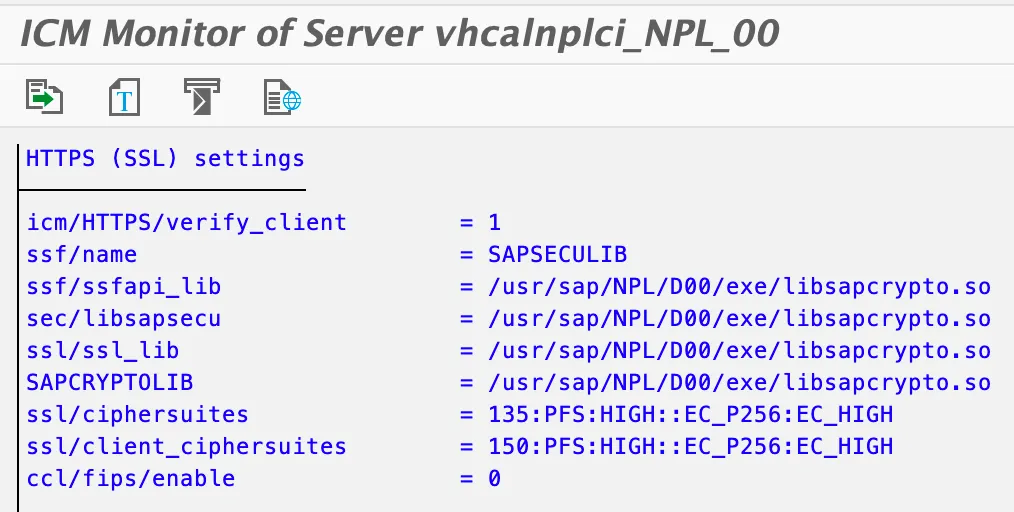
Open menu Goto and parameters > display.
Scroll down to section HTTPS (SSL) settings.