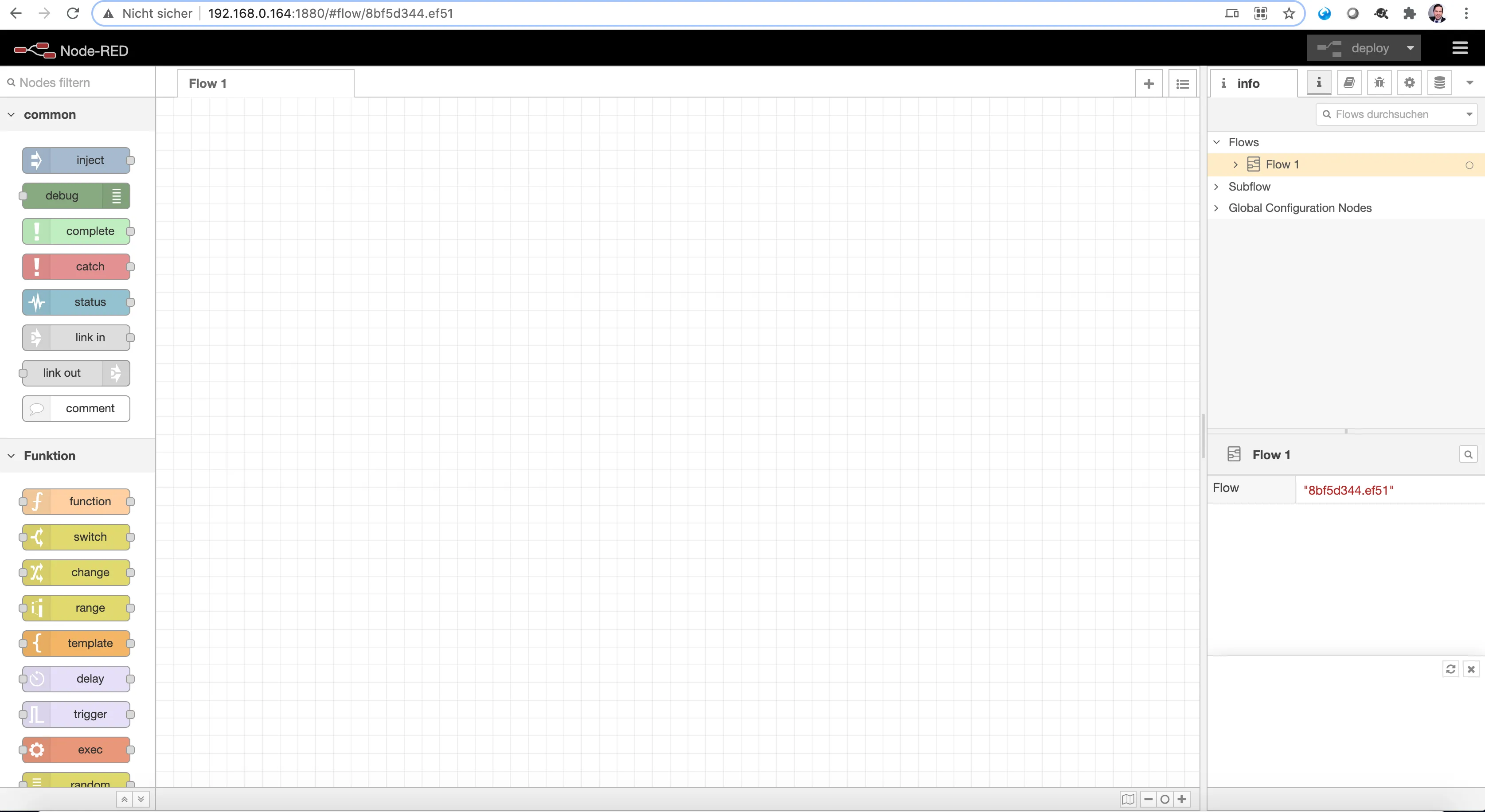
Node-RED 🔗 is a tool that allows to develop flow-based apps 🔗. Users can create apps using visual programming, making it easy for everyone to create apps. Focus is on IoT based solutions. IBM released it under an open source license already in 2016 🔗. Therefore, developing apps is not only easy, but also free. Running it on a Raspberry Pi is a perfect use case.
Installation
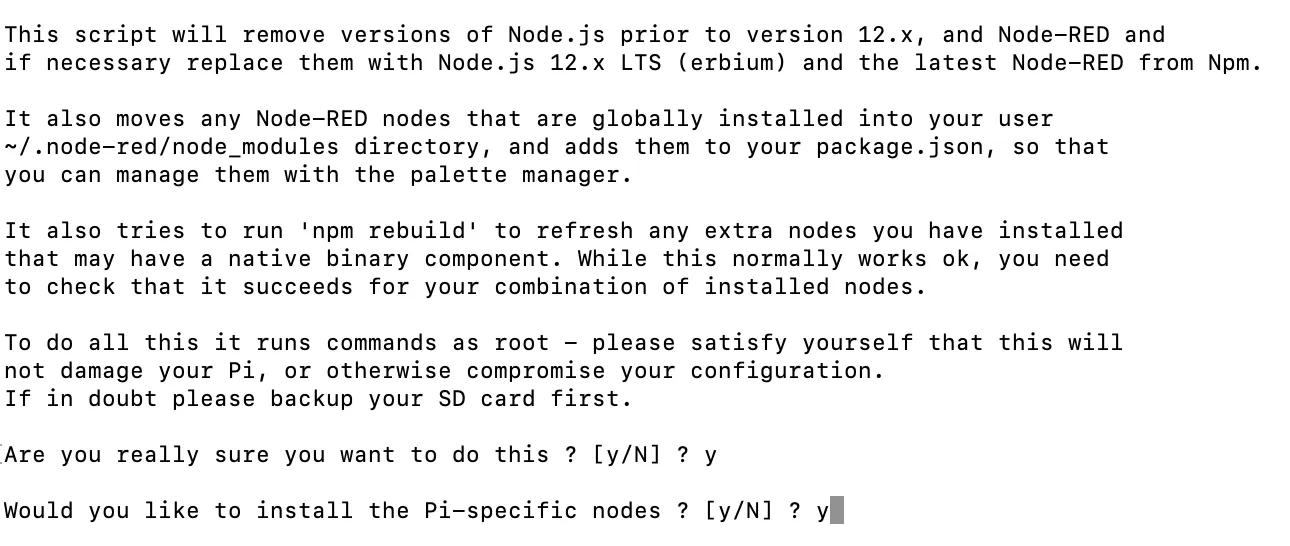
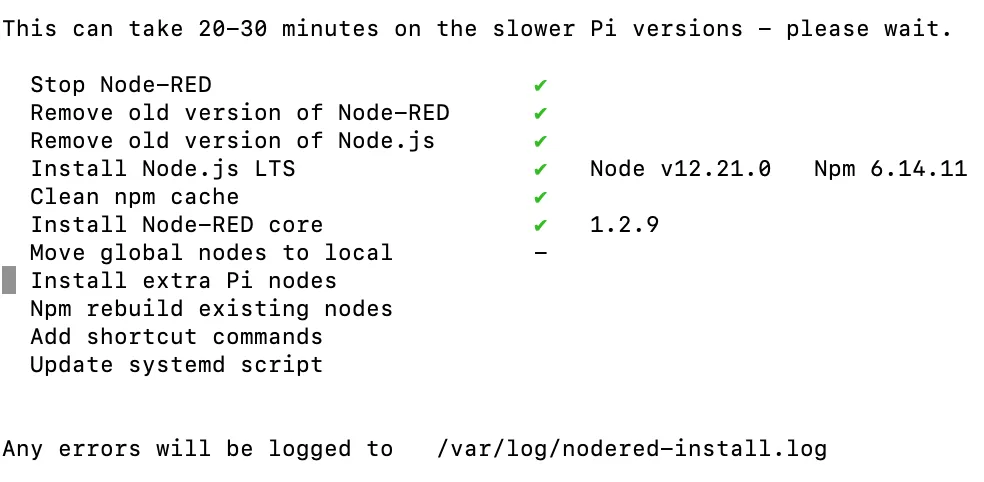
The Node-RED project offers a nice documentation on how to install it on a Raspberry Pi 🔗. Installation is done by downloading a convenience script from the internet. You have to trust (or check) the script. The script will run as root, so take care!
bash <(curl -sL https://raw.githubusercontent.com/node-red/linux-installers/master/deb/update-nodejs-and-nodered)

Start Node-RED
You can start Node-RED from the command line. To run it as a service:
node-red-start
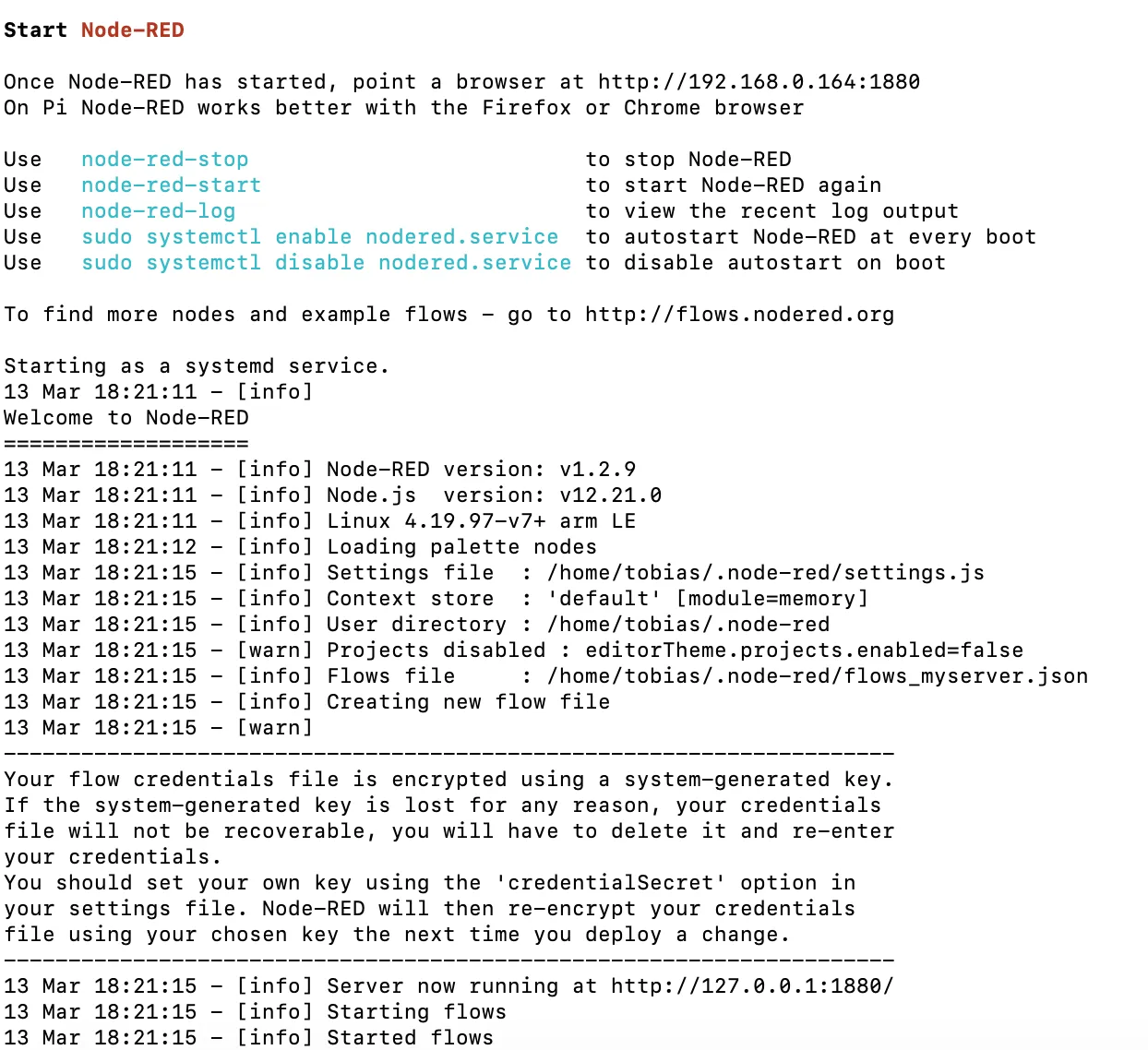
To have Node-RED start automatically at startup, install it as a service.
sudo systemctl enable nodered.service
Access
Node-RED is accessed via its web interface. When starting Node-RED, the address to use is shown in the output. The IP of my RP is 192.168.0.164 and port 1880:
http://192.168.0.164:1880/