

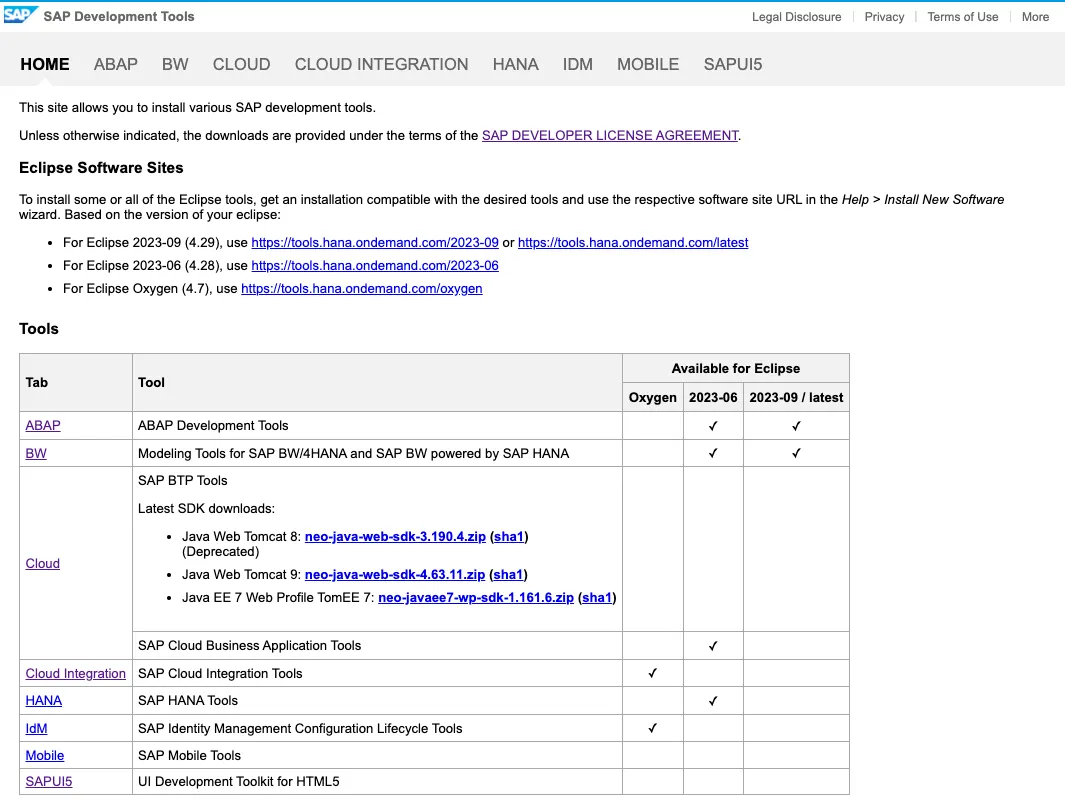
Accessing the SAP development tools site 🔗 gives you access to a wide range of useful and maintained tools for developers.
Private privacy
In the header toolbar are some legal links, like legal disclosure or privacy.

Clicking the privacy link leads to an access protected page. Without providing credentials, you don’t get access to the privacy document.
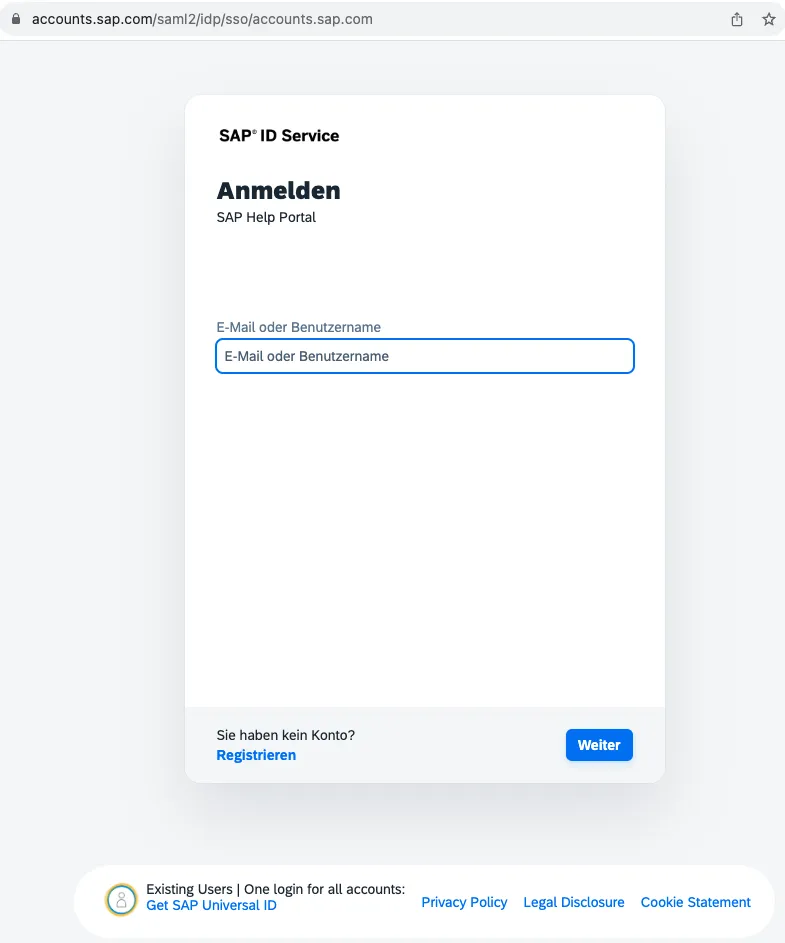
Not exactly what I expected. I would suspect that the privacy statement is publicly available. As the tools site is.
Root cause
What happened? The underlying technology used for the tools site is UI5. Looking at the source code reveals what link is called by the privacy button.

The target link is: https://help.sap.com/viewer/Development_Tools_Privacy 🔗
Opening the link in the browser leads to a redirect to an access protected site.
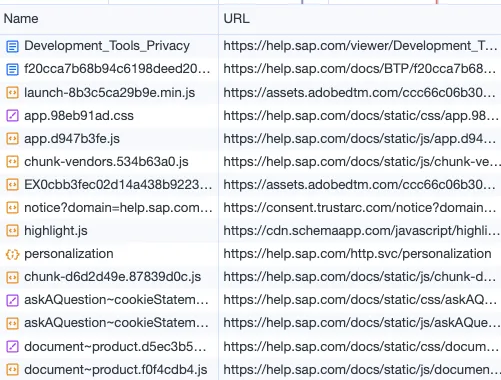
One call goes to http.svc/login

This call is triggered by a redirect by JavaScript.
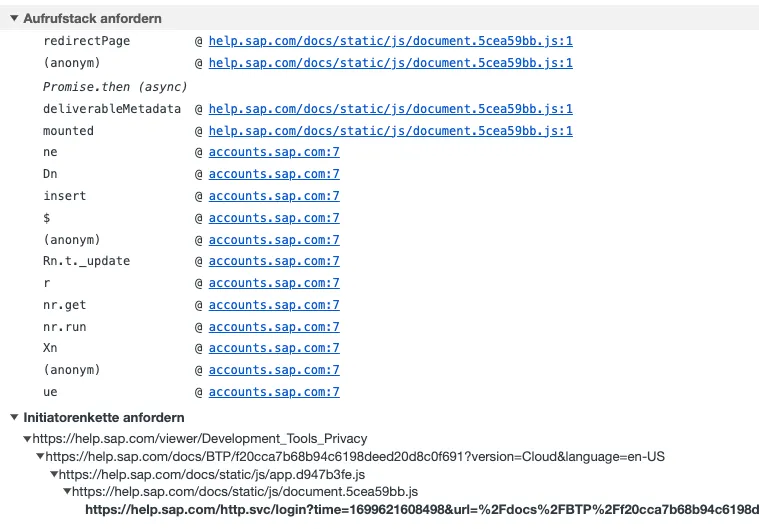
For some reason, the logic wants to access an access protected URL.
Result
Hard to believe that the privacy link should redirect to an access protected site. If this is the expected behavior, the link should be marked as access protected. My impression is that the link should go to a public accessible privacy statement. And that this link should be fixed asap.
Update
The privacy statement can be accessed without authentication. I had to find this out by myself, because, guess what: no one from SAP bothered to inform me that they fixed it.