

Using SAP Help search as input for your AI
SAP Help search has not the best reputation in the industry when it comes to search. The search results you get can be frustrating. It is not offering an experience you are used to form e.g. Google. As an example, using Google to search for a term like “Fiori Launchapd Developing Plug-Ins” gives me:
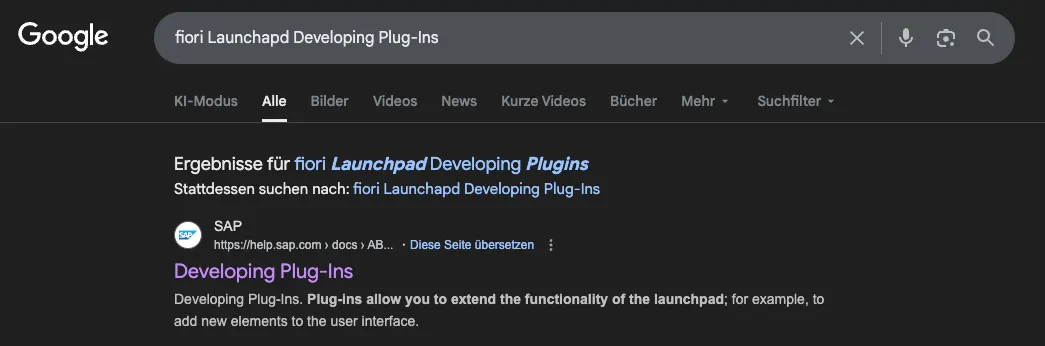
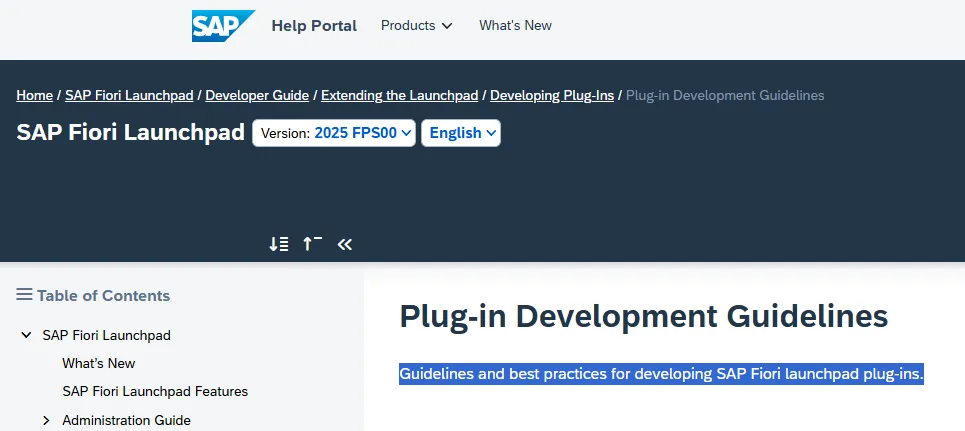
The first link directs me to the SAP Help page for SAP Fiori Launchpad, topic Develping Plug-Ins for S/4HANA 2025 🔗. And yes, even when the spelling is not correct, Google returns the correct result! Using the same search term on SAP Help search returns a list of results you need to evaluate with caution. The task of finding the same page 🔗 via SAP Help search is not easy.
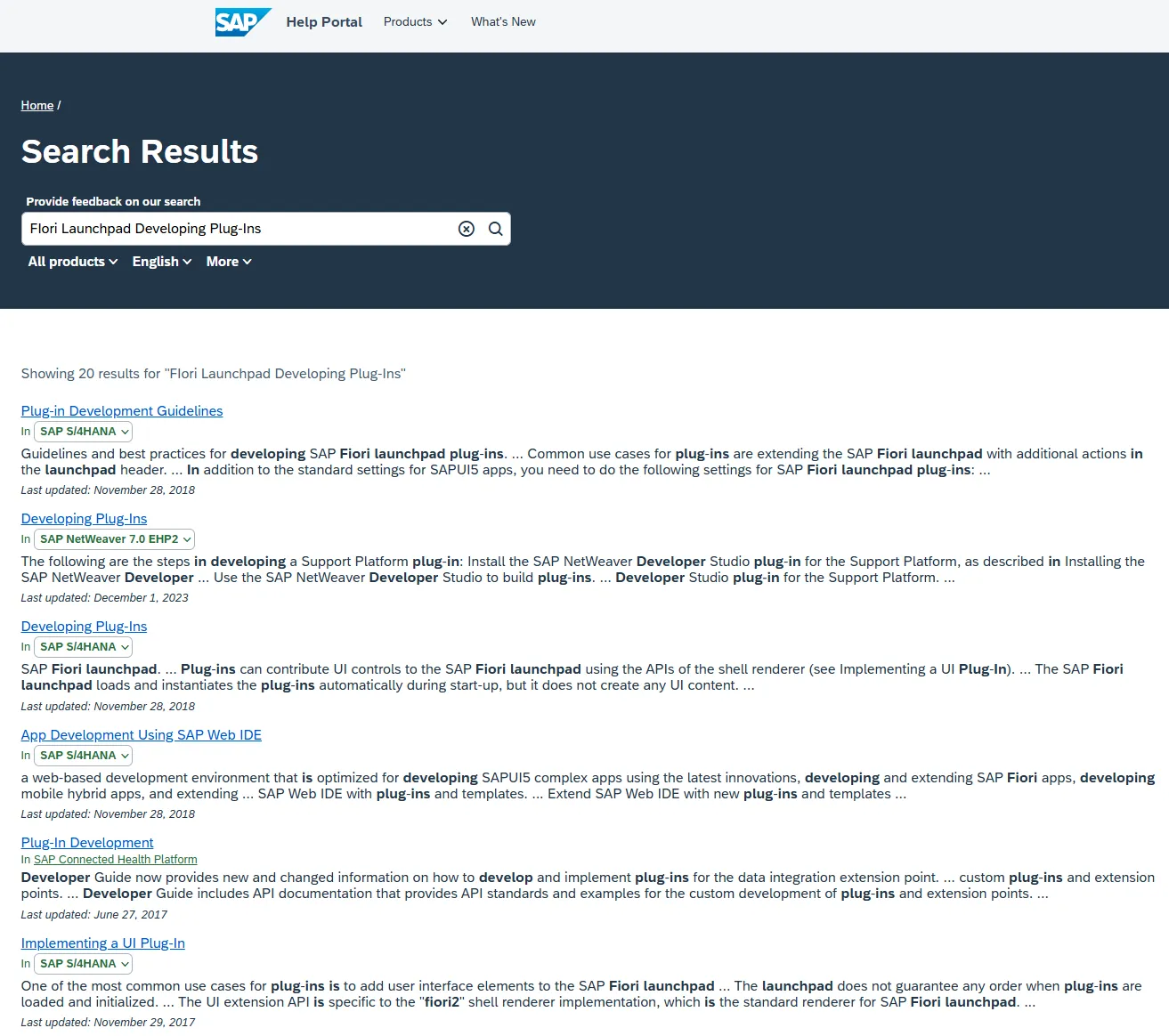
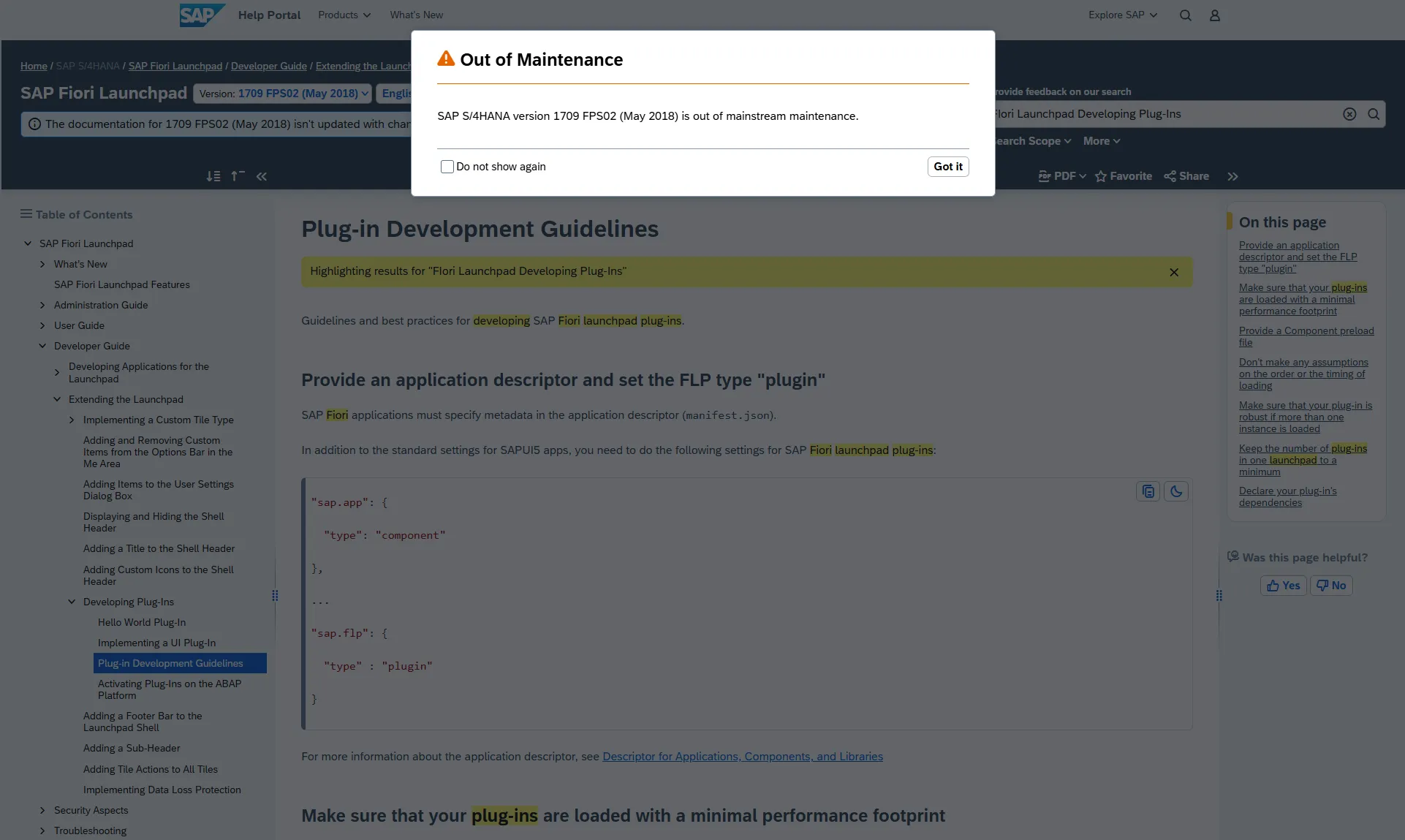
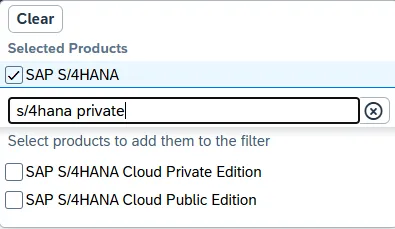
As you can see from the search results, these are not the most recent ones. The first results is correct for the topic, but outdated. It is from 2018, the second one from 2023. It is now the year 2026, I somehow expect this to be reflected by the search results. When opening the page, the outdated result is made clearly visible by SAP Help. This implies you have to do an additional click to get rid of the warning message.
A problem with the SAP Help search is simple: there are many SAP Products and versions. Maybe too many. At least for the SAP Help search. But if the search is overwhelmed with the task, maybe providing more information helps. To get a better result, you can narrow down the search to a specific product. For instance, S/4HANA. Unfortunately, the list gives S/4HANA and S/4HANA Cloud Public Edition, but does not list Private Edition.
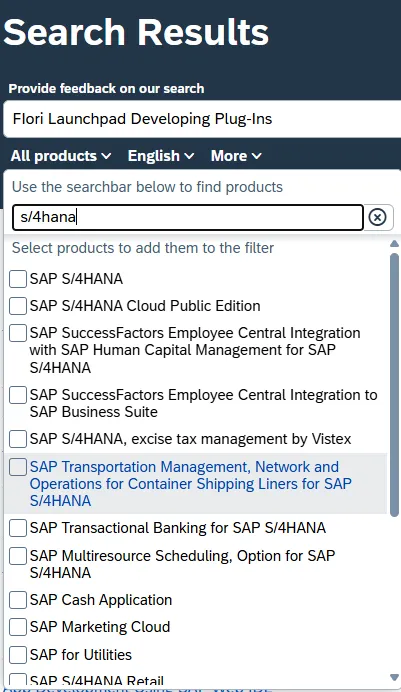
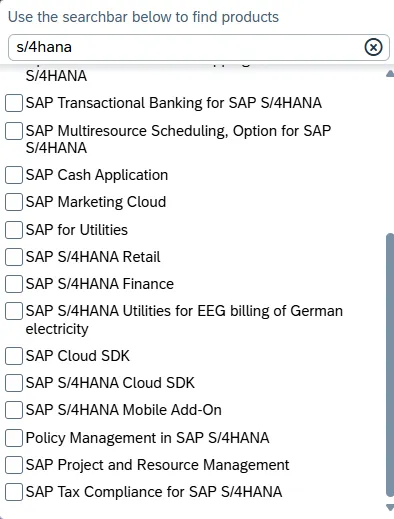
Maybe you can find it in the list. I did not. But S/4HANA should solve the problem and give better search results. Right? Well, selecting S/4HANA does not solve the problem, as the search results returned are still for older releases: 2018
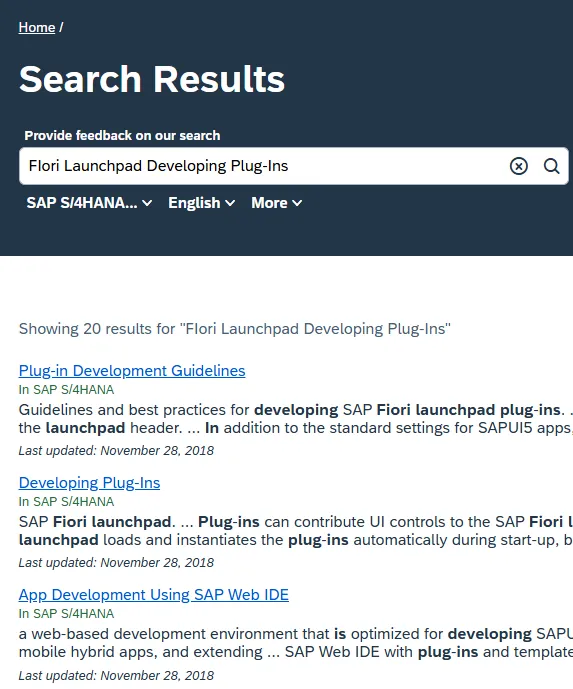
Being more specific about the product by entering not only S/4HANA, but S/4HANA private gives the option to select S/4HANA Cloud Private Edition.
The search results are now closer to today.
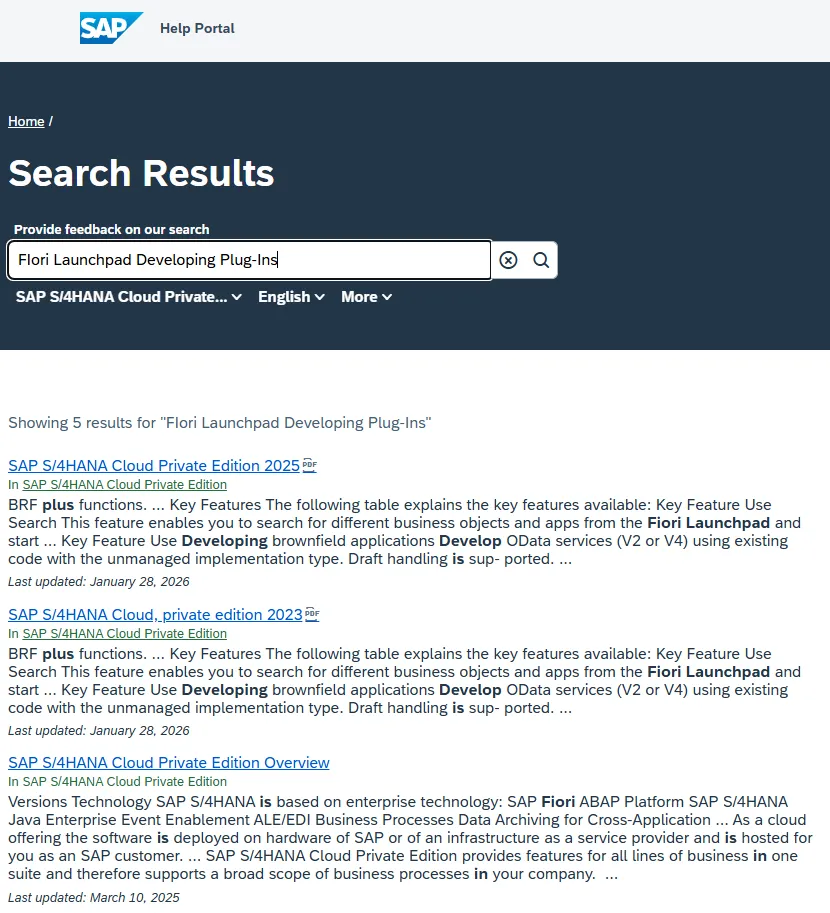
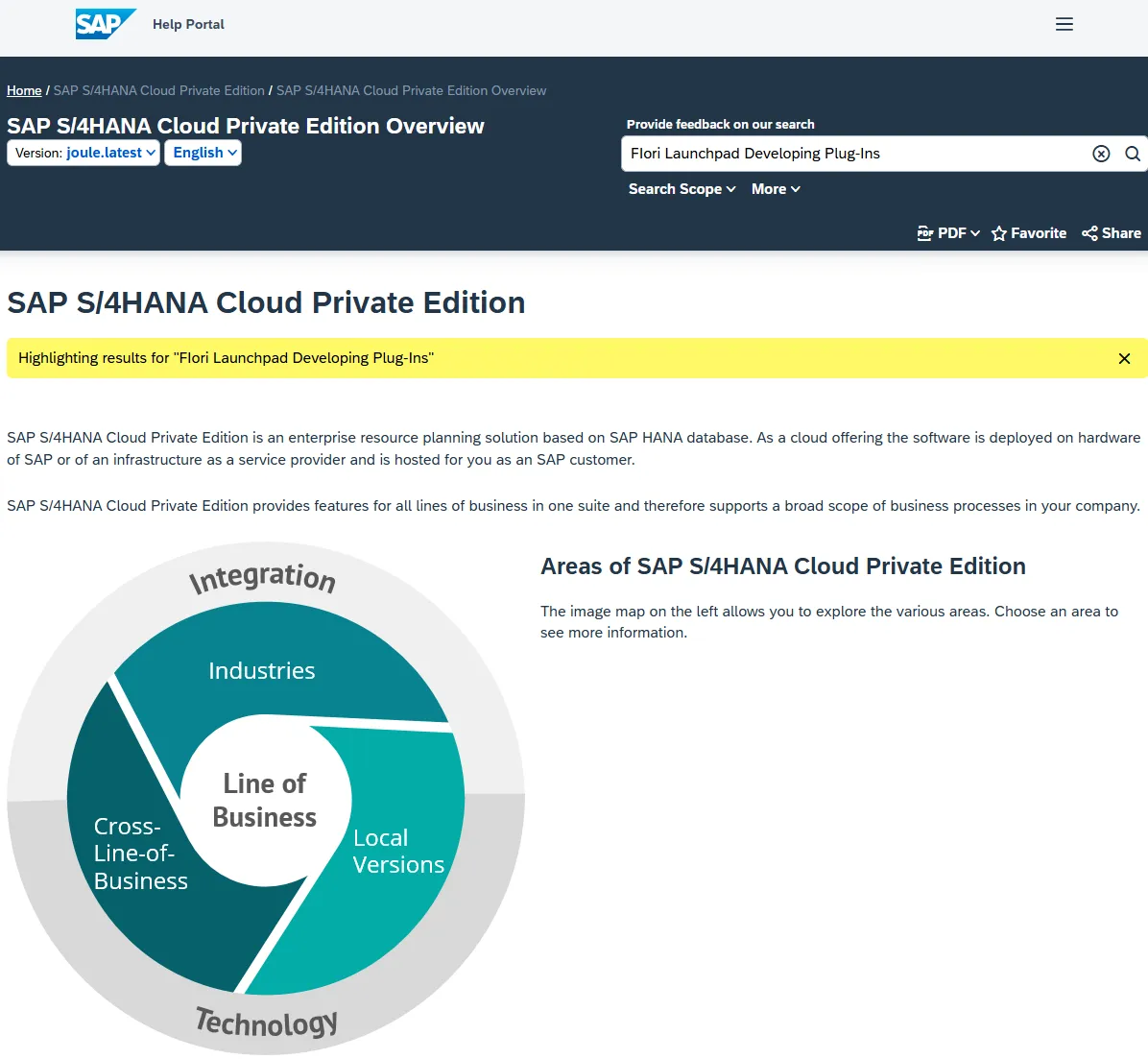
Closer to today, but better? I am not sure. The first one is the feature scope PDF for 2025, the second result the PDF for 2023, and the third one is the overview page. As a reminder: the page does exist: Developing Plug-Ins 🔗. Looking at the search results page: the page on how to develop Fiori Launchpad plugins is not listed. What the search returns is however not the page. The first link gives the S/4HANA overview page. I like that the search result is highlighted when you open the page, but there is nothing to highlight, as the page does not contain the search term.
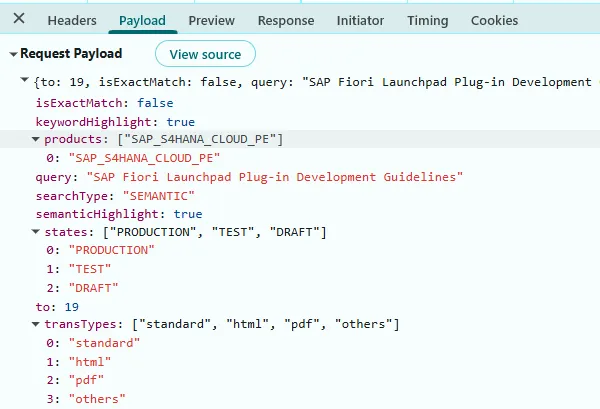
If you wonder how the search works: payload gets send to endpoint /semanticsearch and then a query is send to /elasticsearch 🔗.
Problem
The search works, yet, at the same time, does not work. Sometimes I get better results, sometimes, only garbage. My experience:
- The page I want to find via search has a title. Searching for page title: not returned => page for NW 7.0 EHP2
- Searching for a sentence: “Guidelines and best practices for developing SAP Fiori launchpad plug-ins.”: not returned => I get the 2018 page
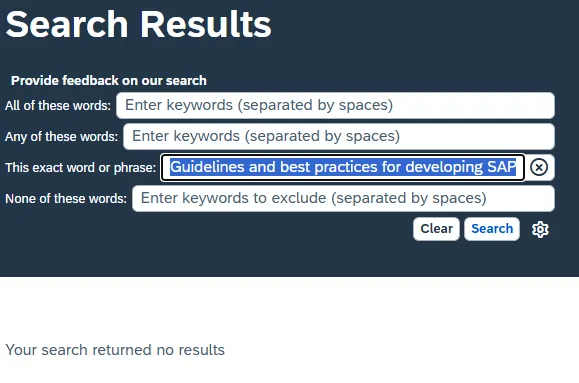
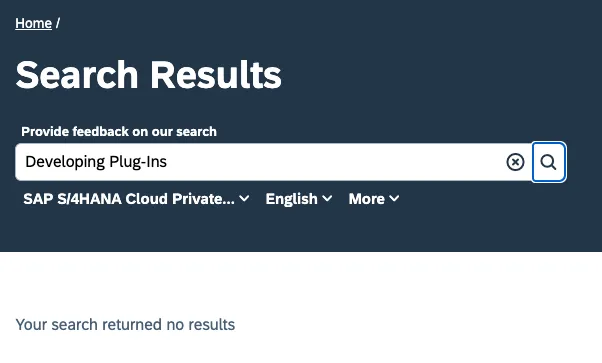
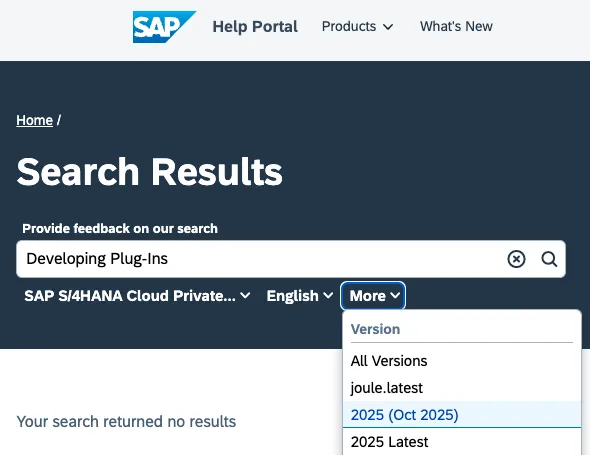
- There is an advanced search option, giving the option to search for the exact phrase “Guidelines and best practices for developing SAP Fiori launchpad plug-ins.”: no result.
At one point I wonder if I can do copy&paste. But the sentence exists. Sentence in help page: “Guidelines and best practices for developing SAP Fiori launchpad plug-ins.”
And the advanced search offers the option to search for a phrase. Yet, the search result insists that there is nothing.
Even when providing additional information like the procut, version and the page title: nothing returned.
Conclusion
The SAP Help search is a challenge to work with. When you hoped that it gets better with AI as you can outsource this time consuming and frustrating task to an AI tool: no. When you want to your AI tool to look up information from SAP Help, it won’t work. The results returned might be sometimes good, sometimes bad, and for sure every time not the same. Even when you provide additional context like your release, the chance that outdated information is returned is too high. S/4HANA on premise users might have to use private cloud in their search to get a usable result. If at all.
Your AI tool might not know all about SAP. If you want to enhace it by making it seearch for help on SAP Help, do not expect too much. The search results might not be what you need, or what your AI tools needs to perform a certain task.
Solution
In a following post I’ll show how to access information from a web page like SAP Help that can be used by your AI tool.