

Link to download a zip files that contains the SAP Icons as svg files: download link 🔗.
When you work with Fiori you might have come across the UI5 SDK 🔗. The SDK offers access to the icon explorer 🔗. This is a nice too when you want to find icons. The problem: these icons are available as a font. There is not easy way to download them or to copy them into a document. What you get is sap-icon://add-product or xe142. Not really usable when you want to use it in e.g. a presentation. The icon explorer comes with the page icon information and download 🔗. There you can download the TTF font files. A messge box seems promising and mentions a BTP Experience Toolkit. Of course, SAP is SAP, so the link is not working 🔗.
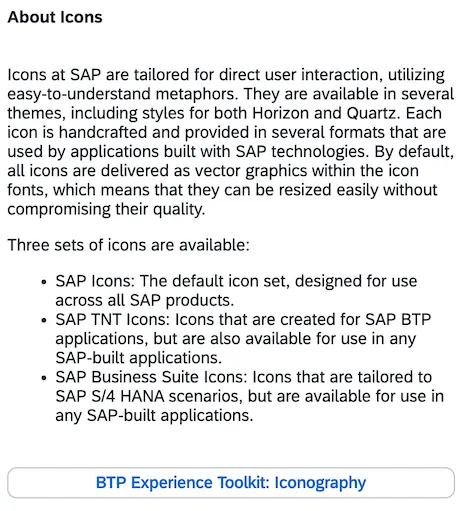
Luckily, there is also the Fiori Design Guidelines website 🔗. Link-wise it is aligned with the SAP standard. But if you want to have the icons locally as svg available, the site has links that work. Go to the Design System for Web page > Resources > Download Fonts 🔗.
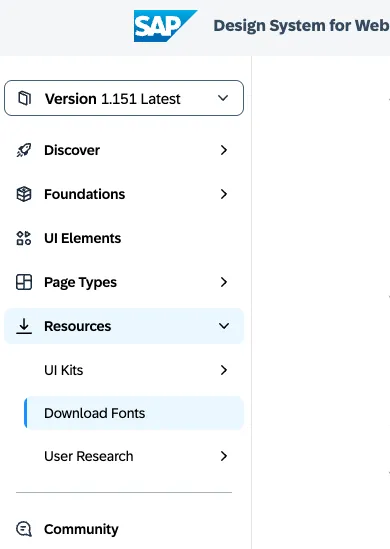
There you can find a section SAP Icons.
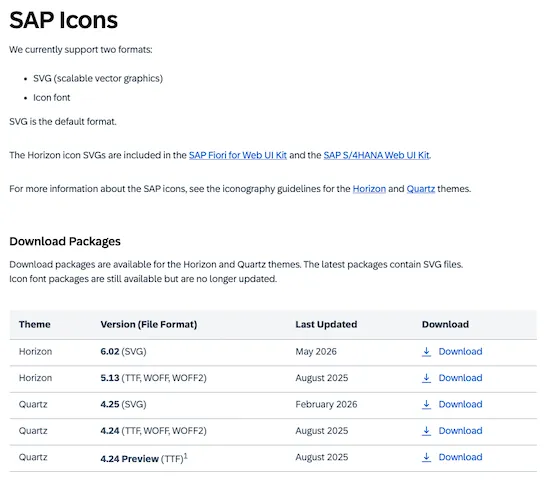
Here you can download a zip file 🔗 that contains the SAP icons as svg.
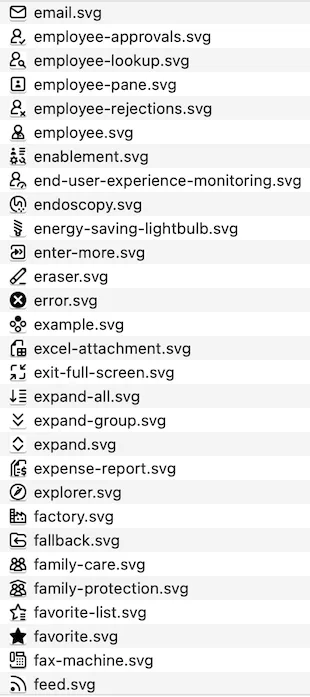
A small example that compares some icons from the online icon explorer with the icons obtained from the downloaded zip.
| Name | Icon explorer | SVG |
|---|---|---|
| SAP UI5 Logo |  |  |
| Compare 2 |  |  |
| Sonography |  |  |