

In the previous step a new PSE for SSL server was created, but the containing server certificate is self-signed. This means that no sane web browser will accept your certificate without showing a warning message to the user. To have a valid server certificate, it must be signed by a CA. To do so, a certificate request must be created. SAP Help 🔗
Transaction: STRUST
Open SSL Server Standard node and select server

Create a certificate request.

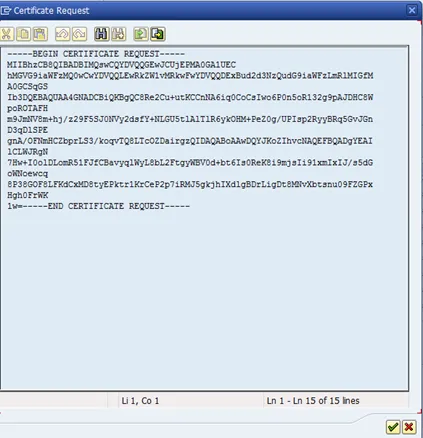
Copy content to a file (via clipboard) and send it to your CA.
Result
You now have the CSR file for the server PSE that can be submitted to a CA.