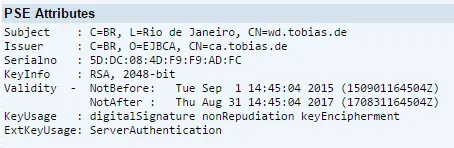
OK, now it will get complicated. Certificate based logons do not really like reverse proxies. First step is to ensure that the client has a certificate that is accepted by the SAP NetWeaver ABAP PSE. For this, the certificate must be signed by a CA that the ABAP PSE trusts.
Log on the WD admin and select PSE Management
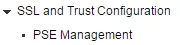

Select Recreate PSE.
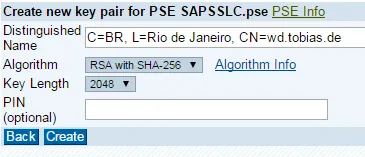
In the DN field, use the name of the WD: CN=wd.tobias.de. The other information is optional, but should be added.

Right now, the certificate is created and the PSE has a private key, but the certificate is self-signed. To have an official certificate, it must be signed by a CA. To do this, select: “Create a CA Request” to create a CSR that will be send to the CA.

Create CA Request
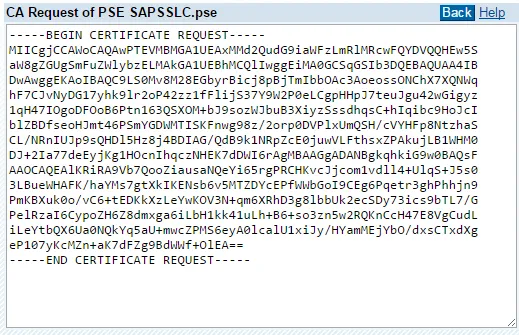
Save the output in a TXT file, send it to your CA, let it get signed. Then, go back to WD admin and import the CA response.
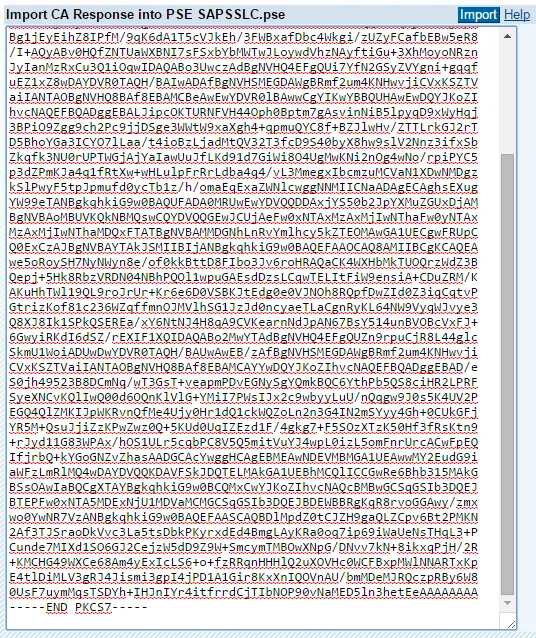

The client PSE updates the issuer information. Now there must be shown the DN of the CA. In my case: C=BR, O=EJBCA, CN=ca.tobias.de