

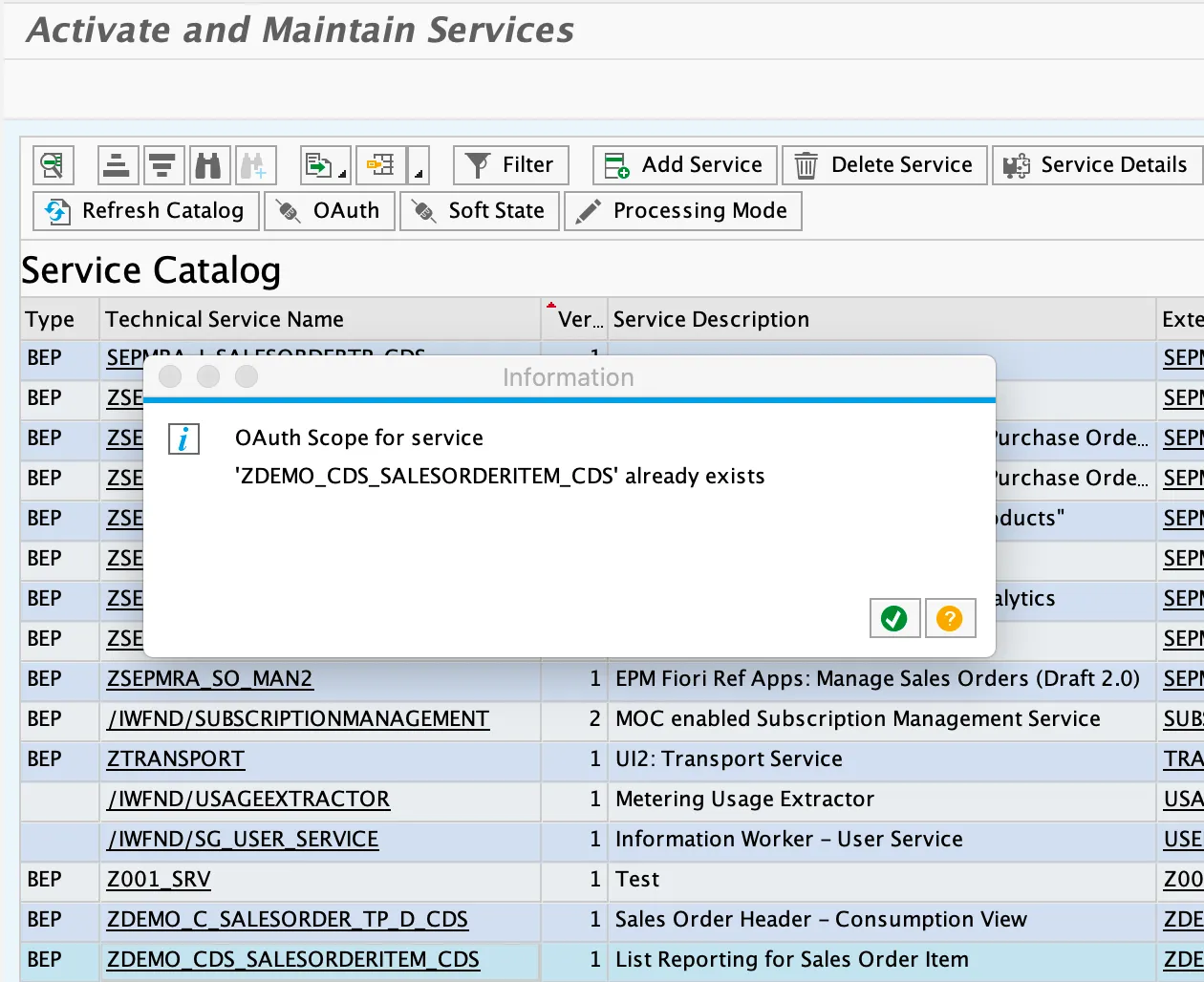
To be able to access an OData service with OAuth, a scope is needed. I blogged about how to create a scope (using the wizard 🔗 or a report 🔗) already. While adding a scope to a service is very easy, deleting is a little bit more effort. For instance, when you go to transaction iwfnd/maint_service, select the service and then on OAuth, you’ll get a message stating that a scope already exists.
The wizards creates a scope for you, but does not support the option to delete it. To delete an OAuth scope you can run a report. The parameter needed to run the report is the technical name of the OData service. I use my demo service (ZDEMO_CDS_SALESORDERITEM_CDS_0001 🔗) as an example.
Delete scope
Tx: SE38
Report: /IWFND/R_OAUTH_SCOPES
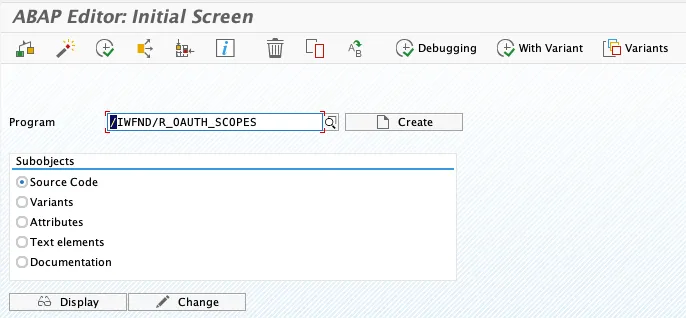
Run the report.
Service Doc. Identifier: ZDEMO_CDS_SALESORDERITEM_CDS_0001
Select: “Delete Oauth scope of service”
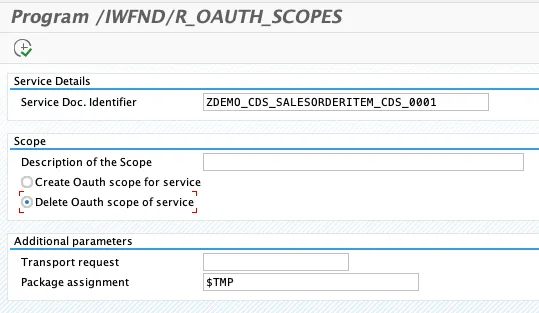
This deletes the scope for the service.
Validate
To check that the scope was deleted, you can check the TADIR entry. Use ADT for this. I wrote a blog on how to check the available OAuth scopes.
Query: SELECT * from TADIR where OBJECT = ‘OA2S’
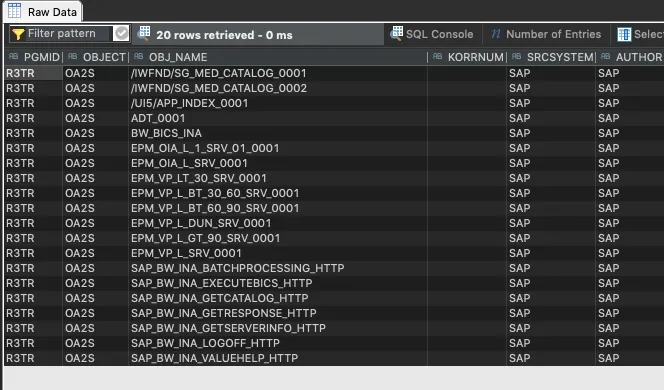
The query is not returning an entry for the service.