SAP Help:
For the OData service used, see my blog “Create an OData service from CDS 🔗”.
Besides the option to activate an OAuth scope for an OData service manually, a wizard can be used. In that case, to enable OAuth for an OData service, the Service Maintenance transaction is used (for NW versions below 7.4, check the links above to see how to add a scope to a service). The activation is simple: select the service and click on the OAuth button to activate OAuth for this service. This creates a scope, checks the OAuth flag and configures the ICF node for OAuth.
Configuration
Tx: /n/IWFND/MAINT_SERVICE
Service: ZDEMO_CDS_SALESORDERITEM_CDS

Select service and click on OAuth.

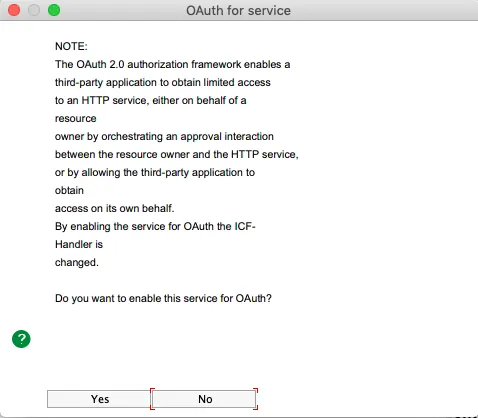
Select package (local package $tmp)

Result
The OAuth flag is set. This means that:
- ICF Node configured to use the OAuth handler
- OAuth scope for the service was created

Check ICF node
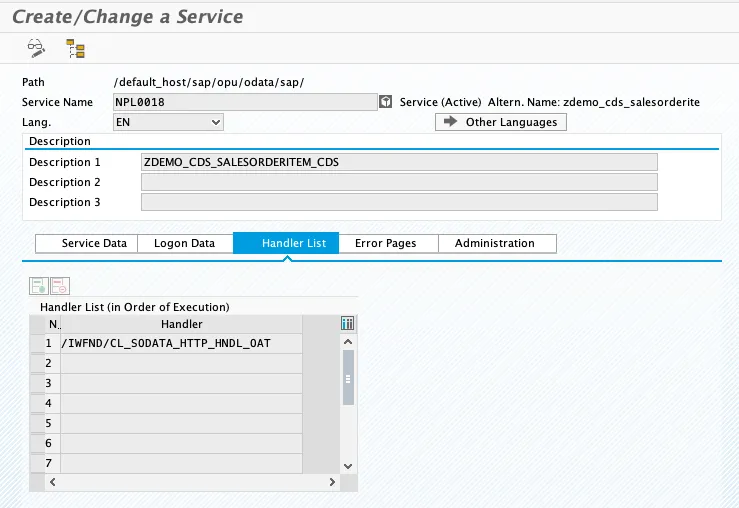
Activating OAuth changes the login Handler of the ICF Node of the OData service. The handler is set to /IWFND/CL_SODATA_HTTP_HNDL_OAT which inherits from /IWFND/CL_SODATA_HTTP_HANDLER.
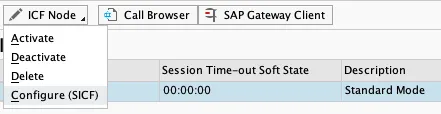
To check this, click on ICF Node and open the service in SICF.
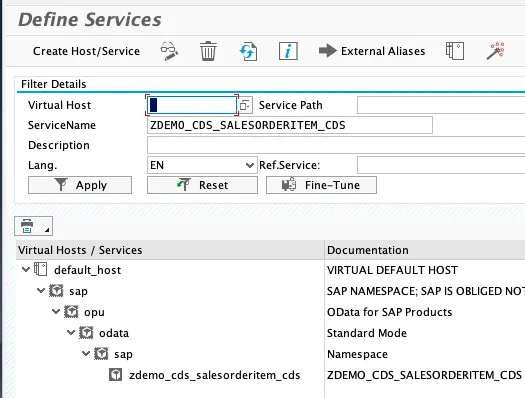
Click on tab Handler List