

When logging on to the Fiori Launchpad you might get a popup for the SAP quick tour 🔗. The SAP Enable Now service is reaching its end of life - SAP Note 3588576 🔗 and this might not be something to be too sad about 🔗.
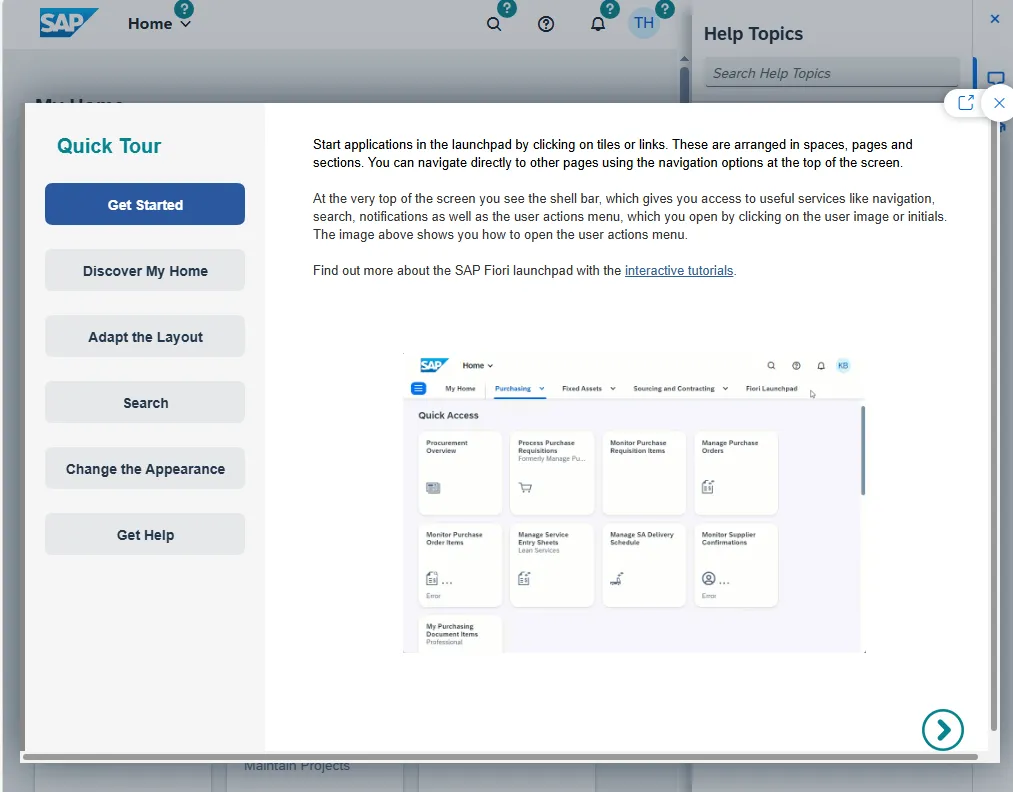
If you do not want this message to appear to your users, SAP Note 3459616 🔗 contains some hints on how to deactivate it.
Transaction: /n/ui2/flp_cus_conf
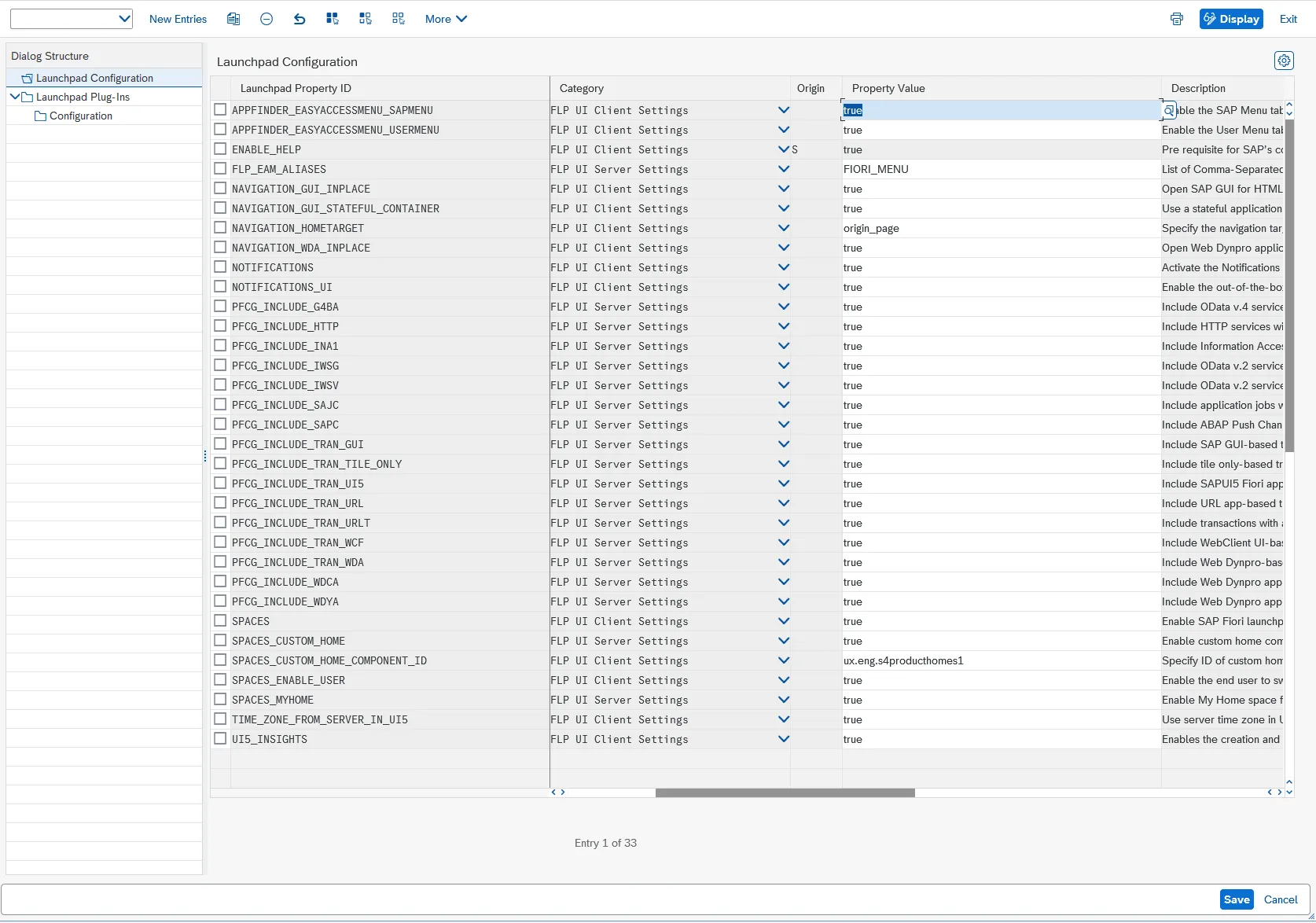
Double click on Launchpad Plug-ins
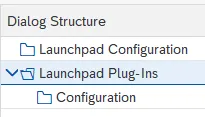
This shows the plug-in configuration. Two plug-ins are listed:
- APP_SUPPORT and
- WEB_ASSISTANT_HELP_PLUGIN

Set the state of WEB_ASSISTANT_HELP_PLUGIN to “Disabled”.

Save.
Result
This removes the the help icon and quick tour popup.
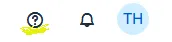
Before:

After:
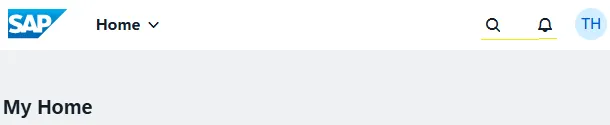
This also removes the Quick Tour popup on logon to the Fiori Launchpad.