

Blogs with content referred to by this blog:
- Install Afaria Server 🔗
- Install Afaria API Service and Administrator 🔗
- Install Self Service Portal 🔗
- Install Enrollment Server 🔗
- Install Package Server 🔗
- Validation of Afaria 7 SP6 🔗
Afaria 7 SP6 update
Afaria 7 SP6 is available 🔗 as of 11. September 2015 and can be downloaded from SAP Support Portal 🔗. The pre-requisite for installing SP6 is having SP5 installed 🔗. Its a 326MB download. The size already implies that you cannot install SP6 without having Afaria 7 already installed.

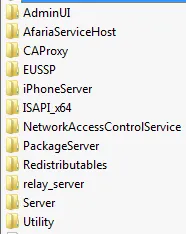
Download the file (AFARIA70006_0-21010386.zip) and copy it over to your Afaria 7 server. The ZIP contains all the files for all the components going to be updated.
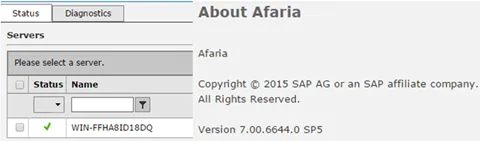
Before starting installation check that your current Afaria 7 SP5 installation is working:
Start update
Run setup.exe


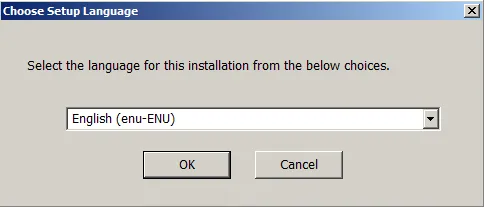
Choose language
Check your license key
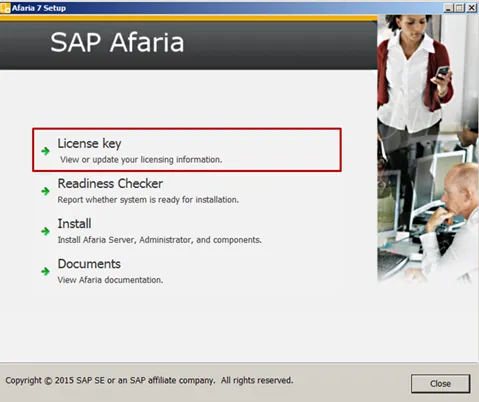
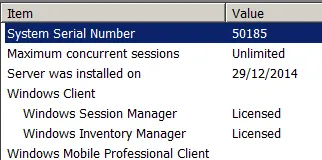
Readiness check
If your license is OK, start the readiness check
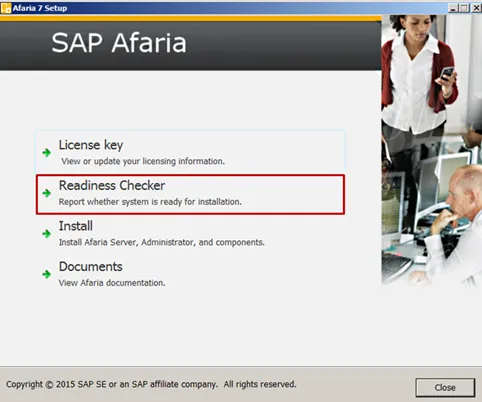
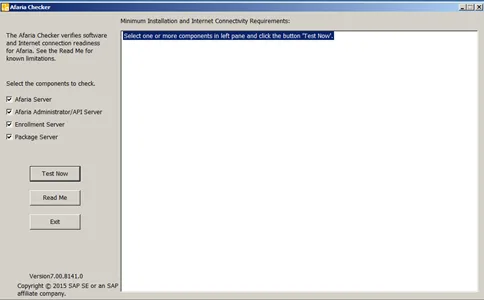
Select what you want to test and start the test by clicking on “Test Now”.
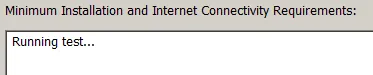
The tests are executed. This can take some while to finish.
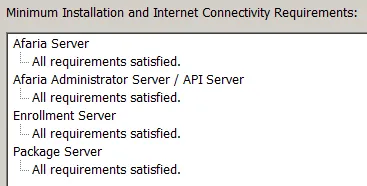
If the test finishes, you should see as a result that all requirements are satisfied.
Install/Upgrade to Afaria 7 SP6
From the setup, select the Install option.
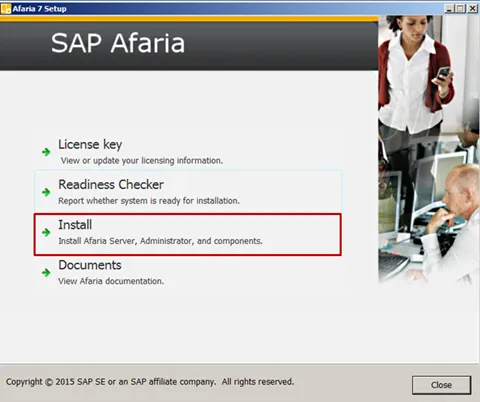
This will show you a screen with all the components that can be upgraded with the installer.
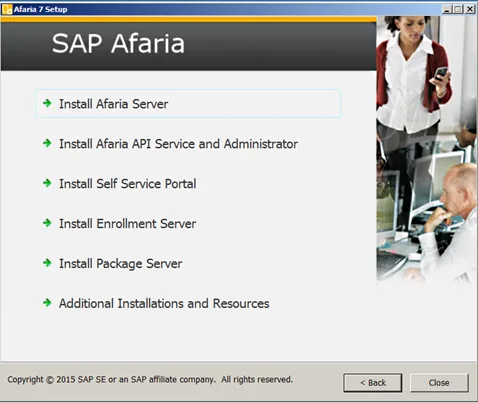
From this screen on you`ll have to start the update process for each component you have installed on your server.
- Install Afaria Server 🔗
- Install Afaria API Service and Administrator 🔗
- Install Self Service Portal 🔗
- Install Enrollment Server 🔗
- Install Package Server 🔗
Additional Installations and Resources
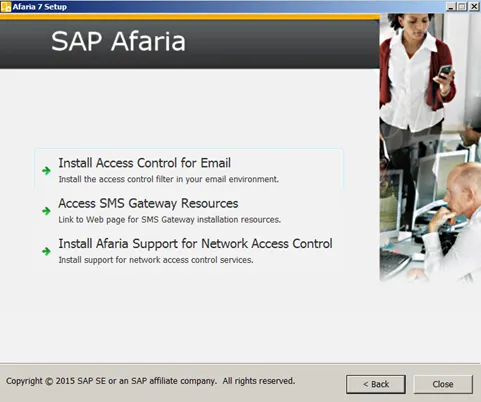
Select what you need to install.